Change Request Form Guide
A change request form captures a proposed change before the team accepts new scope, shifts a deadline, adjusts budget, or changes project quality expectations. It gives approvers enough context to make a decision without forcing the project manager to chase details across messages.
This guide targets the change request form keyword cluster found during SEMrush research. It supports the change control process guide by focusing on the intake artifact used at the start of that process.
Key Takeaways
- A change request form should capture the request, reason, impact, recommendation, and approval path.
- The form should be short enough to complete but complete enough for decision making.
- Not every change requires heavy review, but material changes need a record.
- Approved changes should update scope, schedule, budget, risks, and communication.
What Is a Change Request Form?
A change request form is the document or digital form used to submit a proposed project change. It answers:
- What change is being requested?
- Who requested it?
- Why is it needed?
- What happens if it is rejected or deferred?
- How does it affect scope, schedule, cost, risk, quality, or capacity?
- Who should approve it?
- What is the recommended decision?
The form should feed the change control process rather than become a disconnected request inbox.
Change Request Form Fields
| Field | Purpose |
|---|---|
| Change title | Names the request clearly |
| Requester | Shows who is asking |
| Business reason | Explains why the change matters |
| Description | Defines what would change |
| Urgency | Shows timing pressure |
| Scope impact | Explains added, removed, or altered work |
| Schedule impact | Shows milestone or dependency effects |
| Cost or capacity impact | Shows resource tradeoffs |
| Risk impact | Identifies new or reduced risks |
| Recommendation | Gives approvers a decision path |
| Approval | Records approve, reject, defer, or clarify |
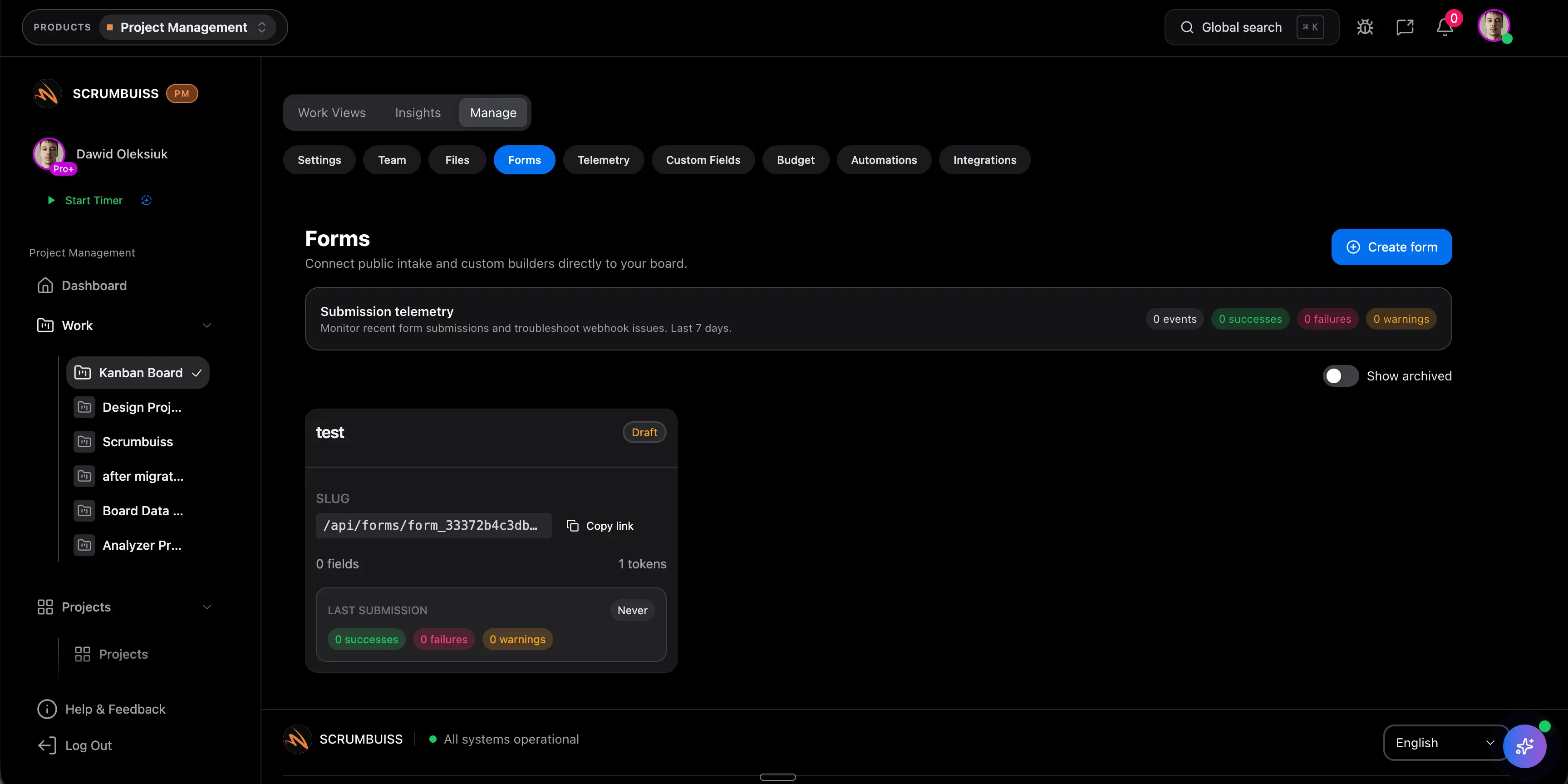
Scrumbuiss supports this workflow through Forms, Project Delivery, Files, Dashboard, and Risk Center.
Change Request Form Example
| Field | Example |
|---|---|
| Change | Add client approval workflow for final deliverables |
| Reason | Client needs formal acceptance before launch |
| Scope impact | Adds approval steps and documentation |
| Schedule impact | Adds two business days before launch gate |
| Risk impact | Reduces acceptance risk, increases timeline risk |
| Recommendation | Approve if launch date shifts or lower-priority work is removed |
This format makes the tradeoff visible before the project silently absorbs more work.
Common Mistakes
Asking only what changed
Approvers need impact, tradeoffs, and recommendation. A request without impact assessment creates unclear decisions.
Letting every request bypass the form
Small clarifications may not need a form. Material changes to scope, deadline, budget, quality, or risk should be captured.
Forgetting to update the project baseline
An approved change should update the project plan, scope statement, schedule, budget, risk register, and communication where relevant.
FAQ
Frequently
asked
questions
Unlock Success &
Power Up Your Projects
Next to explore
Explore more pages to understand the product suite, common workflows, and evaluation guides.