CRM Go-Live Checklist Guide
A CRM go-live checklist confirms that sales, customer success, marketing, and operations teams can use a CRM safely on launch day. CRM launches are risky when data, pipeline stages, permissions, automations, reporting, and sales adoption are treated as separate tasks instead of one readiness decision.
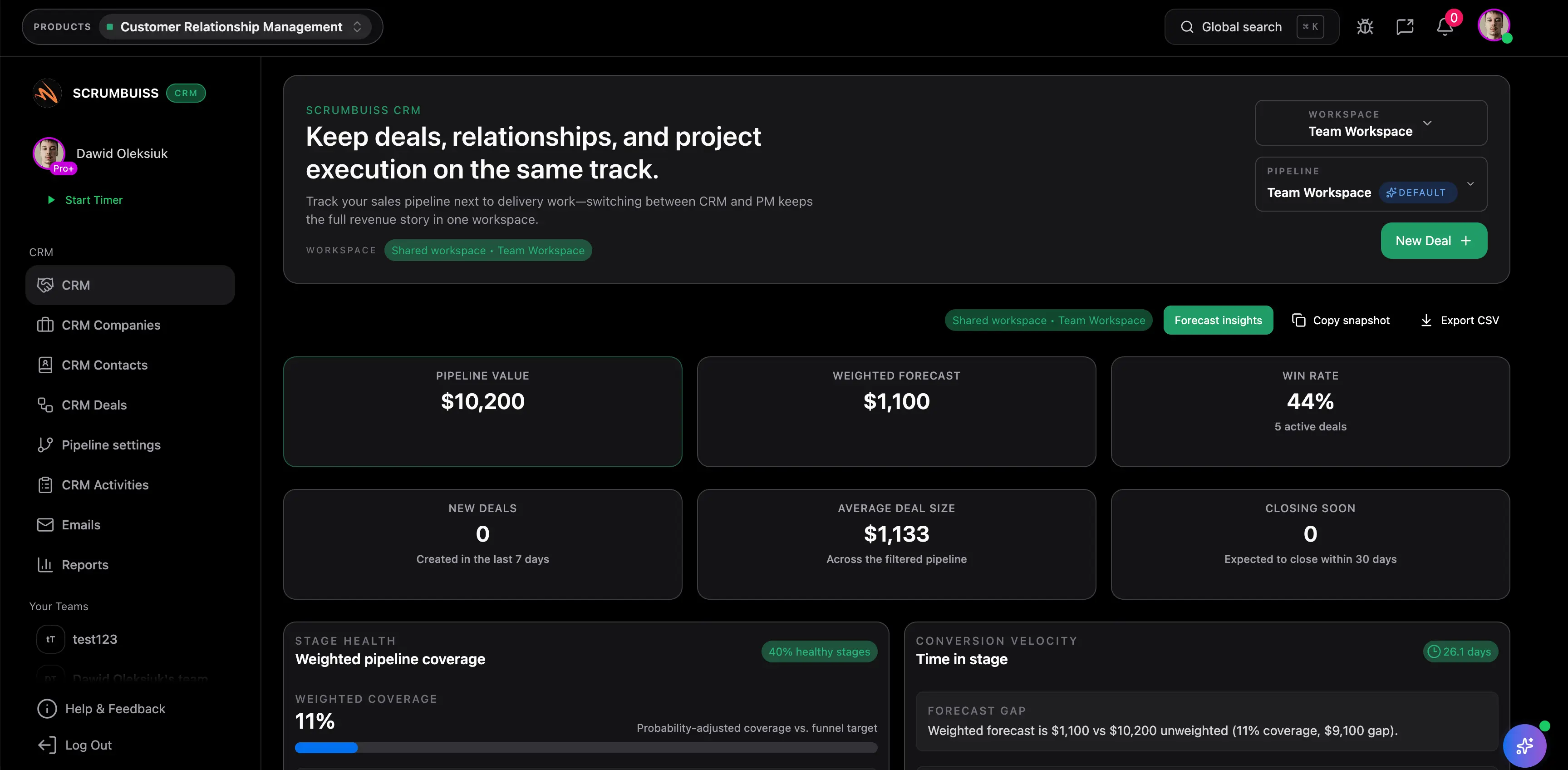
This guide targets the CRM go-live and CRM integration checklist long-tail terms found in SEMrush Keyword Magic research. It supports the Scrumbuiss CRM product page by explaining the project checklist behind a successful CRM rollout.
Key Takeaways
- CRM go-live readiness depends on clean data, usable pipelines, permissions, reporting, and user adoption.
- Integrations should be tested with realistic sales and customer workflows.
- CRM reports should be validated before leadership relies on them.
- Training should focus on the daily workflow, not only feature tours.
CRM Go-Live Checklist
| Area | What to confirm |
|---|---|
| Data | Accounts, contacts, deals, owners, fields, and duplicates are reviewed |
| Pipeline | Stages, definitions, required fields, and close criteria are clear |
| Permissions | Sales, manager, admin, and external access are configured |
| Automations | Notifications, assignments, reminders, and workflow rules are tested |
| Integrations | Email, calendar, forms, support, billing, or marketing connections work |
| Reporting | Pipeline, activity, forecast, and conversion dashboards are validated |
| Training | Users know how to update records, move deals, and log activity |
| Support | CRM owner, help path, and issue triage process are ready |
| Adoption | Launch success measures and follow-up review cadence are agreed |
Scrumbuiss supports CRM launch work with CRM, Forms, Automations, Dashboard, and Activity Feed.
CRM Integration Readiness
Integrations are a common CRM launch failure point because the connection may work technically but still confuse users or reporting.
| Integration check | What to verify |
|---|---|
| Lead capture | New leads create the right record with the right owner |
| Email/calendar | Activities sync without duplicates or missing context |
| Marketing | Source, campaign, and consent fields are mapped correctly |
| Support | Customer context passes cleanly between support and sales |
| Reporting | Integrated data appears in the right dashboard and forecast view |
CRM Launch Metrics
| Metric | Why it matters |
|---|---|
| Active users | Shows whether the team is adopting the CRM |
| Missing required fields | Reveals process friction or training gaps |
| Duplicate rate | Indicates whether data quality is degrading |
| Pipeline stage hygiene | Shows whether deal movement is trustworthy |
| Dashboard confidence | Confirms leaders can use CRM reports for decisions |
FAQ
Frequently
asked
questions
Related features
Explore the Scrumbuiss features mentioned in this article.
- Forms
Capture project requests with intake forms and route approved work into the right workflow.
- Automations
Trigger workflows, alerts, and actions automatically.
- Dashboard
Track project progress, blockers, workload, KPIs, status reporting, and analytics context in one live dashboard.
- Activity Feed
Stay up to date with real-time updates on tasks, progress, and team activities.
Unlock Success &
Power Up Your Projects
Next to explore
Explore more pages to understand the product suite, common workflows, and evaluation guides.