Project Management Software for Consultants
Project management software for consultants needs to manage more than tasks. Consulting teams need a reliable way to handle client scope, deliverables, time, files, approvals, project health, and stakeholder reporting across several engagements.
SEMrush keyword research showed a clear commercial opportunity around "project management software for consultants" and "professional services project management software." This guide consolidates those related intents into one page so consulting and professional-services buyers have a single focused article.
Key Takeaways
- Consultants need project management software that connects client deliverables, time, files, approvals, and status reporting.
- A generic task board can work for simple engagements but often fails once scope, time, and client communication matter.
- The best tool supports both internal execution and client-facing visibility.
- Consulting teams should pilot software with one real engagement, not a sample workspace.
What Consultants Need From Project Management Software
| Consulting need | Software capability |
|---|---|
| Clear engagement scope | Project brief, milestones, deliverables |
| Client collaboration | Client portal, approvals, shared status |
| Time visibility | Time tracking and estimate comparison |
| File control | Shared deliverables, final versions, supporting docs |
| Recurring updates | Dashboard and weekly status reporting |
| Multiple clients | Filters by client, project, owner, and priority |
| Profitability awareness | Budget, effort, scope changes, reporting |
Consulting work is often trust-based. When status, files, and approvals are unclear, the client relationship absorbs the friction.
Consultant Workflow Example
A practical consulting workflow looks like this:
- Capture the client request or engagement brief.
- Define scope, deliverables, assumptions, and exclusions.
- Map milestones and client review points.
- Assign internal owners and due dates.
- Track time and effort against the plan.
- Share progress through a dashboard or weekly status report.
- Collect approvals and decisions in the project record.
- Handoff final deliverables.
- Review profitability, lessons, and follow-up opportunities.
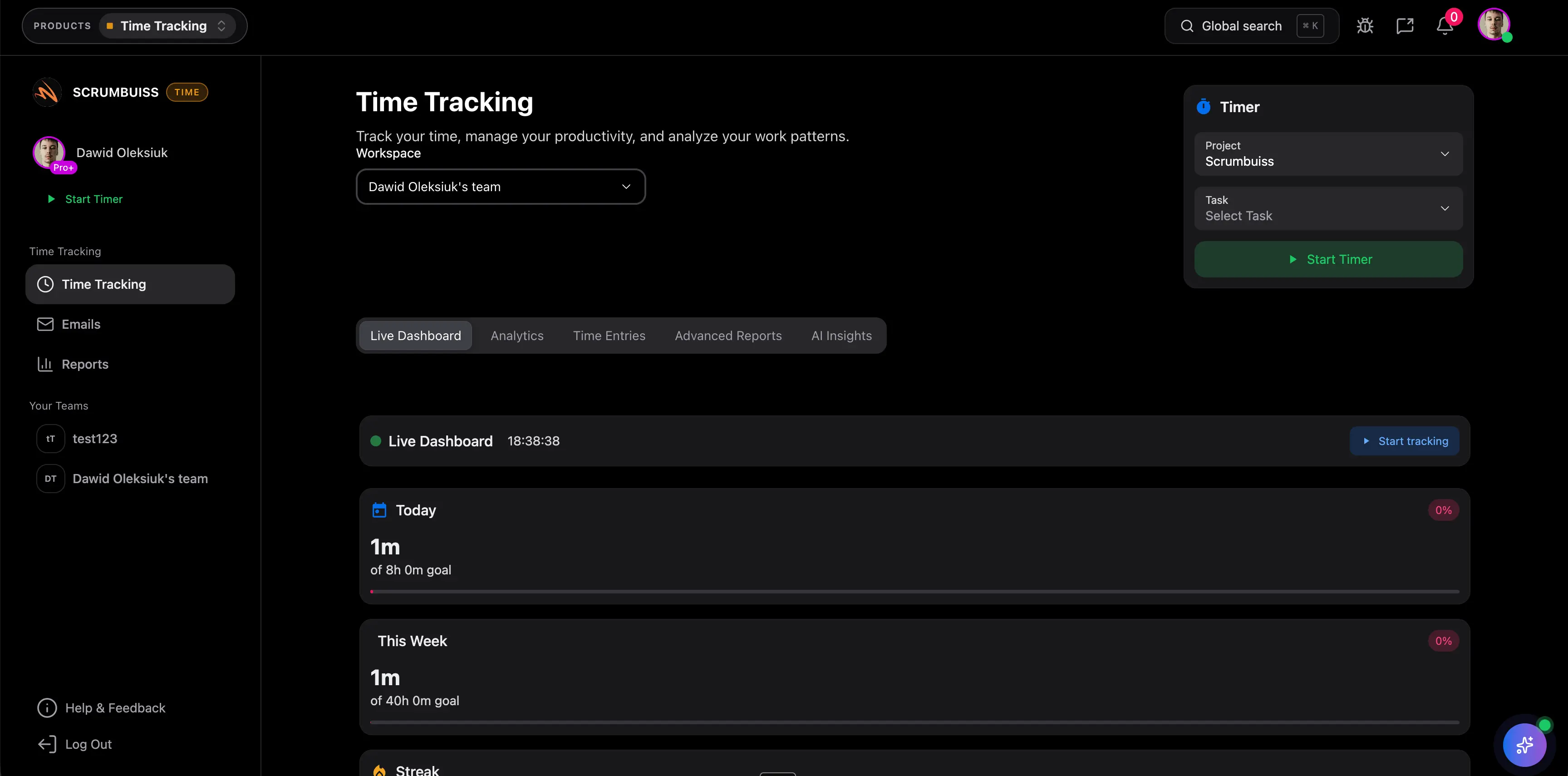
Scrumbuiss can support this through Project Brief, Client Portal, Time Tracking, Files, and Dashboard.
Features To Prioritize
| Feature | Why it matters for consultants |
|---|---|
| Templates | Speeds up repeatable engagements |
| Client portal | Keeps clients informed without exposing internal work |
| Time tracking | Supports billing, utilization, and estimate learning |
| Dashboard | Gives partners or account leads fast visibility |
| File management | Keeps deliverables tied to project context |
| Permissions | Separates internal discussion from client-facing updates |
| Reporting | Turns project data into a clear client or leadership update |
Professional Services vs. Internal Project Teams
Professional services teams have a different operating model from internal project teams.
| Area | Internal team | Consulting or professional services team |
|---|---|---|
| Primary audience | Internal stakeholders | Paying clients and internal delivery leaders |
| Success measure | Delivery outcome and business impact | Delivery outcome, client trust, margin, repeat work |
| Reporting | Manager or leadership updates | Client updates plus internal profitability review |
| Files | Internal docs and deliverables | Client-facing deliverables and approvals |
| Time | Often operational | Often tied to billing, utilization, or margin |
This is why consultants should evaluate tools around the full engagement lifecycle, not only task tracking.
Evaluation Checklist
Use a real client engagement during the trial.
| Test | What to verify |
|---|---|
| Scope | Can the team document goals, deliverables, assumptions, and exclusions? |
| Client access | Can the client see status, files, and approvals safely? |
| Time | Can effort be tracked without leaving the project workflow? |
| Files | Are final deliverables easy to identify? |
| Reporting | Can the lead produce a weekly update quickly? |
| Profitability | Can scope and effort changes be reviewed later? |
When Scrumbuiss Fits
Scrumbuiss fits consulting teams that want client delivery, time, files, briefs, and reporting closer together. It is strongest when project managers or account leads need one workflow for internal execution and client-facing visibility.
It may not be the best fit if the firm needs a full professional-services automation suite with deep finance, invoicing, and resource accounting as the primary system of record.
FAQ
Frequently
asked
questions
Related features
Explore the Scrumbuiss features mentioned in this article.
- Project Brief
Create a shareable project brief that stays connected to scope, files, and stakeholder updates.
- Client Portal
Invite clients into a controlled onboarding, file-sharing, and status workflow.
- Dashboard
Track project progress, blockers, workload, KPIs, status reporting, and analytics context in one live dashboard.
Unlock Success &
Power Up Your Projects
Next to explore
Explore more pages to understand the product suite, common workflows, and evaluation guides.