Project Management Software With Client Portal
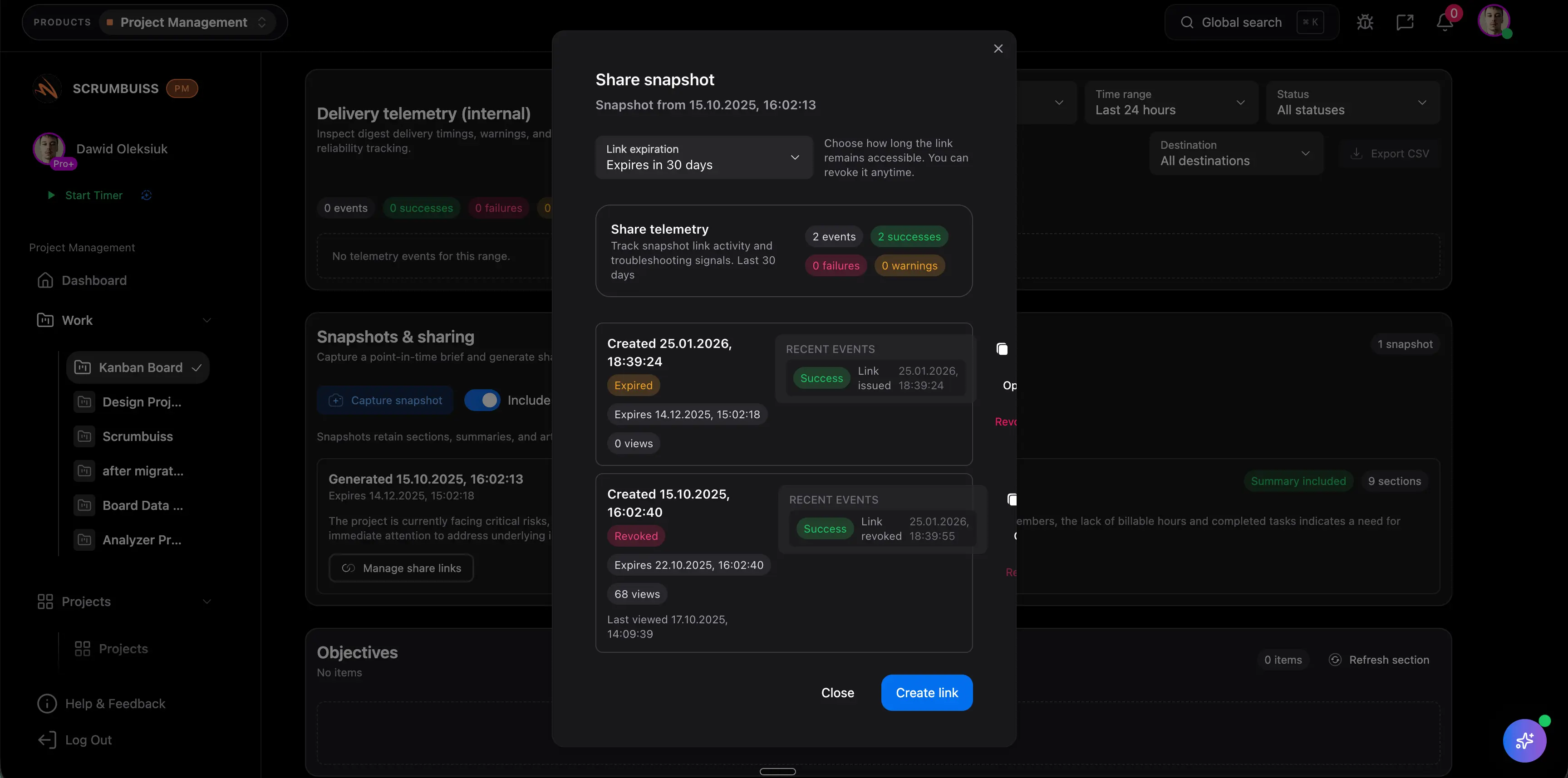
Project management software with a client portal gives external clients a controlled place to see project status, review deliverables, approve work, and access shared files without entering the full internal workspace. It is useful for agencies, consultants, professional services teams, implementation teams, and any delivery group that needs client collaboration without exposing every internal task.
This page targets the specific client-portal software intent found in SEMrush keyword research. It supports, rather than duplicates, the Scrumbuiss Client Portal solution page by explaining the buying and workflow criteria.
Key Takeaways
- A client portal should show the client what they need to act on, not every internal task.
- Useful client portals connect status, files, approvals, decisions, and next steps.
- The best project management setup separates internal execution from client-facing visibility.
- Teams should test the portal with one real client workflow before standardizing on a tool.
What a Client Portal Should Do
Client portals are valuable when they reduce back-and-forth communication. A good portal helps clients answer:
- What is the current project status?
- What do I need to review?
- Which files are final or ready for feedback?
- What decisions are waiting on me?
- What is due next?
- Where do I find the latest approved deliverable?
The portal should remove uncertainty, not become another place the project manager has to maintain manually.
Client Portal vs. Internal Workspace
| Area | Internal workspace | Client portal |
|---|---|---|
| Audience | Delivery team and internal stakeholders | External client or partner |
| Detail level | Full task detail, internal comments, workload, risks | Curated status, deliverables, approvals, files |
| Language | Operational and team-specific | Plain, client-readable |
| Permissions | Internal role-based access | External safe access |
| Main job | Coordinate execution | Support review, trust, and decisions |
Do not simply invite clients into the internal board unless the workflow was designed for that. Most teams need a cleaner external view.
Features To Look For
| Feature | Why it matters |
|---|---|
| Client-safe permissions | Protects internal work, comments, and files |
| Shared project status | Reduces repeated "where are we?" questions |
| Approval tracking | Shows what the client needs to review or approve |
| File access | Keeps latest versions and deliverables easy to find |
| Comment or feedback flow | Captures decisions close to the project |
| Notifications | Reminds clients when action is needed |
| Dashboard or summary view | Makes progress readable without a meeting |
Scrumbuiss connects client-facing work with Files, Project Brief, Dashboard, Forms, and Client Portal.
Best-Fit Use Cases
Project management software with a client portal is especially useful for:
- marketing and creative agencies
- consulting firms
- implementation teams
- client onboarding teams
- professional services teams
- customer success projects
- design and content delivery
- recurring account work
It is less important when all work is internal and clients do not review deliverables or status.
Client Portal Evaluation Checklist
Use a real client project during the pilot.
| Test | What to verify |
|---|---|
| Access | The client only sees appropriate information |
| Status | The client can understand health and next steps |
| Approvals | Review requests have owners and due dates |
| Files | The latest asset or document is obvious |
| Communication | Decisions stay attached to the project |
| Handoff | Completed deliverables are easy to find later |
| Admin effort | The portal does not require duplicate manual updates |
Common Mistakes
Exposing too much
Clients usually do not need every internal task, estimate, comment, or workload discussion. Give them a clear view, not a raw workspace.
Hiding decisions in email
If approvals happen in email, the portal becomes incomplete. Put approval requests and decisions near the deliverable.
Treating files as the portal
A shared folder is useful, but it does not explain status, blockers, decisions, or next steps.
Maintaining two versions of status
If the client portal and internal dashboard are updated separately, one will drift. Use the same underlying project record whenever possible.
FAQ
Frequently
asked
questions
Related features
Explore the Scrumbuiss features mentioned in this article.
- Client Portal
Invite clients into a controlled onboarding, file-sharing, and status workflow.
- Project Brief
Create a shareable project brief that stays connected to scope, files, and stakeholder updates.
- Dashboard
Track project progress, blockers, workload, KPIs, status reporting, and analytics context in one live dashboard.
- Forms
Capture project requests with intake forms and route approved work into the right workflow.
Unlock Success &
Power Up Your Projects
Next to explore
Explore more pages to understand the product suite, common workflows, and evaluation guides.