Creative Project Management Software Guide
Creative project management software helps teams move briefs, ideas, assets, reviews, approvals, deadlines, and client feedback through one delivery workflow. The category includes marketing teams, design teams, content teams, studios, and agencies, but the real problem is the same: creative work breaks when context, files, approvals, and status live in different places.
SEMrush keyword research reviewed on July 2, 2026 showed strong commercial demand around "creative project management software," "project management software for creatives," and related agency terms. This guide keeps the article focused on creative delivery needs instead of competing with the dedicated Scrumbuiss agency use-case page.
Key Takeaways
- Creative teams need project management software that handles briefs, assets, feedback, approvals, workload, and client-ready status.
- A board alone is rarely enough once work depends on design review, copy approval, file versions, and stakeholder sign-off.
- The best setup keeps the creative brief, tasks, files, comments, due dates, and status report connected.
- Teams should evaluate tools with a live creative workflow, not an empty sample board.
What Creative Project Management Software Should Solve
Creative work has different failure points from generic task management.
| Creative challenge | What the software should support |
|---|---|
| Vague requests | Structured intake and briefs |
| Many asset versions | File organization and approved deliverable context |
| Feedback loops | Review stages, comments, and ownership |
| Missed approvals | Clear approval status and reminders |
| Shared specialists | Workload and capacity visibility |
| Client visibility | Client portal or stakeholder-safe reporting |
| Status prep | Dashboards and weekly updates from live work |
If a tool only moves cards from To Do to Done, creative teams usually rebuild the rest of the workflow in docs, folders, chat, and email.
Creative Workflow Stages
A practical creative workflow usually includes:
- Intake request
- Creative brief
- Scope and timeline
- Assignment and production
- Internal review
- Client or stakeholder review
- Revision
- Approval
- Delivery or launch
- Retrospective
Each stage needs an owner and an exit rule. "In review" should mean a specific reviewer has the work. "Approved" should mean the final version is clearly identified.
Must-Have Features
| Feature | Why it matters |
|---|---|
| Brief templates | Keeps campaign, design, or content context visible |
| Forms or intake | Stops incomplete requests from becoming active work |
| File and asset linking | Keeps approved work close to the project record |
| Review and approval states | Prevents feedback from disappearing in chat |
| Workload views | Shows when designers, writers, or reviewers are overloaded |
| Timeline or calendar | Helps manage launch dates and dependencies |
| Client-ready status | Gives stakeholders progress without exposing internal noise |
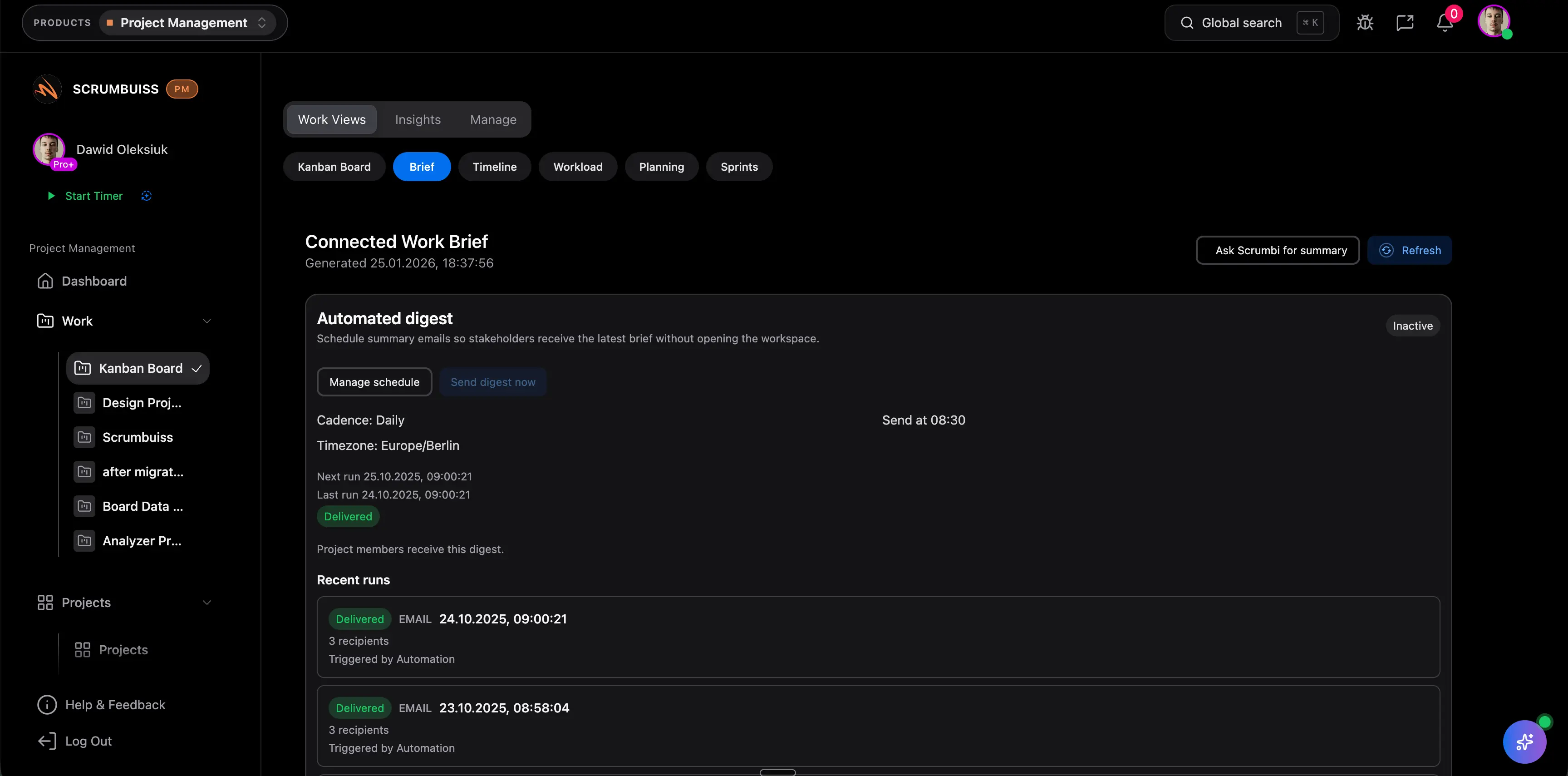
Scrumbuiss combines several of these workflows through Project Brief, Files, Forms, Workload & Capacity, Dashboard, and Client Portal.
When Creative Teams Need More Than a Task Board
A simple board can work for small internal requests. It becomes weak when:
- requests arrive without briefs
- several reviewers approve the same asset
- clients need visibility but not full workspace access
- work depends on shared designers or copywriters
- final files are hard to identify
- managers rebuild status for every weekly review
- scope changes are discussed outside the project record
At that point, the team needs a creative delivery workflow, not just more columns.
Evaluation Checklist
Use one real campaign, design project, or content launch during the trial.
| Test | Pass condition |
|---|---|
| Intake | The request captures enough context to start a brief |
| Brief | The team can see goals, audience, deliverables, and constraints |
| Production | Owners, dates, dependencies, and comments stay visible |
| Review | Feedback and approval status are clear |
| Files | The latest approved asset is easy to find |
| Workload | Shared creative roles are not silently overloaded |
| Reporting | A stakeholder can understand progress without a custom deck |
When Scrumbuiss Fits
Scrumbuiss fits creative teams that want delivery context, files, workload, and reporting closer together. It is especially useful when the team runs client work, marketing launches, design requests, or content production that needs structured intake and clear approvals.
It may be less suitable when the team only needs a lightweight personal task list or a specialized proofing tool with advanced visual annotation as the primary workflow.
FAQ
Frequently
asked
questions
Related features
Explore the Scrumbuiss features mentioned in this article.
- Project Brief
Create a shareable project brief that stays connected to scope, files, and stakeholder updates.
- Forms
Capture project requests with intake forms and route approved work into the right workflow.
- Workload & Capacity
Balance workload, plan capacity, and spot overload early.
- Dashboard
Track project progress, blockers, workload, KPIs, status reporting, and analytics context in one live dashboard.
Unlock Success &
Power Up Your Projects
Next to explore
Explore more pages to understand the product suite, common workflows, and evaluation guides.