Project Planning Software Guide
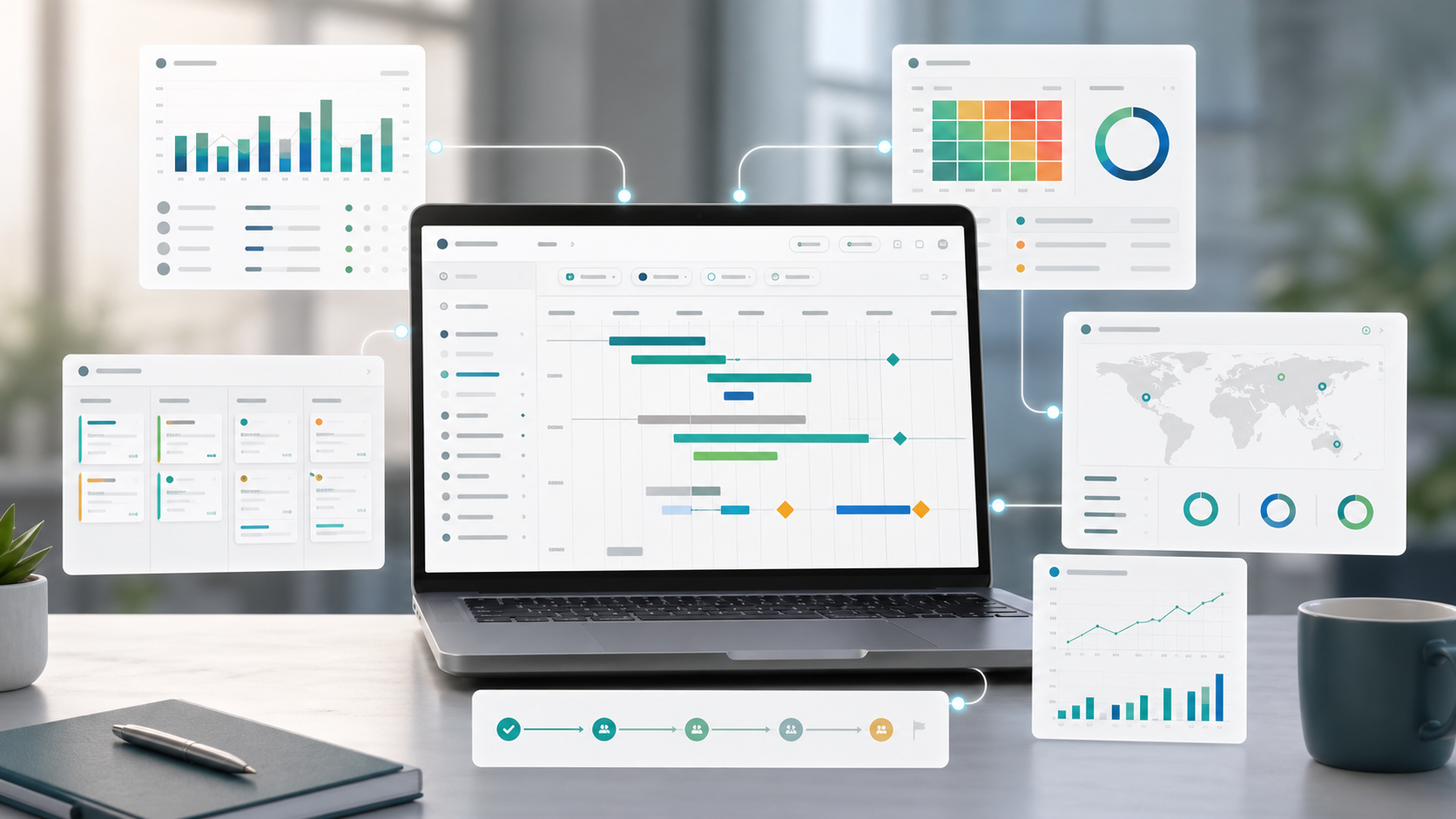
Project planning software helps teams turn a plan into a shared operating system for delivery. Unlike a spreadsheet template, planning software can keep timelines, owners, files, risks, workload, status, and reporting connected as the project changes.
This guide targets the project planning software and project planning tools keyword clusters found in SEMrush. It is narrower than the general project management tools guide and focused on the planning layer before and during execution.
Key Takeaways
- Project planning software should connect schedule, ownership, workload, dependencies, risk, and reporting.
- A template is enough for simple one-off planning, but software is better when plans change often.
- The best planning tool reduces duplicate updates between task boards, timelines, dashboards, and documents.
- Commercial planning software intent is different from broad project management tool comparison intent.
What Is Project Planning Software?
Project planning software is a digital workspace for defining, sequencing, assigning, reviewing, and updating project work. It usually includes timeline planning, task ownership, resource visibility, files, dependencies, risks, dashboards, and collaboration history.
Scrumbuiss supports planning through Project Delivery, Gantt Timeline, Workload Capacity, Risk Center, Files, and Dashboard.
Project Planning Software Features
| Feature | Why it matters |
|---|---|
| Timeline planning | Shows milestones, sequence, and dependency impact |
| Task ownership | Makes accountability visible |
| Workload view | Prevents plans from exceeding team capacity |
| Dependency mapping | Shows what must happen before work can continue |
| Risk tracking | Keeps uncertainty close to planning decisions |
| Files and briefs | Keeps context attached to the work |
| Dashboard reporting | Turns planning data into stakeholder visibility |
| Activity history | Shows what changed and when |
| Permissions | Controls who can edit, approve, or review plans |
Software vs. Template
| Option | Best for | Limitation |
|---|---|---|
| Spreadsheet template | Small projects, one-time plans, simple task lists | Hard to keep updated across teams |
| Document template | Formal planning narrative and approvals | Weak live tracking |
| Planning software | Cross-functional work with dependencies, owners, risks, and reporting | Requires workflow setup |
| Project management suite | Planning plus execution, tracking, files, dashboards, and collaboration | Needs clear governance to avoid clutter |
How To Choose Project Planning Software
- List the planning problems the team already has.
- Confirm whether timelines, workload, or stakeholder reporting are the primary gap.
- Test whether tasks, files, risks, and updates can stay connected.
- Check if the tool supports both planning and execution reviews.
- Review permissions for sponsors, clients, and contributors.
- Evaluate reporting before importing all project data.
- Pilot with one project and measure update effort.
FAQ
Frequently
asked
questions
Related features
Explore the Scrumbuiss features mentioned in this article.
- Gantt Timeline
Plan dependencies, milestones, and schedule changes with a Gantt chart view that stays close to execution.
- Workload & Capacity
Balance workload, plan capacity, and spot overload early.
- Dashboard
Track project progress, blockers, workload, KPIs, status reporting, and analytics context in one live dashboard.
Unlock Success &
Power Up Your Projects
Next to explore
Explore more pages to understand the product suite, common workflows, and evaluation guides.