Stakeholder Engagement Action Plan Guide
A stakeholder engagement action plan turns engagement risks into specific follow-up work. It is useful when stakeholders are resistant, unaware, overloaded, slow to approve, or not adopting the project outcome.
This guide targets stakeholder engagement action plan searches found in SEMrush. It is narrower than the full stakeholder engagement plan because it focuses on the concrete actions the team will take next.
Key Takeaways
- An action plan should name the stakeholder, desired outcome, action, owner, date, and evidence.
- It should focus on engagement gaps that affect project success.
- Actions should be tracked like project work, not left in meeting notes.
- Review actions until the desired engagement state changes or the risk is accepted.
Action Plan Fields
| Field | Purpose |
|---|---|
| Stakeholder | Names the person, team, group, or audience |
| Engagement gap | Explains the current problem or risk |
| Desired outcome | Defines the needed support, input, approval, or adoption |
| Action | Meeting, workshop, demo, decision review, Q&A, training |
| Owner | Person responsible for follow-up |
| Due date | Keeps the action from staying open-ended |
| Evidence | Notes, feedback, sign-off, attendance, decision record |
| Status | Open, in progress, complete, blocked, accepted risk |
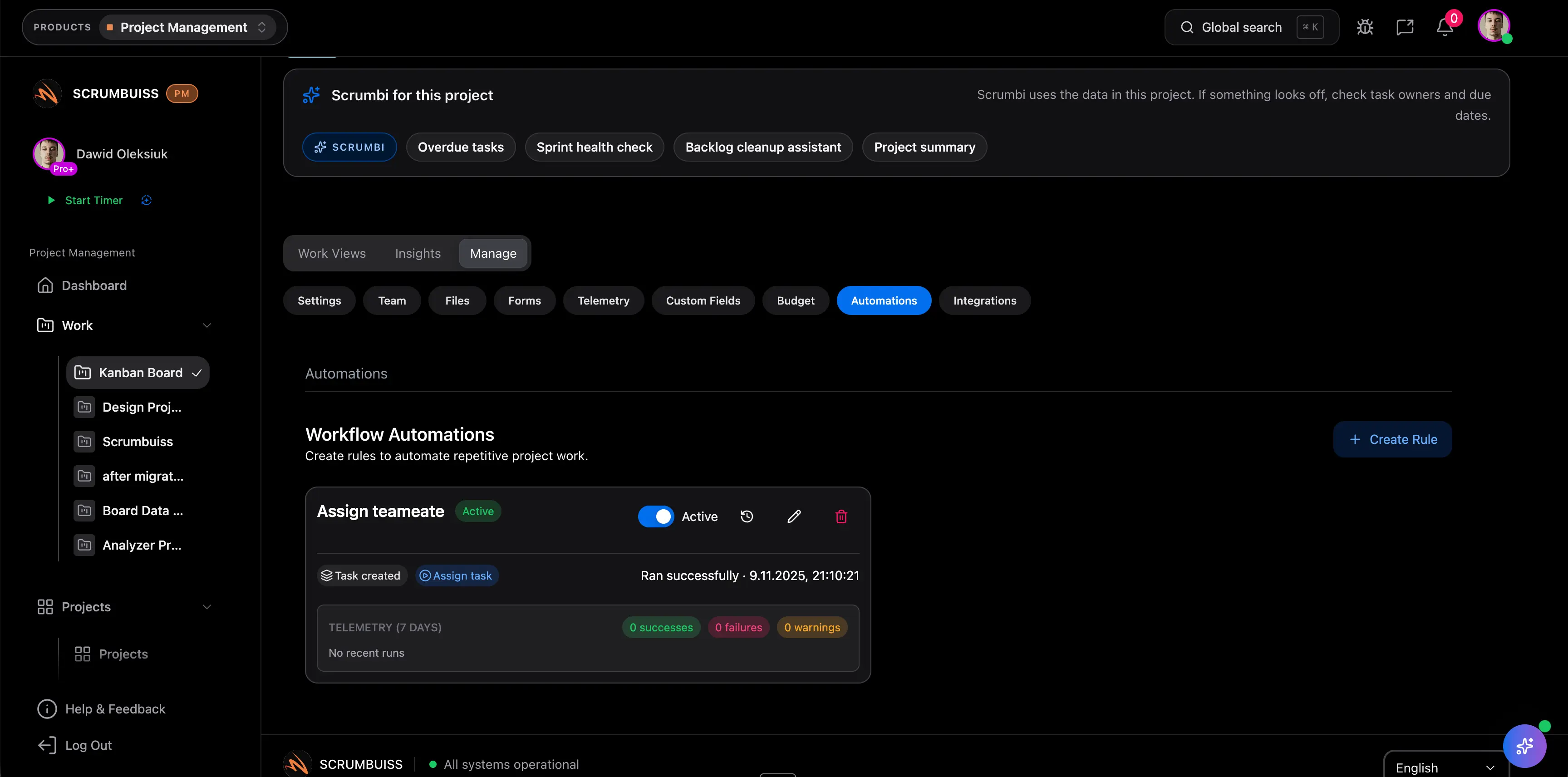
Scrumbuiss supports stakeholder action tracking with Activity Feed, Dashboard, Project Delivery, Risk Center, and Automations.
Example Action Plan
| Gap | Action | Owner | Evidence |
|---|---|---|---|
| Users unaware of rollout | Run demo and collect questions | Change lead | Attendance and FAQ update |
| Sponsor slow to approve | Send decision brief before meeting | PM | Decision logged |
| Support concerned about handoff | Review runbook and open issues | Ops owner | Sign-off note |
| Client approver uncertain | Schedule scope walkthrough | Account lead | Approval or change request |
FAQ
Frequently
asked
questions
Related features
Explore the Scrumbuiss features mentioned in this article.
- Activity Feed
Stay up to date with real-time updates on tasks, progress, and team activities.
- Dashboard
Track project progress, blockers, workload, KPIs, status reporting, and analytics context in one live dashboard.
- Automations
Trigger workflows, alerts, and actions automatically.
Unlock Success &
Power Up Your Projects
Next to explore
Explore more pages to understand the product suite, common workflows, and evaluation guides.