Client Onboarding Software for Agencies and Implementation Teams
Client onboarding software helps agencies and implementation teams move from won work to kickoff without rebuilding the same context in email, spreadsheets, and status meetings. Scrumbuiss is strongest when client onboarding should stay connected to CRM handoff, intake forms, project briefs, files, time tracking, and delivery follow-up in one workflow.
Reviewed on March 19, 2026
A practical workflow guide, illustrated with real Scrumbuiss screenshots. For real customer quotes, visit Customers .
How we evaluated client onboarding software
Reviewed on March 19, 2026. This guide compares the workflow agencies and implementation teams most often struggle to keep readable in one place: handoff from the sale, structured intake, kickoff brief, client files, early delivery tasks, and the first round of status updates.
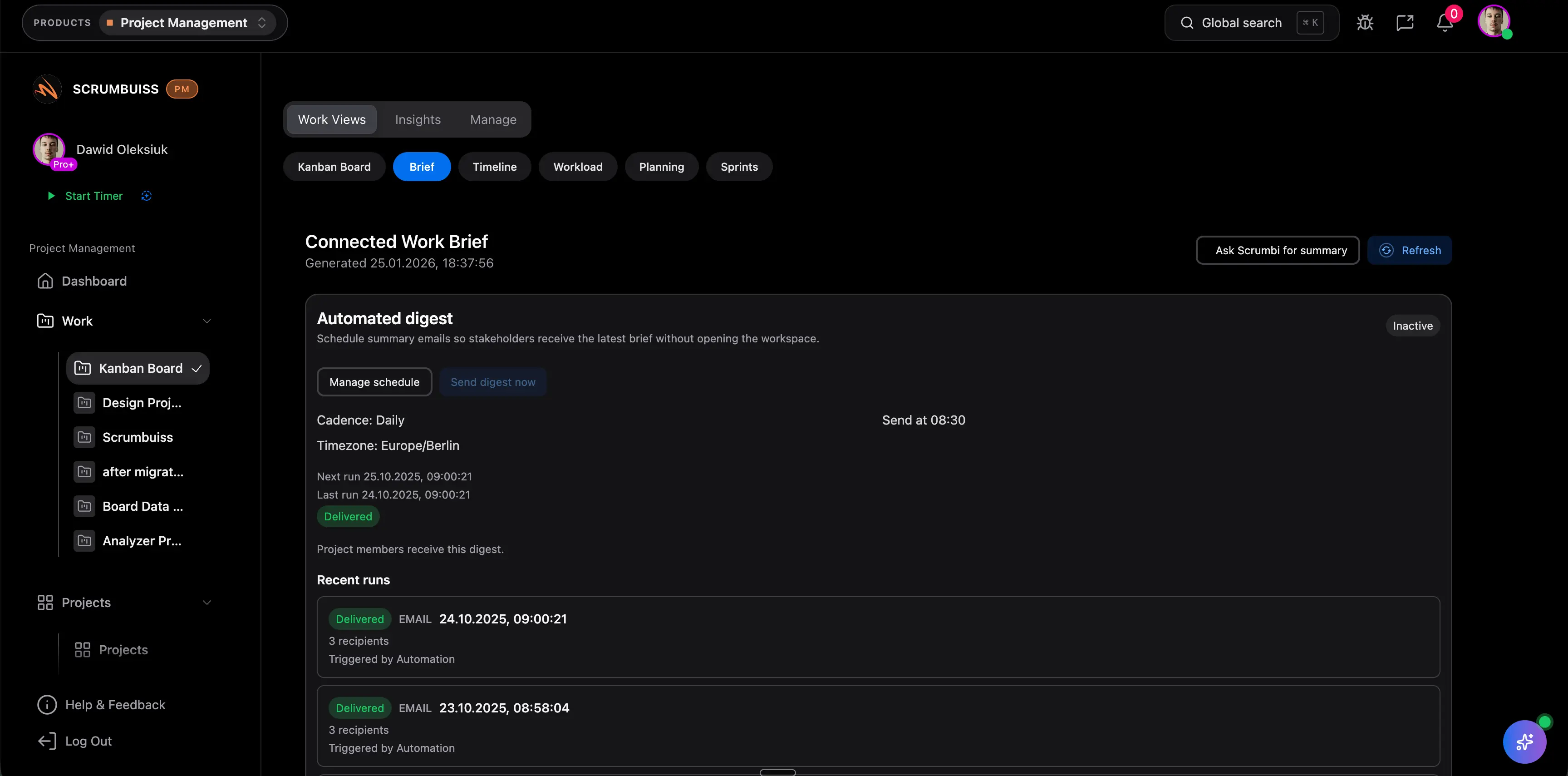
- We reviewed how Scrumbuiss supports that workflow across CRM, Forms, Project Brief, Files, Automations, and Time Tracking.
- We compared that against the official positioning published by Teamwork for Agencies, Clustdoc for customer onboarding software, and Kissflow for client onboarding workflow automation.
- We prioritized people-first buyer intent: where onboarding breaks down, when portal-first tools fit better, and what to validate in a live pilot before standardizing on one workflow.
Who it’s for
Teams that want a clear workflow, less manual coordination, and better visibility.
- Agencies onboarding new clients, retainers, or implementation projects
- Implementation and onboarding teams that need cleaner sales-to-kickoff continuity
- Operations and delivery leads who want fewer manual handoff cleanup loops
- Growing teams deciding between a portal-first onboarding tool and a delivery-connected workflow
Highlights
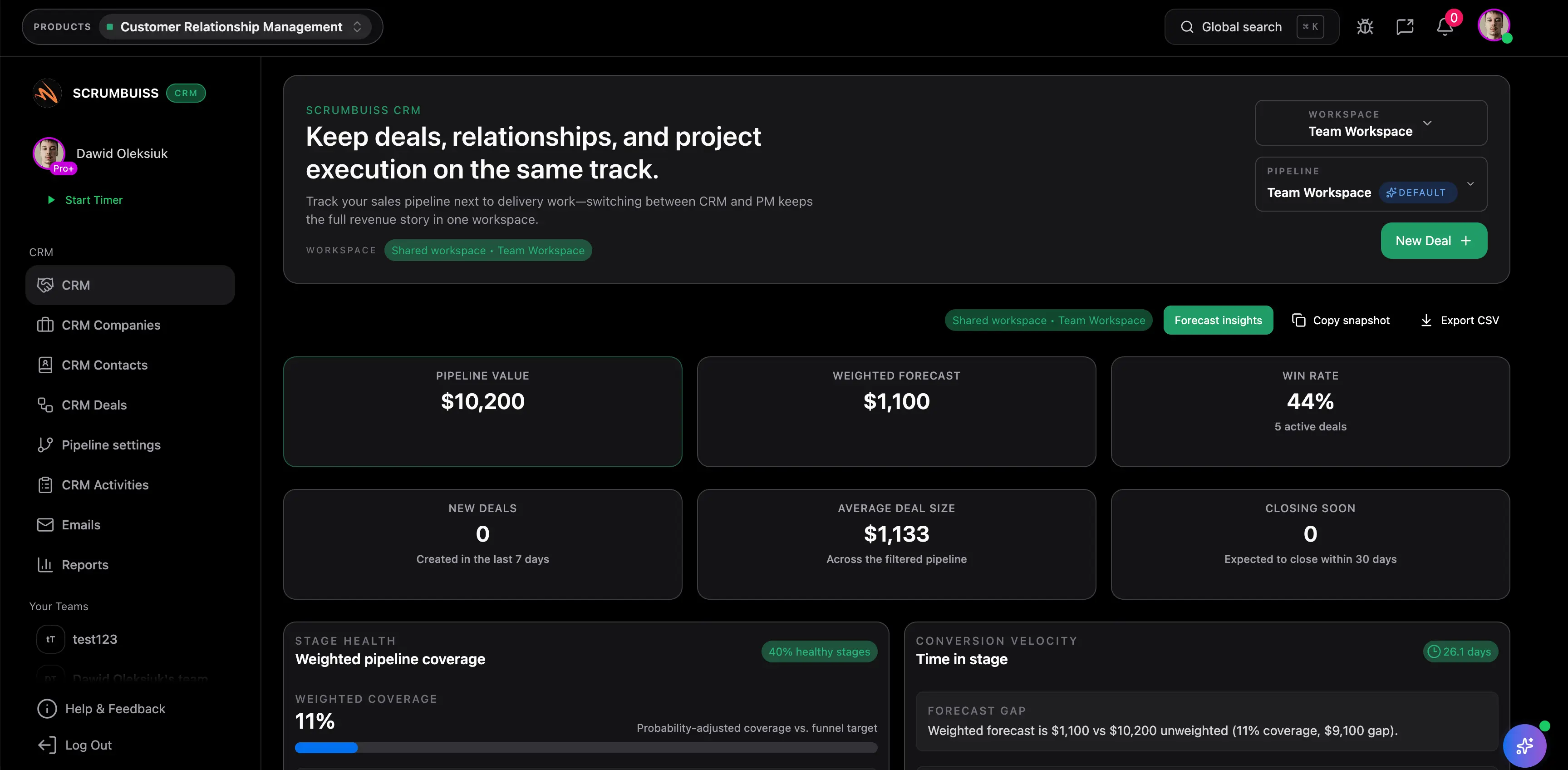
- CRM handoff, intake, and kickoff brief in one operating path
- Client files, approvals, and early delivery tasks stay attached to onboarding context
- Automations and reminders support follow-up before the handoff goes cold
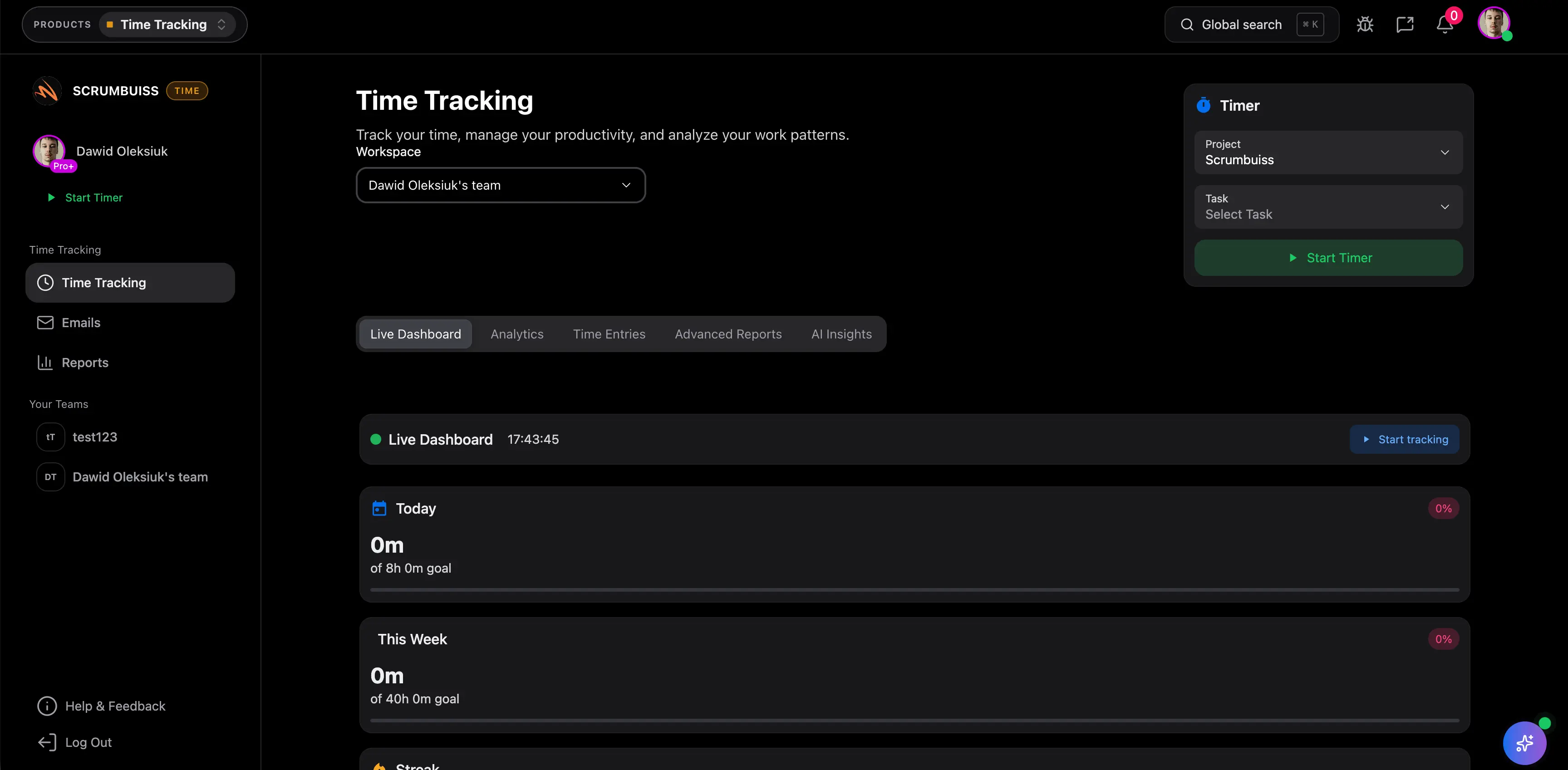
- Time and status visibility help onboarding leads explain progress without a second spreadsheet
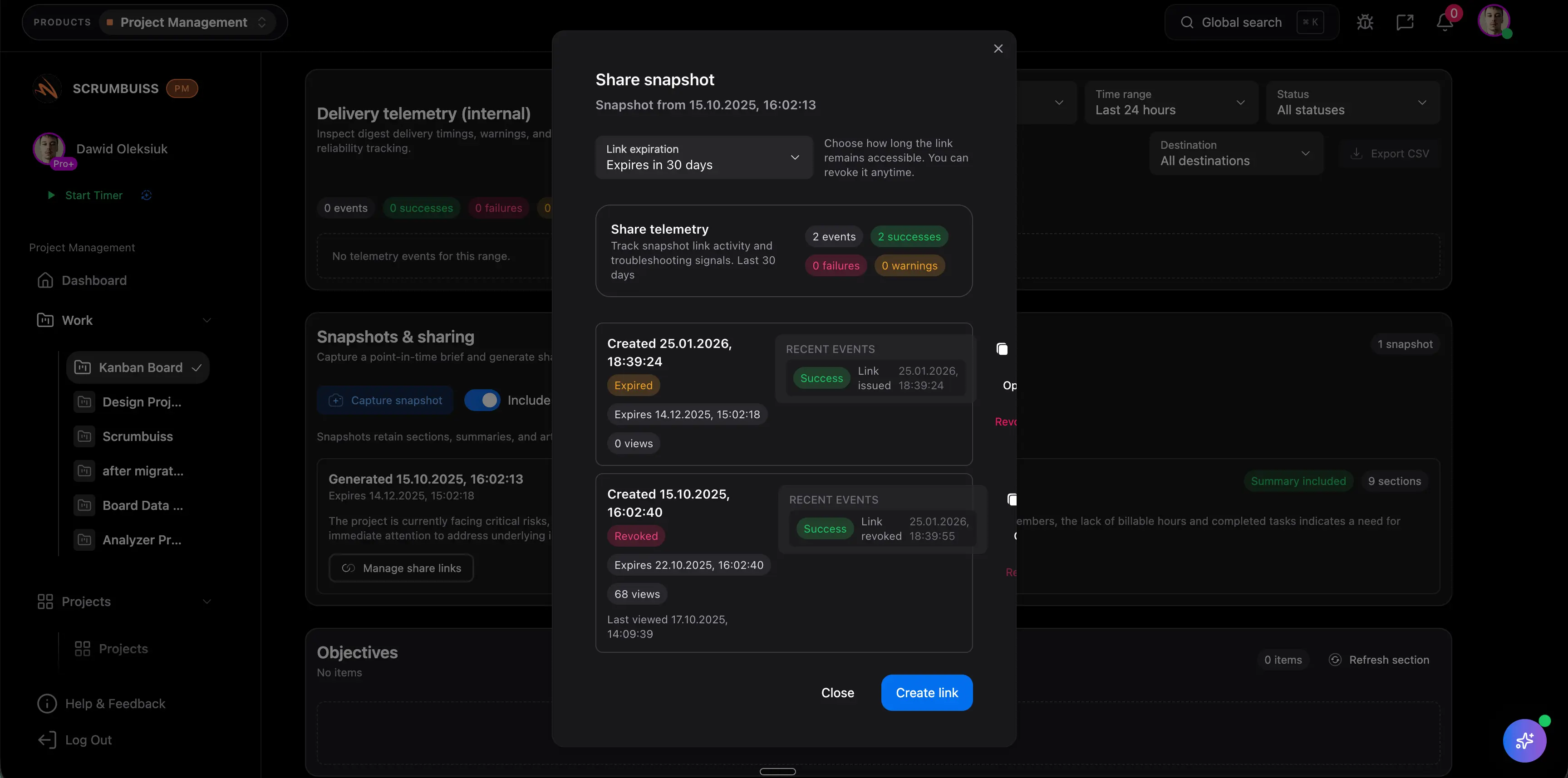
- Shareable brief outputs give external stakeholders context without exposing the whole internal workflow
Client onboarding software comparison
Client onboarding buyers usually discover the workflow gap only after the deal is closed: the CRM record is visible, but kickoff context, files, approvals, and next actions still need to be rebuilt before the work starts.
| Platform | Best fit | Main tradeoff | Where Scrumbuiss is stronger |
|---|---|---|---|
| Scrumbuiss | Agencies and implementation teams that want CRM handoff, onboarding intake, kickoff context, files, and delivery follow-up connected in one workflow. | It is a newer workflow choice than the largest onboarding or work-management brands, so teams should validate it with one live client handoff and one real kickoff cycle before standardizing. | Keeps the handoff from CRM into briefs, files, tasks, time, and status visibility closer together instead of splitting onboarding across a portal, a project board, and side documents. |
| Teamwork | Agencies centered on client delivery, time tracking, workload visibility, and account-level execution across many active clients. | Buyers should still validate how much deal context, kickoff structure, and pre-delivery handoff discipline they want before the work becomes a normal delivery project. | Scrumbuiss is stronger when the buying need starts earlier, with the handoff from sales or scoping into onboarding, rather than only the delivery workflow after kickoff is already clean. |
| Clustdoc | Teams that prioritize a customer-facing onboarding portal, document collection, internal approvals, and a more portal-first onboarding experience. | Portal-first onboarding can be a better fit when secure external access is the main requirement, but teams should validate whether the ongoing delivery workflow stays connected enough after kickoff. | Scrumbuiss is stronger when onboarding should stay attached to project delivery, files, time, and follow-up work after the first client-facing collection step is complete. |
| Kissflow | Teams that want a no-code workflow automation platform to design approvals, routing rules, and structured onboarding workflows around forms and process logic. | The workflow flexibility is broad, but teams should validate how much delivery context, reporting, files, and ongoing project coordination still need separate design work after the onboarding flow is built. | Scrumbuiss is stronger when client onboarding, delivery follow-up, files, and time reporting should be evaluated together instead of designed as separate workflow layers. |
This is a fit-and-tradeoff view based on public product positioning and visible workflow coverage, not a feature-parity checklist.
Common challenges
- Won work still starts with another recap meeting because the next team cannot trust the original deal context
- Scope, stakeholders, files, and promised next steps are re-entered in a second system after the sale
- Client onboarding tasks, approvals, and follow-up updates fragment across email, chat, docs, and project boards
- Teams can collect onboarding requests, but the handoff into real delivery work is still manual
- Portal-first onboarding tools can handle collection well but may leave the ongoing delivery workflow disconnected
How it works
A practical workflow structure you can replicate in your own workspace.
Capture customer context before kickoff starts drifting
Keep the account story, promised scope, stakeholder roles, and onboarding inputs visible before the first delivery owner has to rebuild them from notes and messages.
Turn the handoff into a shared brief and owned onboarding plan
Use forms, a project brief, and structured ownership so the team can move from a won deal into kickoff without another cleanup loop.

Run onboarding, files, and status updates from one workflow
Keep files, approvals, time visibility, and the first client-facing updates connected so onboarding still makes sense after kickoff.
Related products
Products teams typically use to implement this workflow.
CRM
ProductManage contacts, companies, deals, and pipelines — with work connected to delivery.
- Contacts, companies, and deal tracking
- Pipelines with stages and ownership
- Activities and playbooks for consistency
Time Tracking
ProductTrack time with a built-in timer and entries, then report and improve with dashboards.
- Timer and time entries inside your workflow
- Reports for teams, projects, and clients
- Visibility into cost and effort
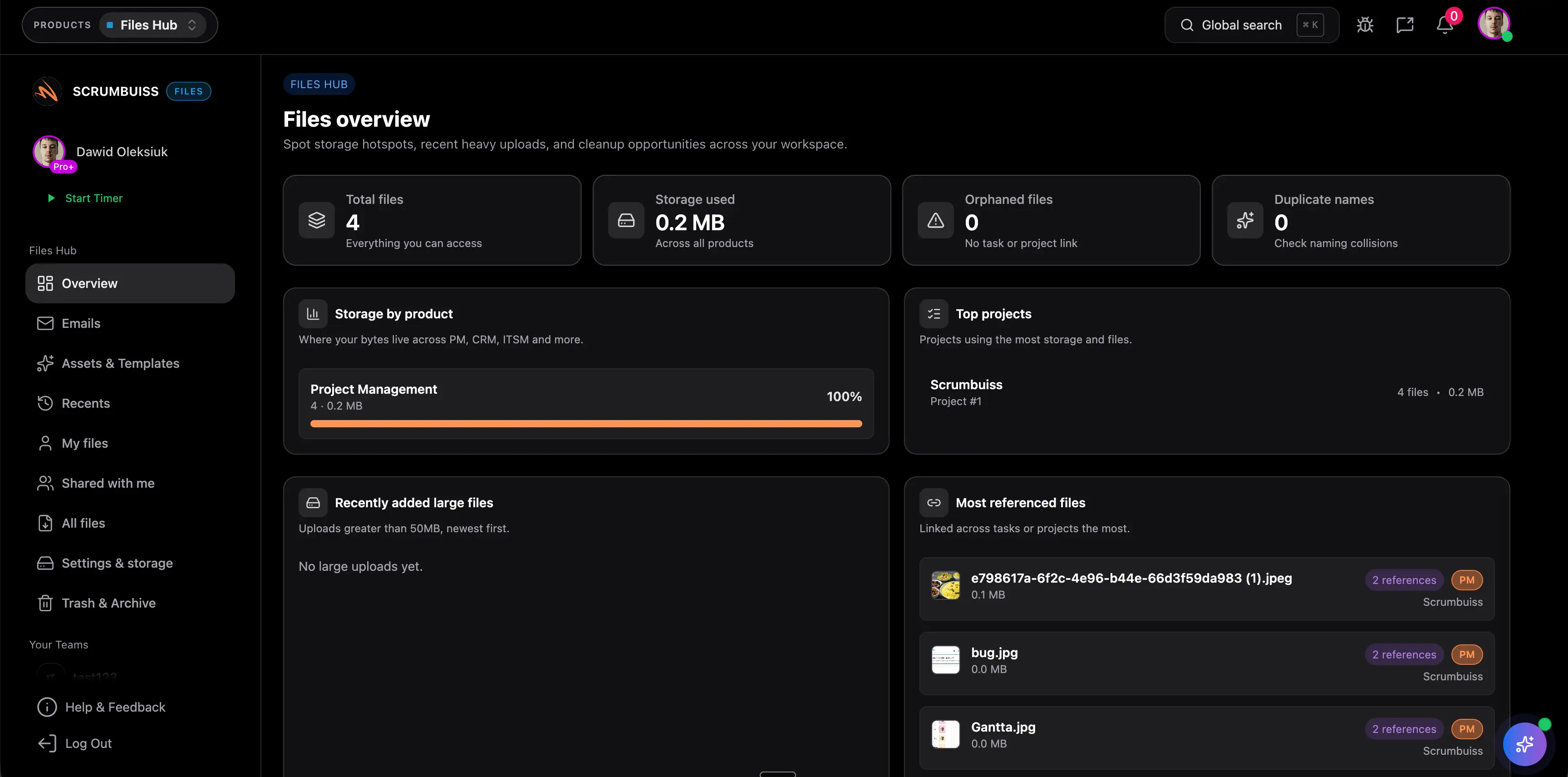
Files
ProductStore, organize, and share project files — with recents, shared items, and collections.
- Project files organized in one place
- Recents, shared files, and collections
- Fewer “where is the latest version?” moments
Related templates
Templates you can copy and adapt for this workflow.
Potential impact (examples)
The examples below are illustrative and depend on your team, process, and workload.
Reduce kickoff rework
Keep the original deal context, onboarding inputs, and kickoff brief attached so the next owner does not have to rebuild the same story from scratch.
Example: Save 1–2 hours per new client or implementation kickoff by reusing captured context instead of rewriting it in separate docs.
Shorten time to first owned action
Route the handoff into one owned workflow with forms, reminders, and next steps so onboarding does not stall between the sale and delivery.
Example: Save 30–60 minutes per onboarded client by reducing manual routing, clarification, and follow-up chasing.
Make early delivery reporting easier
Keep files, progress, and tracked effort visible enough that onboarding leads can explain the current state without another spreadsheet or recap deck.
Example: Save 30–60 minutes per week for onboarding or delivery leads by turning live workflow data into faster client-ready updates.
ROI example
A simple way to think about profitability is saved time value (or recovered billable time) minus software cost.
Illustrative calculation (USD)
- Team size: 6
- Hours saved per person per week: 0.6
- Blended hourly rate: $75/hour
Estimated saved time: 3.6 hours/week
Estimated value: $270/week (~$1,169/month)
Illustrative example only. This is not a guarantee or customer result. Subtract your software costs to estimate net ROI.
Setup checklist
A practical checklist to implement this workflow inside Scrumbuiss.
- ✓ Pilot one real onboarding flow with a recently won deal or an active implementation handoff.
- ✓ Define the minimum context that must survive the handoff: contacts, stakeholder roles, promised scope, files, deadlines, next owner, and first milestone.
- ✓ Use forms or another structured intake step for the details the team usually loses before kickoff.
- ✓ Build a shareable project brief for kickoff alignment, approvals, and client-ready context.
- ✓ Attach working files, approvals, and the first delivery tasks to the same onboarding workflow.
- ✓ Decide which reminders, routing rules, and follow-up steps should be automated during the pilot.
- ✓ Run one full kickoff plus first-status-update cycle inside the pilot and judge whether the team still needs a recap spreadsheet or cleanup meeting.
FAQ
What is client onboarding software? +
Client onboarding software helps teams move from a sale or signed engagement into a structured kickoff and first delivery workflow. The useful version does more than collect forms. It keeps contacts, scope, files, approvals, next steps, and status visible enough that the next team can start work without another cleanup loop.
How is client onboarding software different from a CRM or a project management tool on its own? +
A CRM often owns the deal before kickoff, and a project management tool often owns the work after kickoff. Client onboarding software matters in the gap between those two moments. It should keep the handoff from sales into delivery readable enough that the account story, onboarding inputs, and first actions do not need to be rebuilt manually.
When is a portal-first onboarding tool a better fit? +
A portal-first tool can be a better fit when secure external access, customer-facing document collection, and guided client submission steps are the main buying requirements. If the bigger problem is the internal handoff from CRM into kickoff, files, tasks, and delivery follow-up, a delivery-connected workflow is often the stronger fit.
Can Scrumbuiss share onboarding context externally without exposing the full workspace? +
Yes. Teams can share specific brief and status outputs so clients or stakeholders can review the onboarding context without learning the full internal workspace. If your main requirement is a dedicated secure client portal, validate that need directly against portal-first tools during the pilot.
What should a live client onboarding pilot prove? +
A live pilot should prove that one real client can move from the sale into kickoff with cleaner ownership, less duplicate briefing work, clearer files and approvals, and faster first-status reporting. If the team still needs another recap meeting or another side tracker to start cleanly, the workflow is not connected enough yet.
Does Scrumbuiss replace every CRM or customer onboarding platform? +
Not always. Scrumbuiss is strongest when client onboarding should stay connected to CRM handoff, project planning, files, time visibility, and delivery follow-up. Teams that need a deeper standalone CRM or a more specialized secure onboarding portal should validate those requirements directly in a live pilot.
Related features
Explore the building blocks used in this workflow.