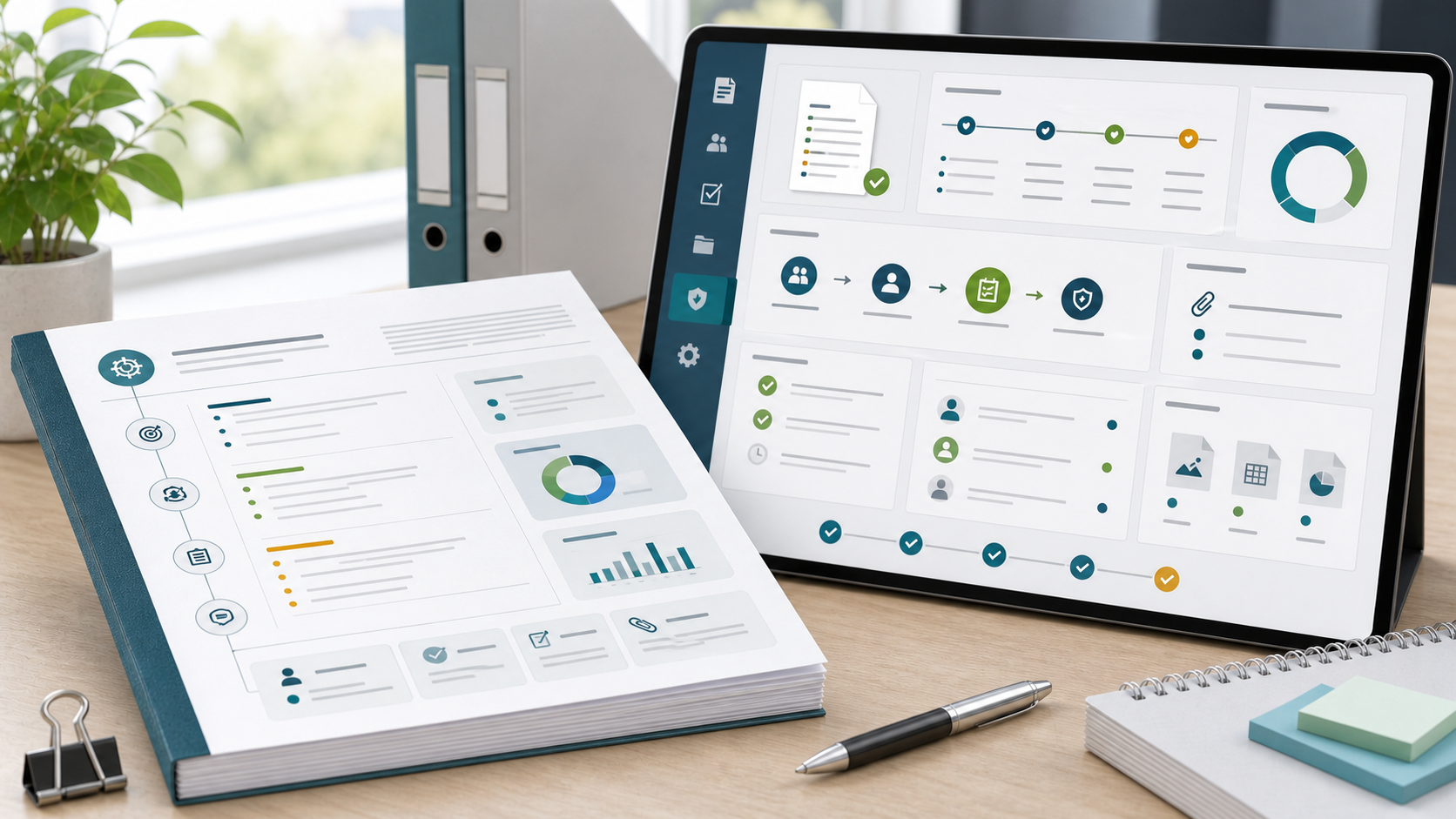
Project Plan Document Guide
A project plan document is the approved record of how a project will be delivered and governed. It captures more than the task list. It records the scope, assumptions, baselines, roles, risks, approvals, and change history that stakeholders need to trust the plan.
This guide targets the project plan document keyword cluster found in SEMrush. It is different from the project documentation guide, which covers the broader documentation system, and from the project plan template guide, which focuses on reusable planning fields.
Key Takeaways
- A project plan document is the formal record of the approved plan.
- It should capture decisions, assumptions, baselines, owners, risks, approvals, and changes.
- The document should stay connected to live work so it does not become outdated.
- Teams need a document when stakeholders, sponsors, clients, or auditors need a stable reference.
What Is a Project Plan Document?
A project plan document is a structured planning record that explains what will be delivered, how it will be delivered, who owns key work, how timing will be controlled, what risks exist, and who approved the baseline.
In Scrumbuiss, teams can keep project plan documents connected with Files, Project Brief, Activity Feed, Dashboard, and Risk Center.
Project Plan Document Sections
| Section | What to include |
|---|---|
| Summary | Purpose, business context, and outcome |
| Scope | Included work, exclusions, assumptions, constraints |
| Deliverables | Outputs, milestones, and acceptance criteria |
| Schedule baseline | Key dates, phases, and dependency logic |
| Roles | Sponsor, project manager, workstream owners, approvers |
| Communication | Update cadence, audience, and escalation rules |
| Risk register | Risks, impact, owner, and response |
| Change control | How scope, budget, or schedule changes are reviewed |
| Approval record | Decision owner, date, and status |
| Revision history | What changed, who changed it, and why |
Document vs. Template vs. Live Plan
| Asset | Purpose |
|---|---|
| Project plan template | Reusable structure for planning |
| Project plan outline | Section map before the plan is filled in |
| Project plan document | Approved record of decisions and baselines |
| Live project plan | Day-to-day view of tasks, dates, risks, and status |
The document should not replace live planning software. Instead, it should preserve the baseline and governance decisions while the live plan tracks execution.
How To Maintain the Document
- Assign a single document owner.
- Record the approved baseline date.
- Link live tasks, timeline, files, risks, and dashboards.
- Add a short change history instead of rewriting old decisions.
- Review the document at major milestones.
- Archive the final version at project closure.
FAQ
Frequently
asked
questions
Related features
Explore the Scrumbuiss features mentioned in this article.
- Project Brief
Create a shareable project brief that stays connected to scope, files, and stakeholder updates.
- Activity Feed
Stay up to date with real-time updates on tasks, progress, and team activities.
- Dashboard
Track project progress, blockers, workload, KPIs, status reporting, and analytics context in one live dashboard.
Unlock Success &
Power Up Your Projects
Next to explore
Explore more pages to understand the product suite, common workflows, and evaluation guides.