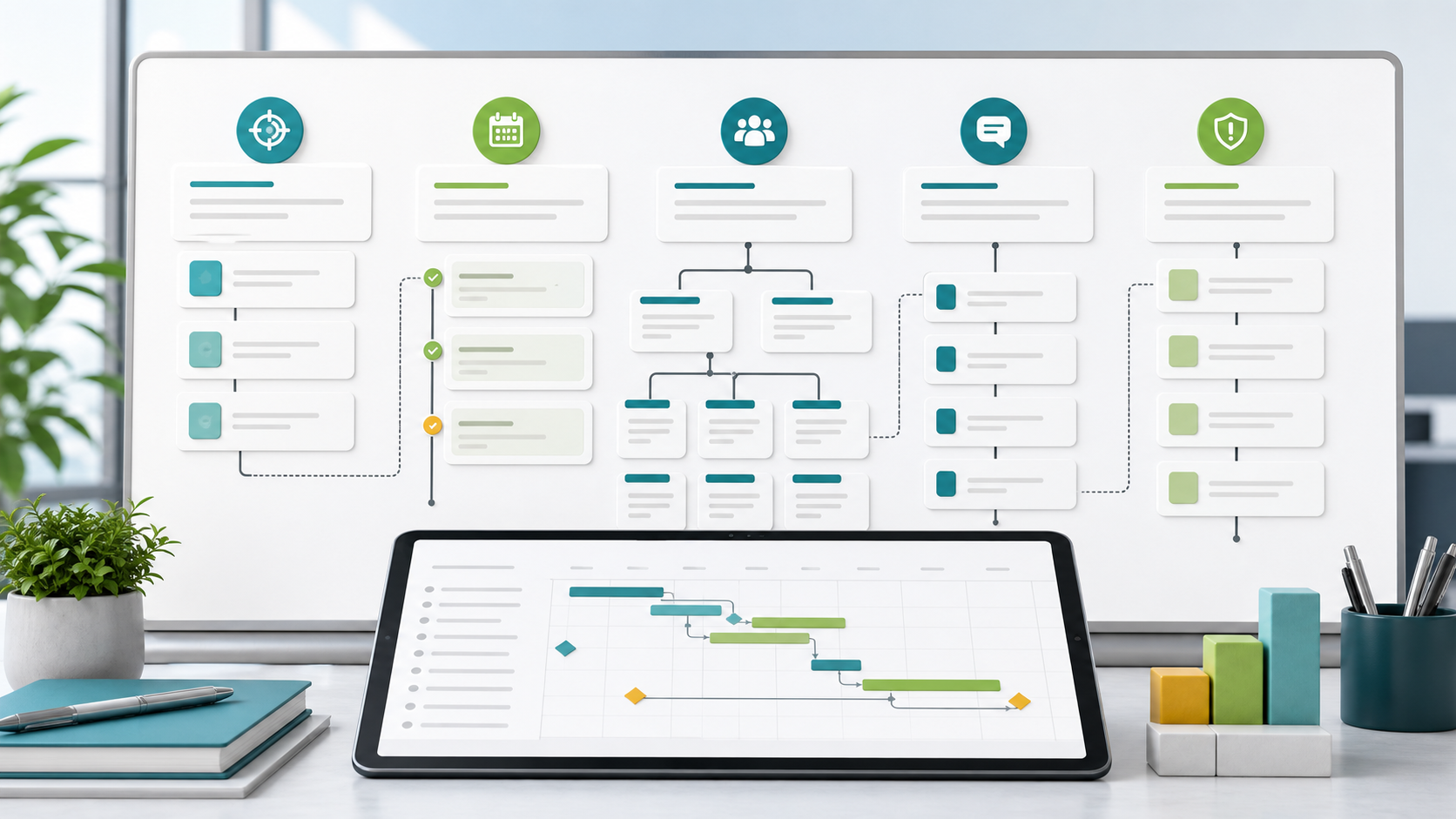
Project Plan Outline Guide
A project plan outline is the section structure behind the finished plan. It helps the project manager decide what needs to be explained before the team fills in detailed tasks, dates, owners, and risks.
This guide targets the project plan outline keyword cluster found in SEMrush. It is more structural than the project plan template guide and less example-driven than the project plan examples guide.
Key Takeaways
- A project plan outline defines the sections before detailed planning starts.
- The outline should make decisions easy to review, not bury them in narrative.
- Most outlines need objective, scope, deliverables, schedule, roles, risks, communication, and approvals.
- Complex projects can add budget, procurement, compliance, quality, and change control sections.
Project Plan Outline Sections
| Section | What to include |
|---|---|
| Executive summary | Purpose, business reason, target outcome, and approval context |
| Objectives | Specific outcomes and success criteria |
| Scope | Included work, exclusions, assumptions, constraints |
| Deliverables | Outputs the project must produce |
| Milestones | Major checkpoints and planned decision dates |
| Work breakdown | Workstreams, tasks, or phases |
| Roles | Sponsor, project manager, owners, contributors, approvers |
| Dependencies | Required inputs, systems, teams, vendors, or decisions |
| Risks | Uncertainties, impact, owner, and response |
| Communication | Update cadence, audience, channel, and escalation path |
| Governance | Change control, approvals, and baseline ownership |
Teams can manage these sections in Scrumbuiss with Project Brief, Files, Gantt Timeline, and Dashboard.
Simple vs. Detailed Outline
| Outline level | Best for | Sections |
|---|---|---|
| Simple outline | Small internal projects | Goal, scope, tasks, owners, dates, status, risks |
| Standard outline | Cross-functional projects | Objectives, deliverables, milestones, roles, dependencies, communication |
| Detailed outline | Client, regulated, or executive projects | Budget, quality, procurement, change control, approvals, documentation |
How To Turn an Outline Into a Plan
- Start with section headings before writing long explanations.
- Add only sections that require a decision or accountability.
- Convert each deliverable into a milestone or workstream.
- Add owners before dates so accountability is clear.
- Add dependencies before the schedule is approved.
- Add risks before stakeholders sign off.
- Move the approved outline into a living template or document.
FAQ
Frequently
asked
questions
Related features
Explore the Scrumbuiss features mentioned in this article.
- Project Brief
Create a shareable project brief that stays connected to scope, files, and stakeholder updates.
- Gantt Timeline
Plan dependencies, milestones, and schedule changes with a Gantt chart view that stays close to execution.
- Dashboard
Track project progress, blockers, workload, KPIs, status reporting, and analytics context in one live dashboard.
Unlock Success &
Power Up Your Projects
Next to explore
Explore more pages to understand the product suite, common workflows, and evaluation guides.