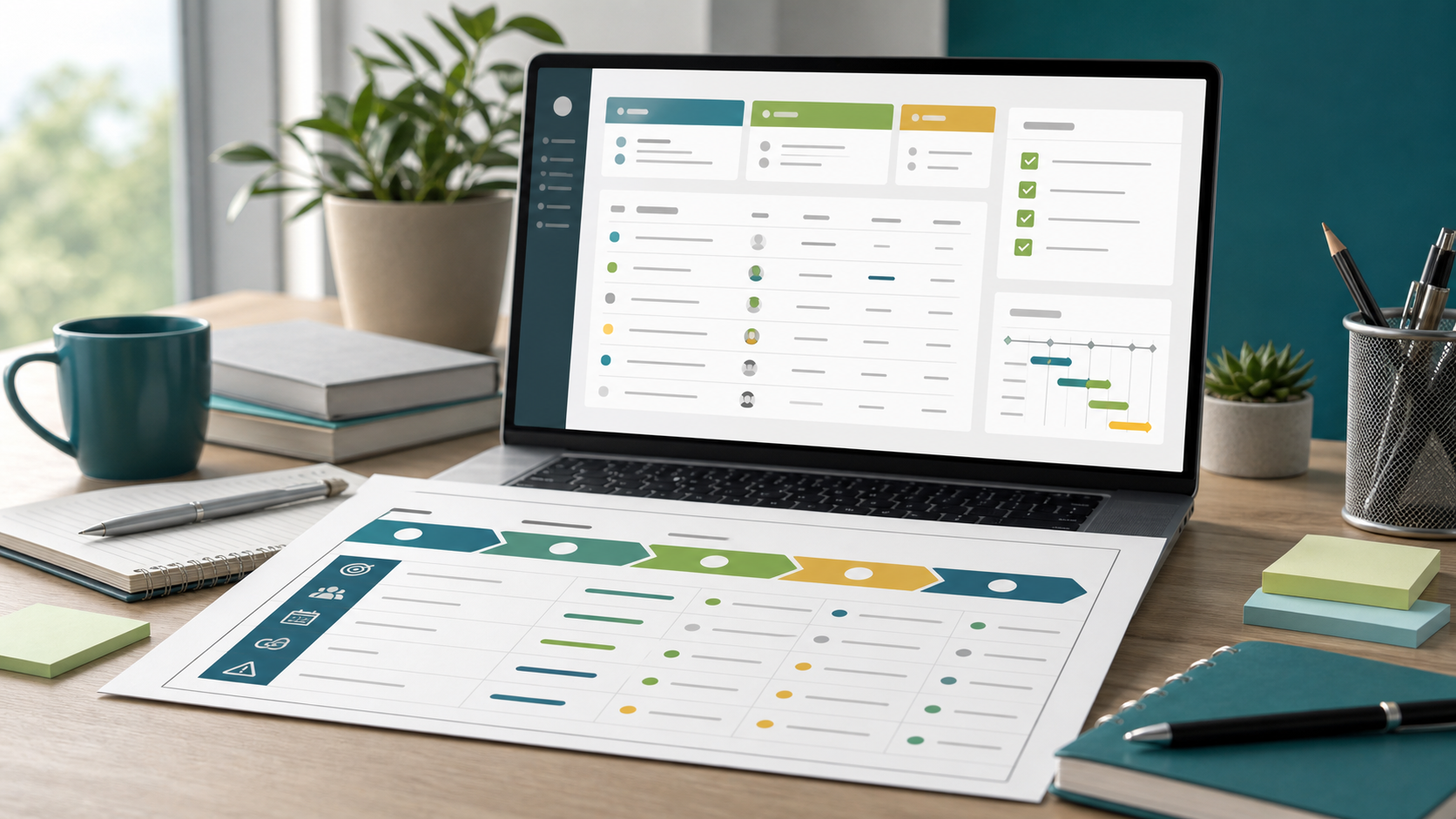
Project Plan Template Guide
A project plan template gives a team a reusable structure for turning an idea into a delivery plan. It should be specific enough to capture scope, owners, milestones, risks, and approvals, but flexible enough that the team can adapt it for a software release, client implementation, operations project, or internal improvement.
This guide targets the project plan template keyword cluster found in SEMrush. It is different from the project plan outline guide, which explains the section structure, and from the project management plan checklist guide, which is for final review before approval.
Key Takeaways
- A useful project plan template captures decisions, not just tasks.
- The core fields are goal, scope, deliverables, milestones, owners, dates, dependencies, risks, status, and approval.
- A template should make the next planning conversation faster without forcing every project into the same level of detail.
- Template pages should link to examples and outlines so readers can choose the right depth.
What Is a Project Plan Template?
A project plan template is a repeatable planning layout that helps a project manager define how work will be delivered. It usually includes the project objective, scope, timeline, work breakdown, responsibilities, dependencies, communication rhythm, risk notes, and approval history.
The template is not the finished plan. It is the starting structure. The finished plan is what the team creates after filling the template with real project decisions, dates, assumptions, and owners.
Project Plan Template Fields
| Template field | What to capture | Why it matters |
|---|---|---|
| Project goal | The outcome the project must create | Keeps planning tied to business value |
| Scope | Included and excluded work | Reduces scope creep |
| Deliverables | Tangible outputs or milestones | Defines what done means |
| Workstream | Phase, team, or function | Organizes complex work |
| Owner | Accountable person or role | Prevents orphaned tasks |
| Due date | Planned completion date | Supports sequencing |
| Dependency | Work, decision, or input needed first | Shows what can block progress |
| Risk | Uncertainty that could affect delivery | Helps the team act early |
| Status | Planned, active, blocked, at risk, done | Keeps reviews consistent |
| Approval | Sponsor or stakeholder signoff | Creates governance history |
Scrumbuiss supports this structure with Project Delivery, Gantt Timeline, Dashboard, Risk Center, and Files.
Template vs. Outline vs. Checklist
| Planning asset | Best use |
|---|---|
| Project plan template | Create a reusable planning format with fields and prompts |
| Project plan outline | Decide which sections belong in the plan |
| Project plan example | See what a completed plan can look like |
| Project management plan checklist | Review whether the plan is complete enough to approve |
| Project plan document | Preserve the approved plan, assumptions, and governance record |
If your team is starting from a blank page, begin with the outline. If you already know the sections and need a reusable working asset, use the template. If the plan is going to be approved, audited, or shared with leadership, turn it into a project plan document.
How To Build a Project Plan Template
- Define the project types the template should support.
- Keep the required fields limited to decisions every project needs.
- Add optional sections for budget, compliance, procurement, or change control.
- Separate planning fields from live tracking fields.
- Include a short approval section with date, owner, and decision.
- Test the template on one real project before standardizing it.
- Review the template after a delivery cycle and remove unused fields.
FAQ
Frequently
asked
questions
Related features
Explore the Scrumbuiss features mentioned in this article.
- Gantt Timeline
Plan dependencies, milestones, and schedule changes with a Gantt chart view that stays close to execution.
- Dashboard
Track project progress, blockers, workload, KPIs, status reporting, and analytics context in one live dashboard.
Unlock Success &
Power Up Your Projects
Next to explore
Explore more pages to understand the product suite, common workflows, and evaluation guides.