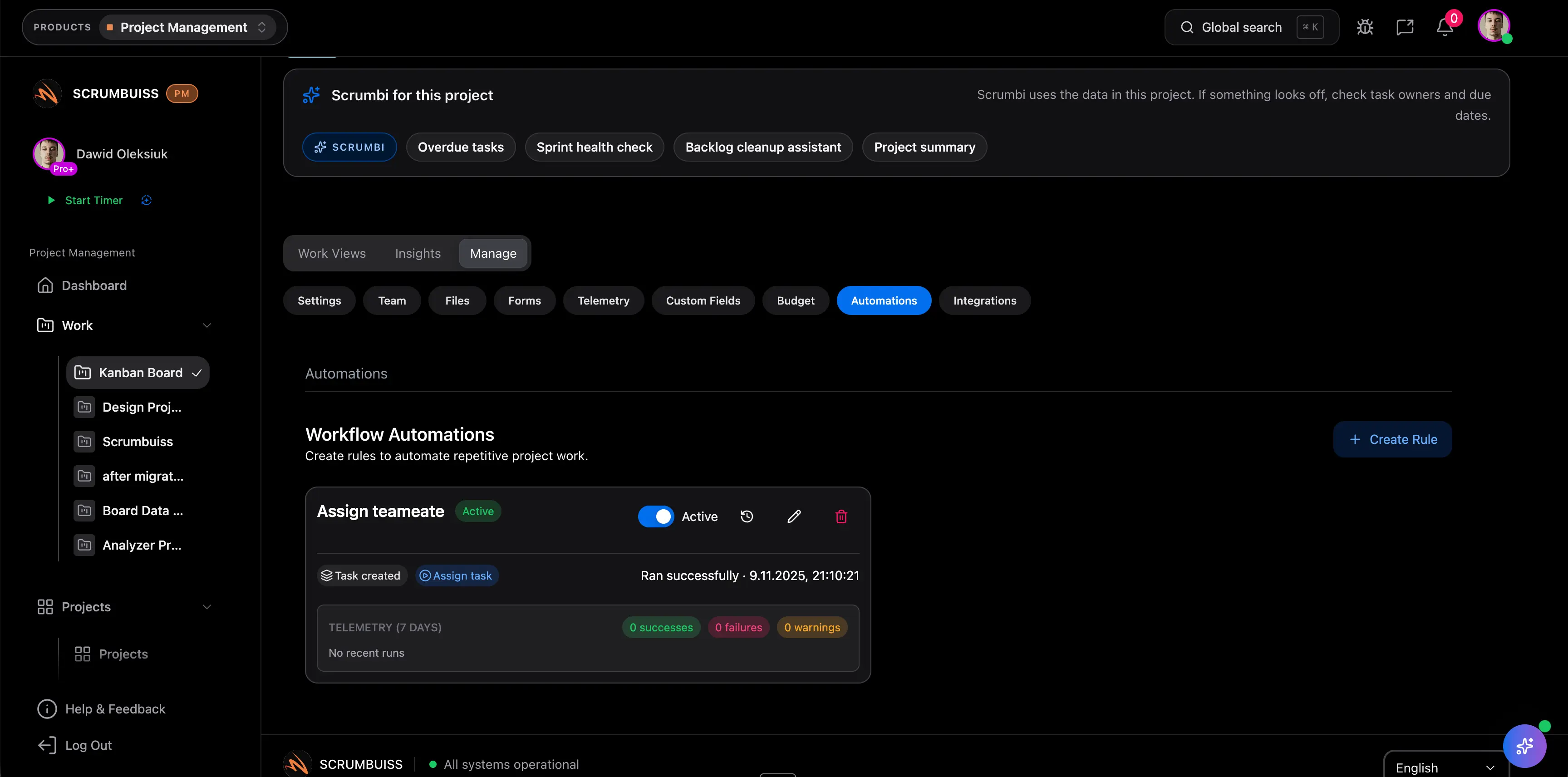
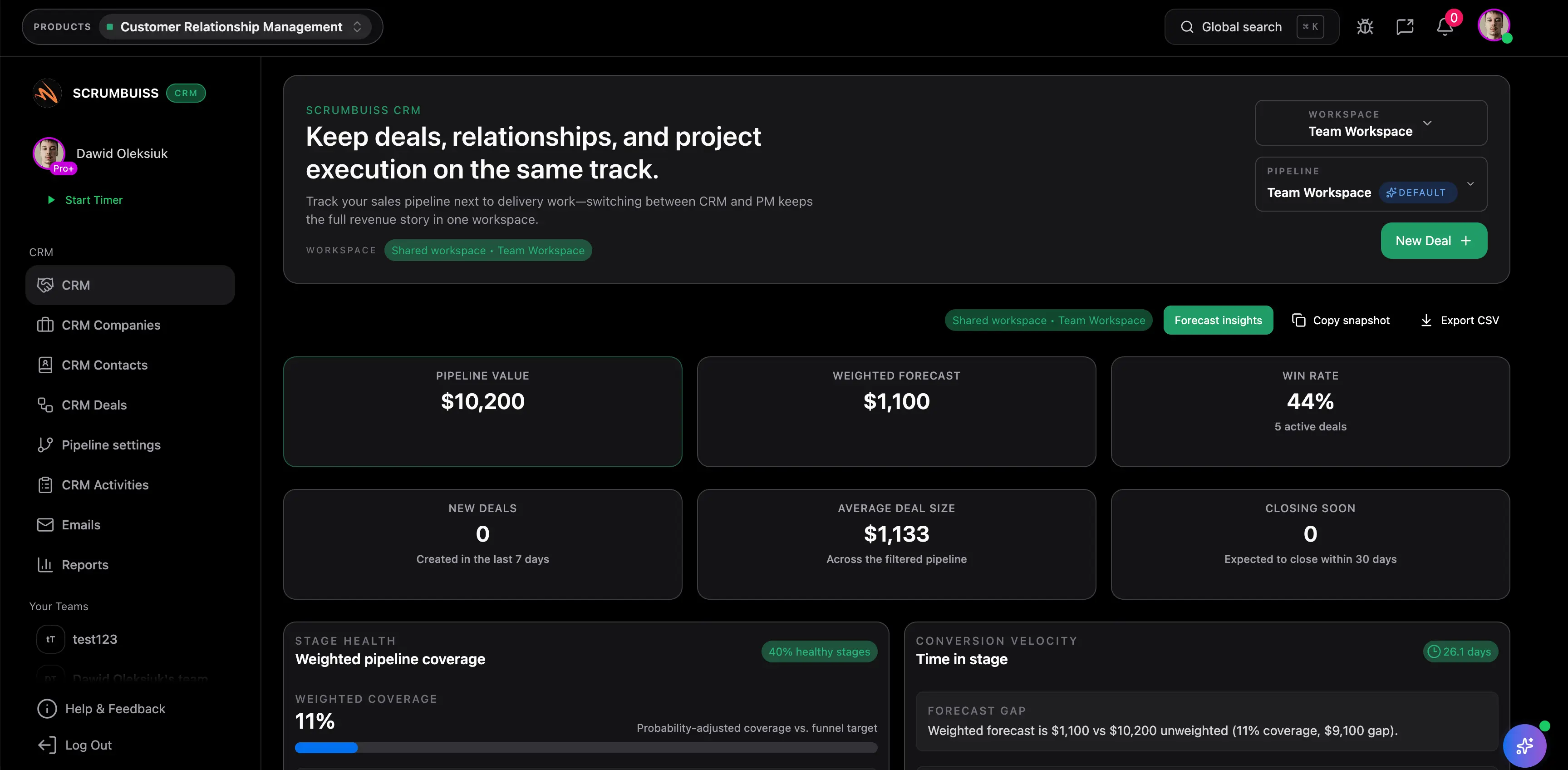
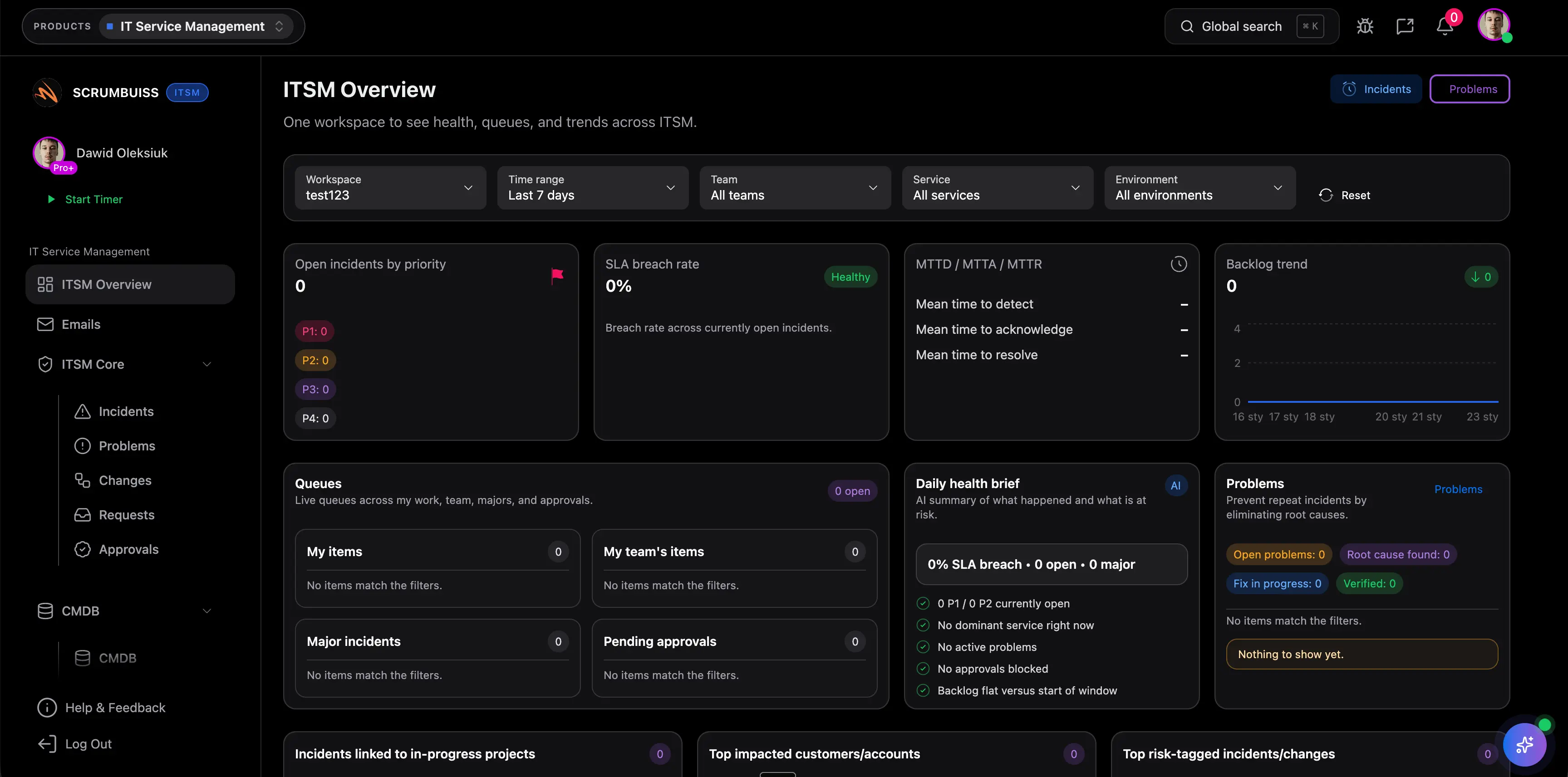
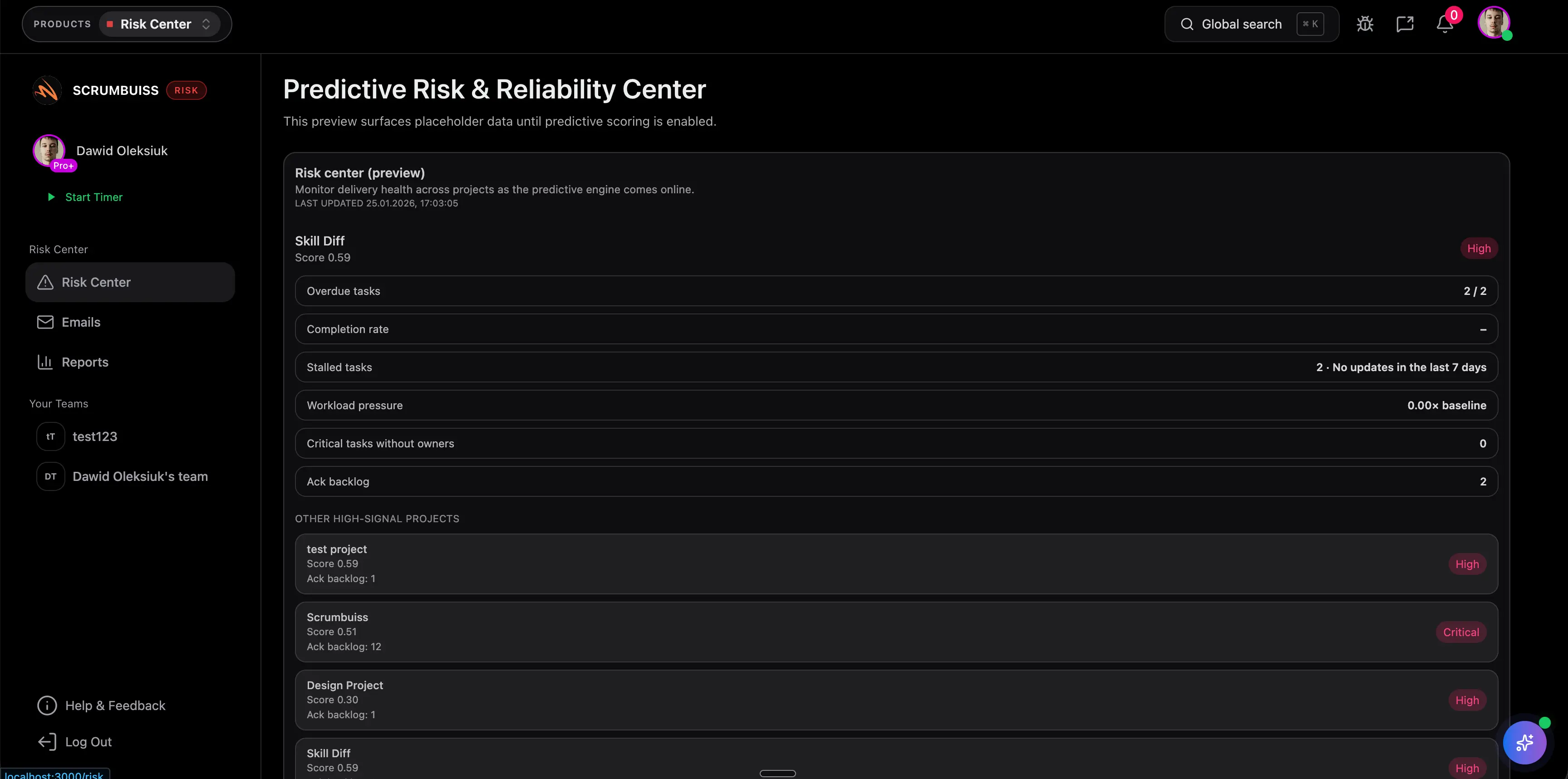
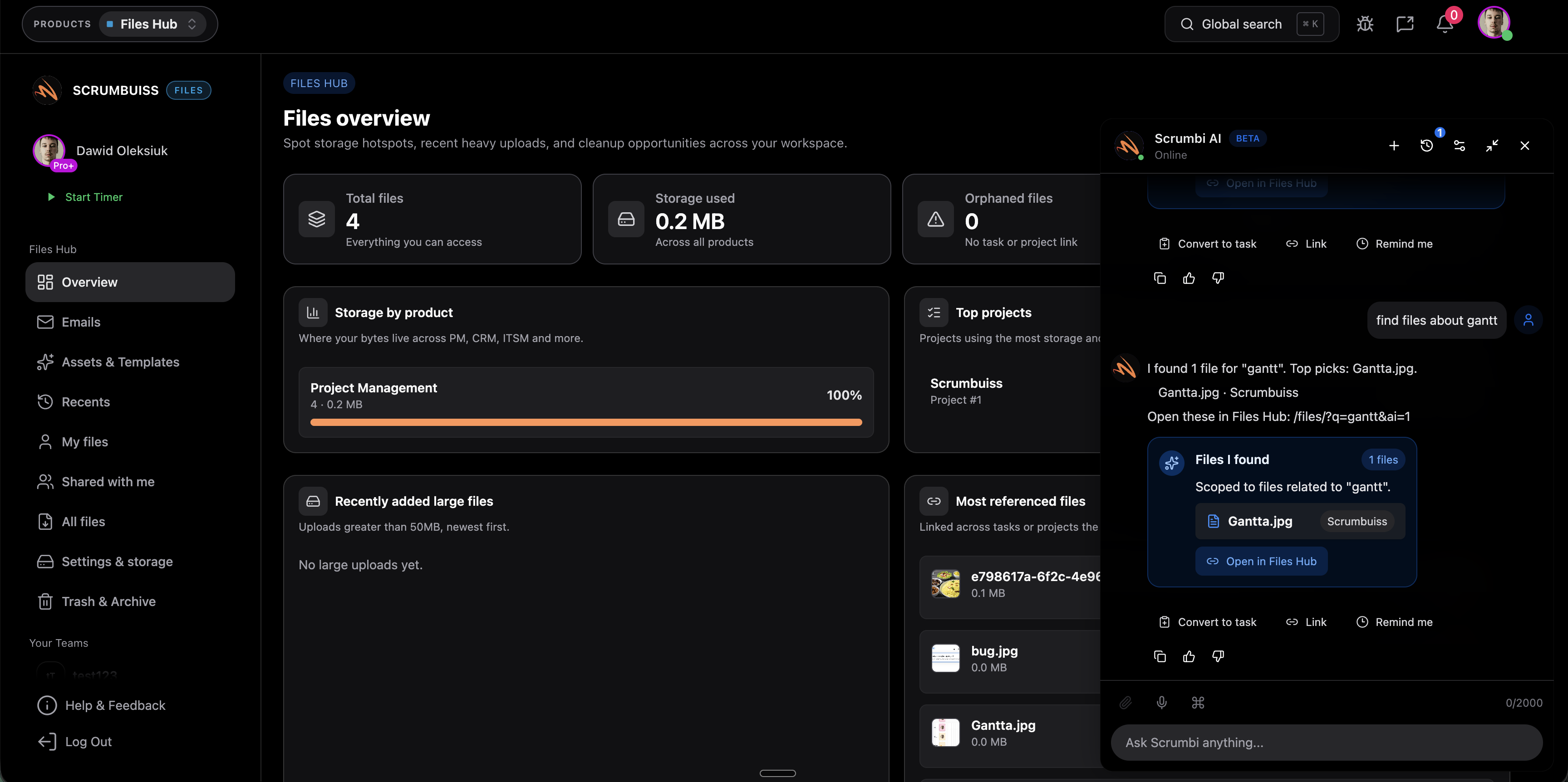
| Asana | Teams already standardizing cross-functional work in Asana and wanting rules, forms, and reusable workflow bundles inside that operating model. | Publicly positions workflow automation around rules, forms, workflow bundles, and AI-assisted rule recommendations that standardize recurring project processes. | Buyers should validate how much delivery-specific context, operational follow-up, and stakeholder-ready exception handling still needs to be designed around that broader work-management layer. | Scrumbuiss is stronger when automation should stay tightly attached to project delivery, briefs, risk signals, and visible follow-up instead of being one more workflow feature in a wider platform. |
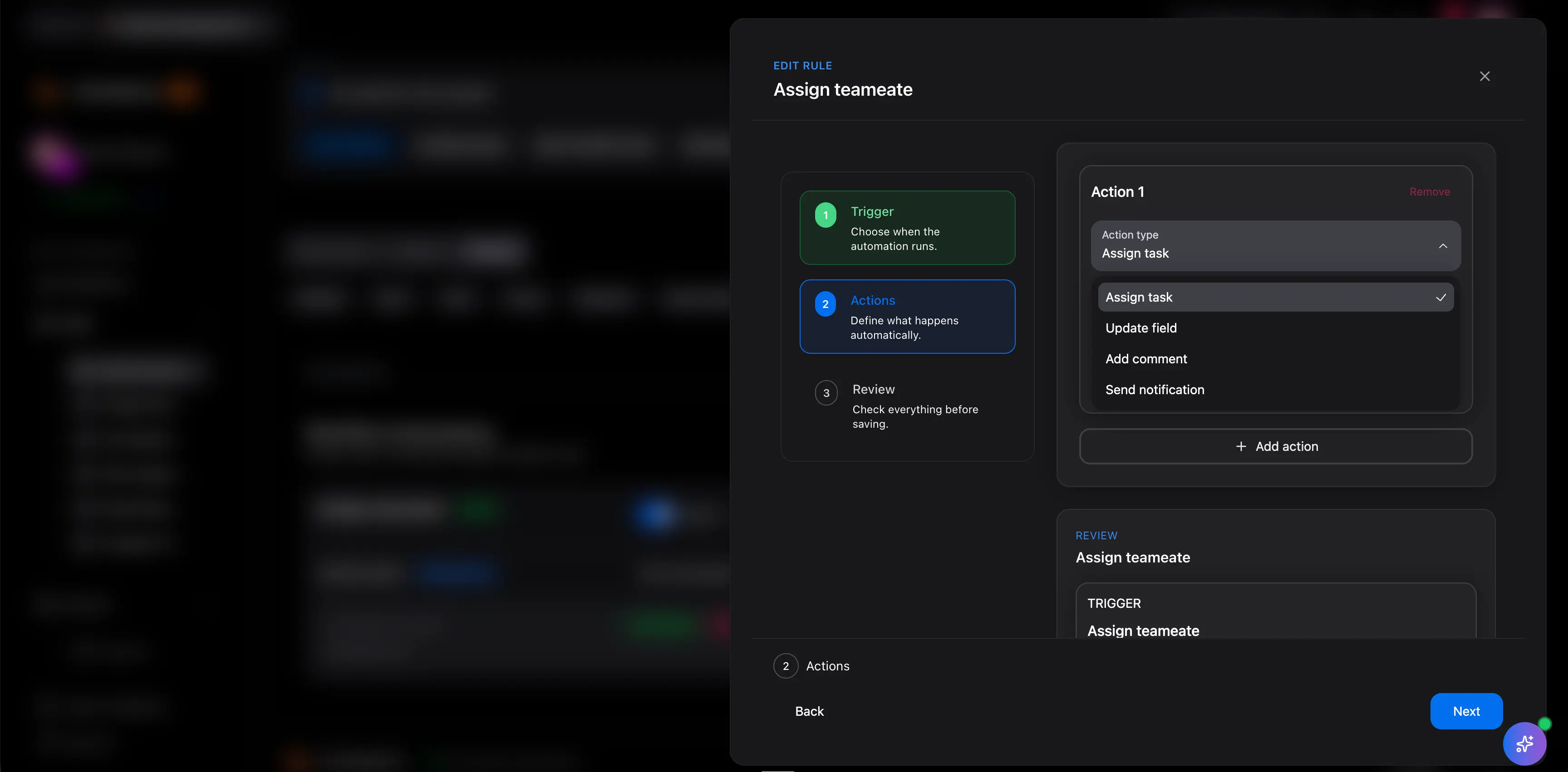
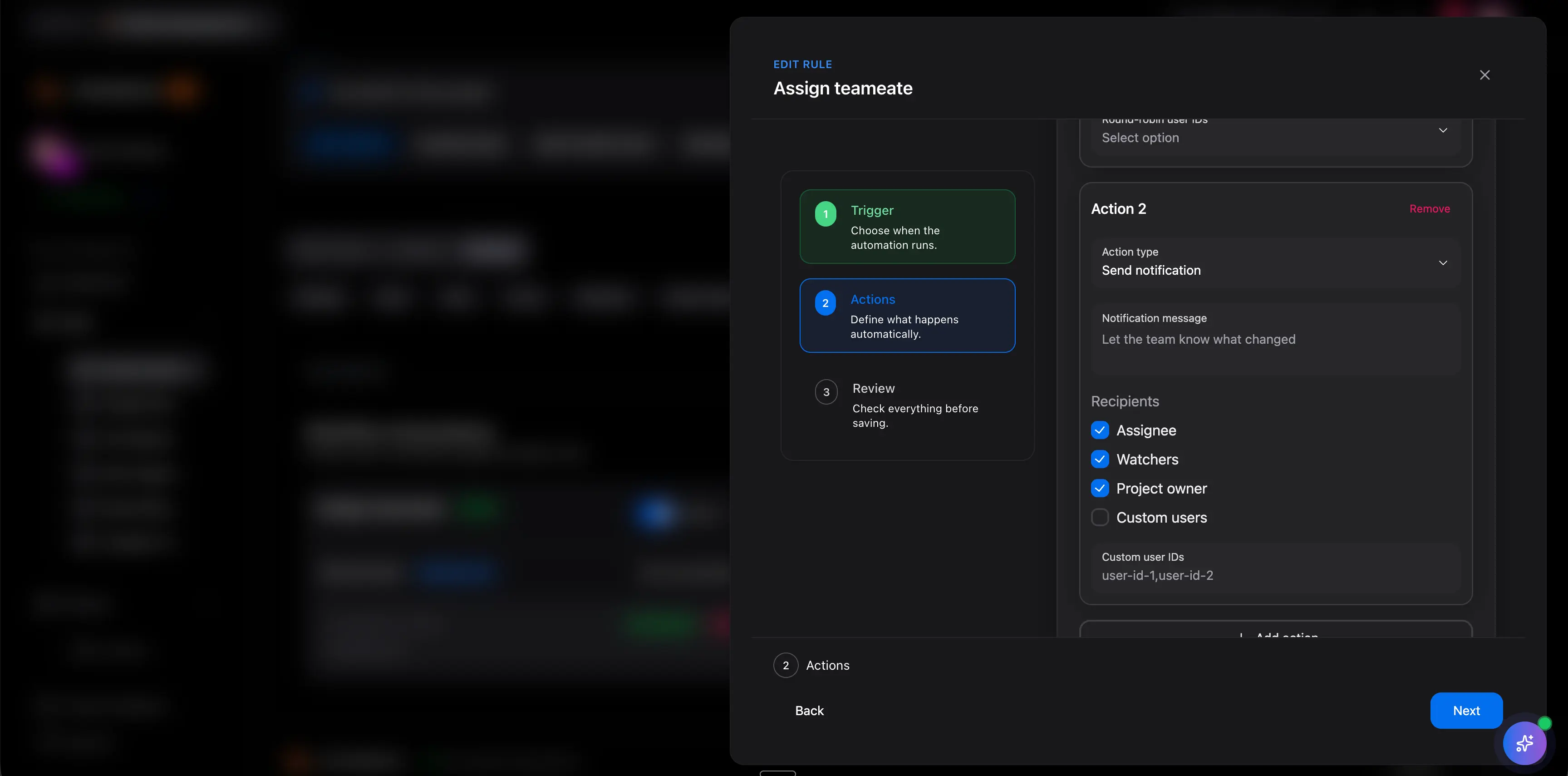
| monday.com | Board-centric teams that want no-code automations, trigger-based recipes, and status-driven handoffs inside a flexible work-management workspace. | Publicly emphasizes no-code automations, pre-built templates, and trigger-condition actions for assigning owners, updating statuses, and notifying teams automatically. | Teams should validate whether the delivery narrative, brief context, and exception-handling logic remain readable enough once automation is centered on board configuration. | Scrumbuiss is stronger when the buying need is not just faster board admin, but clearer project intake, delivery alerts, and follow-up workflows tied to the work itself. |
| ClickUp | Teams that want a highly configurable all-in-one workspace with many automation triggers, conditions, and actions across tasks and statuses. | Publicly frames automations around no-code triggers, conditions, actions, and prebuilt templates that remove repetitive work inside a configurable workspace. | Highly configurable automation can still create governance overhead if multiple teams depend on many overlapping rules and a workspace that is hard to keep simple. | Scrumbuiss is stronger when teams want fewer, clearer automation workflows connected to delivery, risk, and operational follow-up rather than maximum configurability for its own sake. |
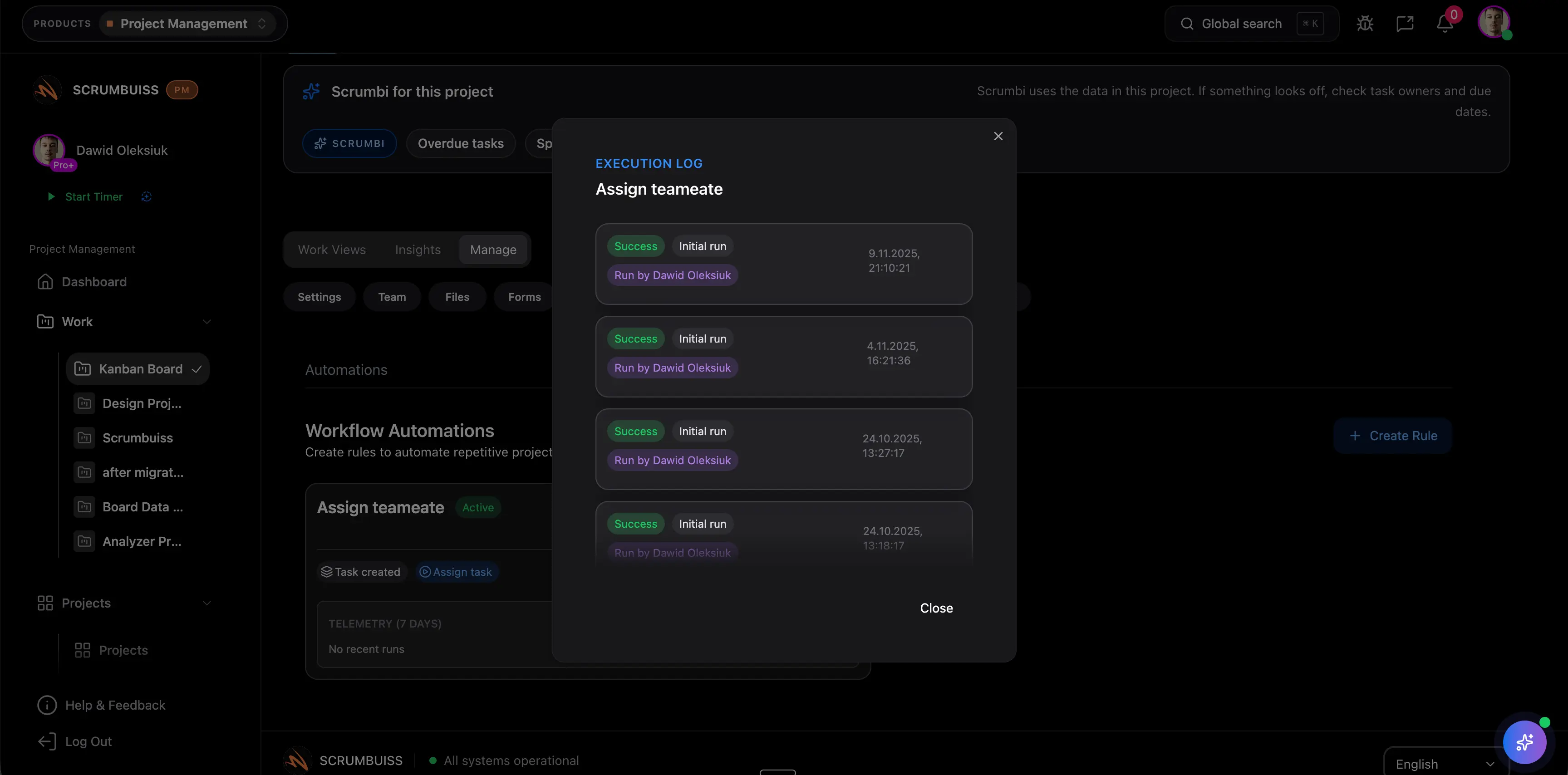
| Accelo | Professional-services and client-delivery organizations that want automation around operational processes, tickets, tasks, and service follow-up. | Publicly positions automation around process automation for recurring service workflows, status-driven tasks, notifications, and operational handoffs in a services environment. | Service-operations-first automation can be less aligned when the main buying need is product, engineering, or IT-operations workflow automation across internal project delivery. | Scrumbuiss is stronger when the team wants project automation that stays readable across delivery planning, risk, change follow-up, and stakeholder updates in one workspace. |