Solutions hub
Reviewed March 19, 2026 8 evaluation paths 21 indexable solution pages

Project management software solutions for planning, delivery, reporting, and operations

Use this hub when your team knows it has a workflow problem but does not yet know which project management software features should solve it. Instead of browsing a flat feature list, start with the job the team is actually trying to make more reliable.

The matrix below groups planning, execution, intake, reporting, IT operations, and file coordination into one evaluation path. Each linked page goes deeper on fit, tradeoffs, rollout questions, related templates, and supporting integrations.

How this solutions hub is organized

Reviewed on March 18, 2026. We organized the English solutions hub around the recurring evaluation paths teams actually compare during software selection: planning delivery, structuring intake, automating handoffs, reporting performance, coordinating operational work, and keeping files tied to execution.

  • We prioritized workflow-level problems first so buyers can move from broad category research into the right child page faster.
  • We grouped every current English indexable solution page except the still-weak AI placeholder under a clearer workflow theme.
  • We cross-checked the hub structure against public project-management category pages from Asana, ClickUp, and Wrike, plus current Google Search Central guidance on helpful content, titles, and crawlable internal links.

Workflow selection matrix

Use this matrix first if you are deciding where to start, not browsing features at random. Each row points to the main solution page plus the supporting pages that usually matter during evaluation.

Workflow need Best place to start Supporting pages

Plan scope and dependencies

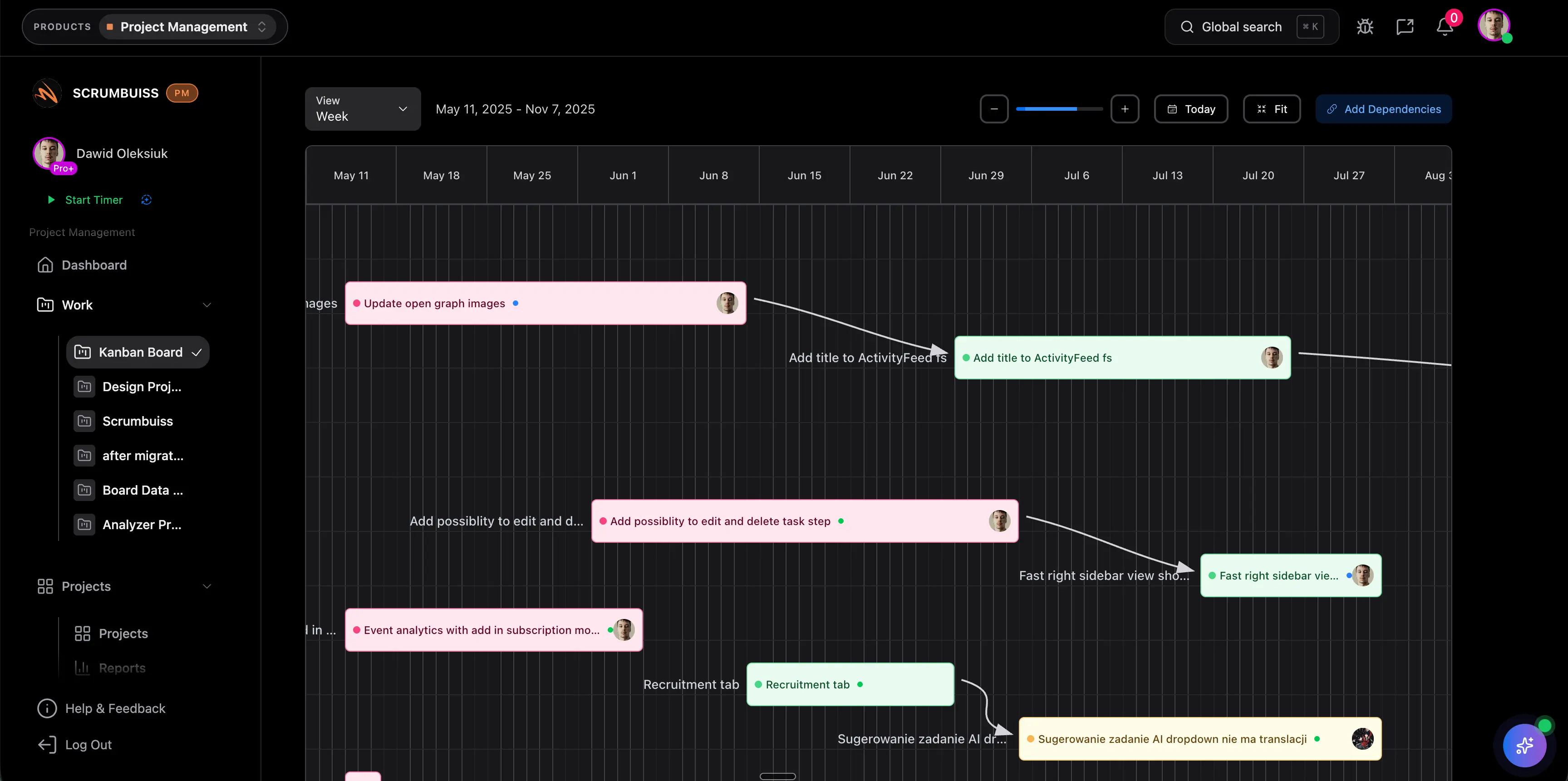
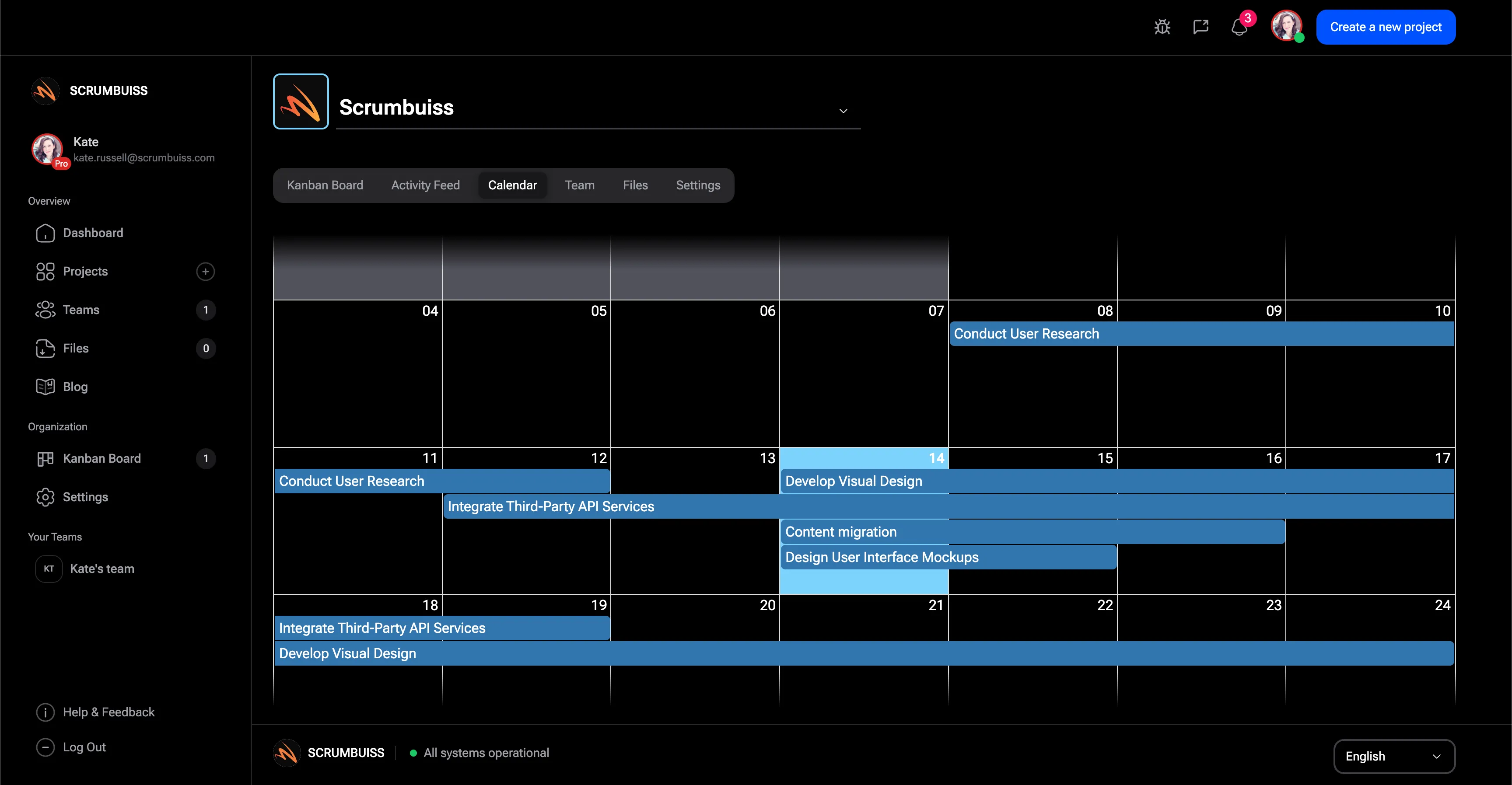
Use this path when commitments, schedules, and dependencies need to stay visible before execution starts slipping.

Gantt Timeline

Balance capacity and actual effort

Choose this group when planning quality depends on real availability and effort data, not just target dates.

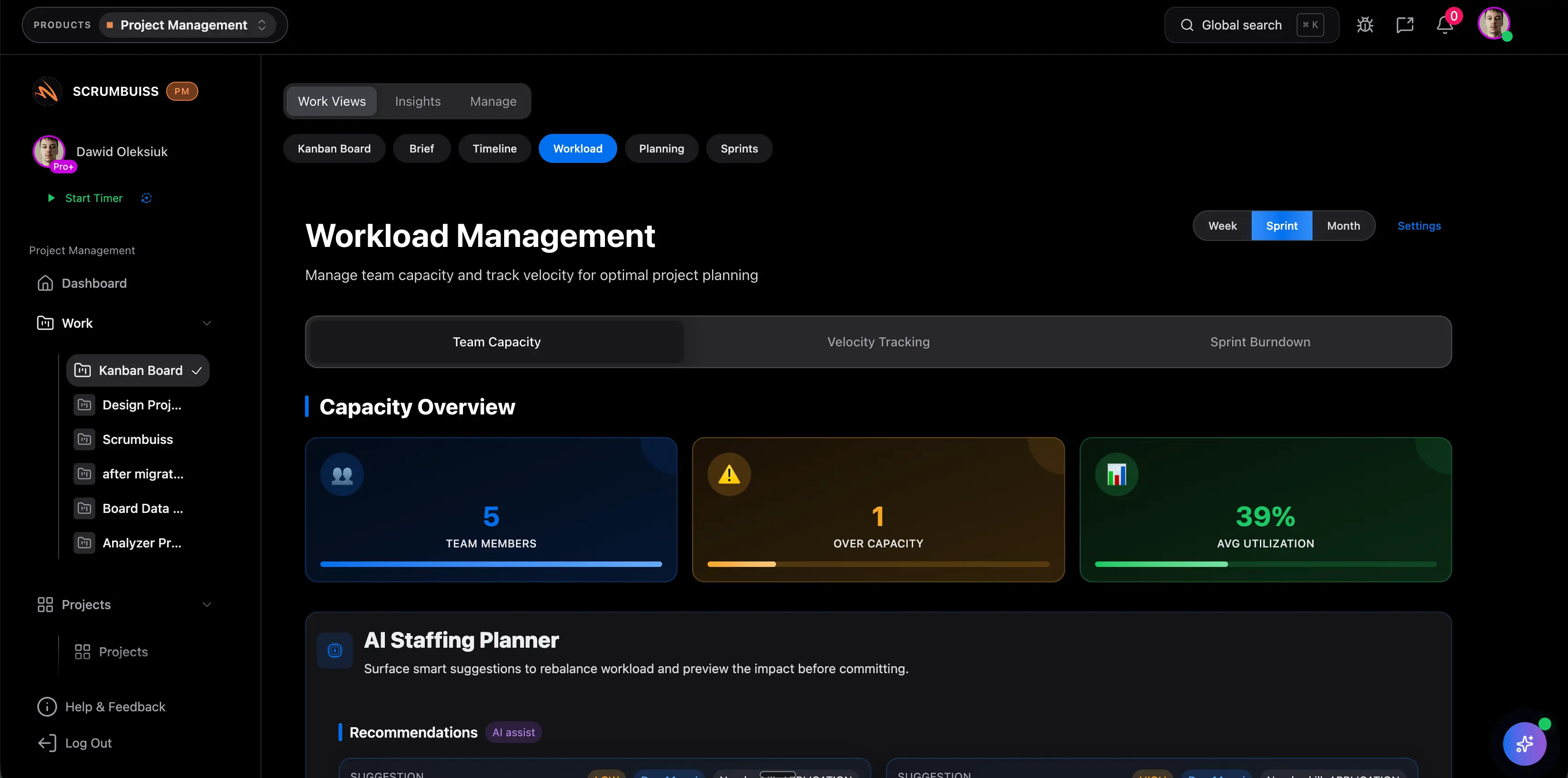
Workload & Capacity

Intake and structure incoming work

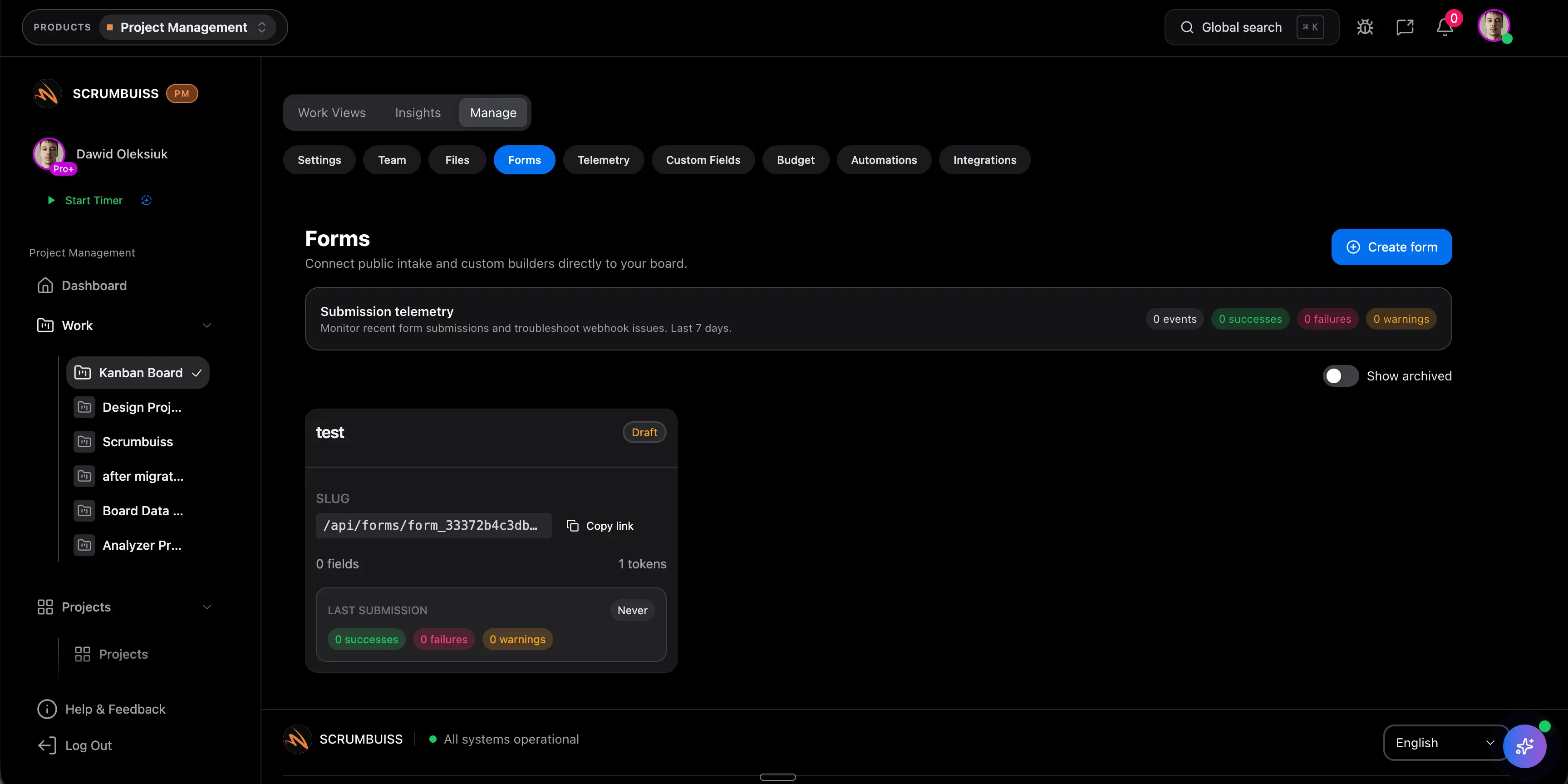
Start here when requests arrive through forms, email, or chat and the team needs cleaner fields, routing, and ownership.

Project Intake

Automate handoffs and follow-up

Use this row when recurring reminders, escalations, and downstream task creation should happen inside the workflow itself.

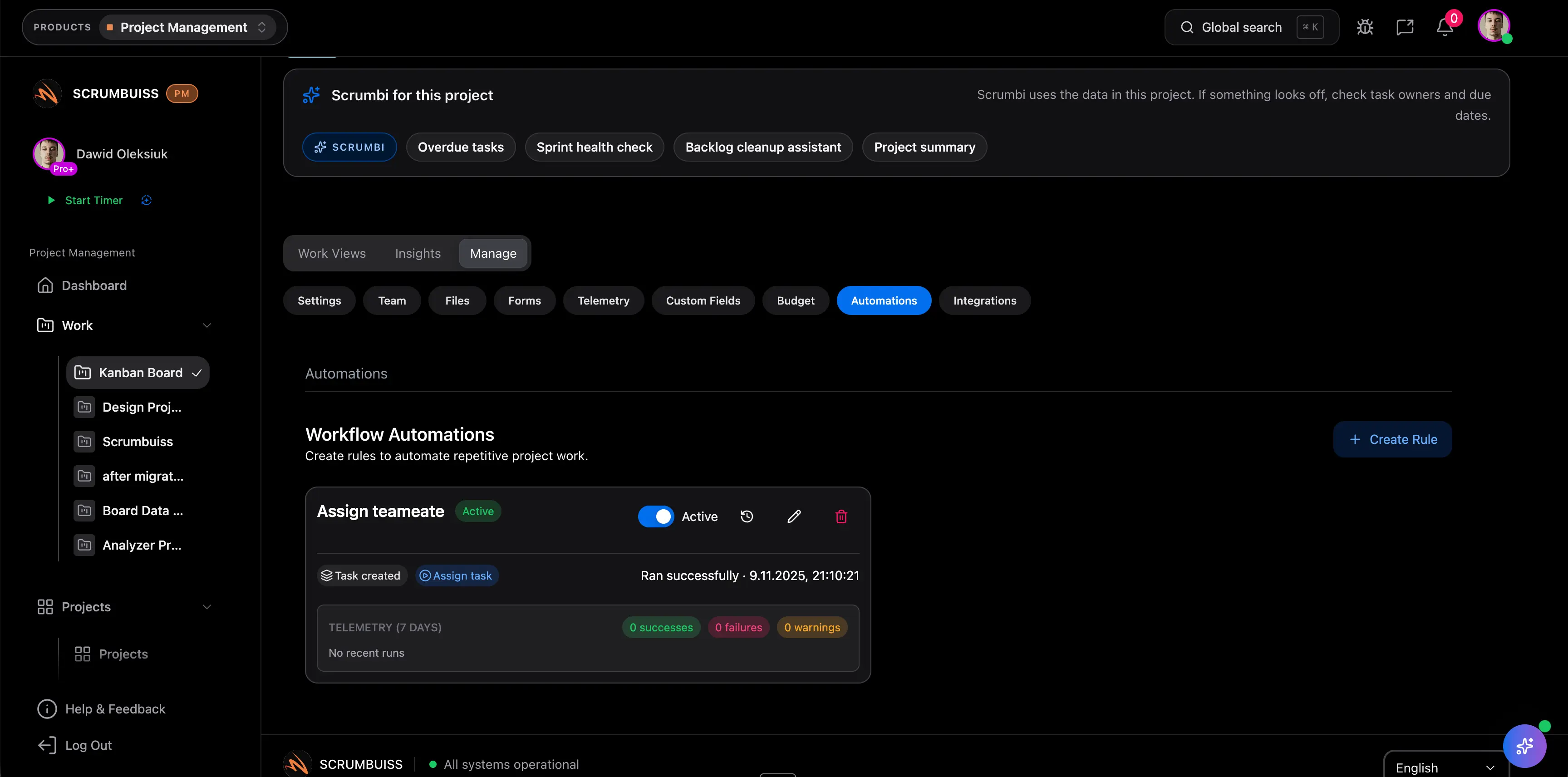
Automations

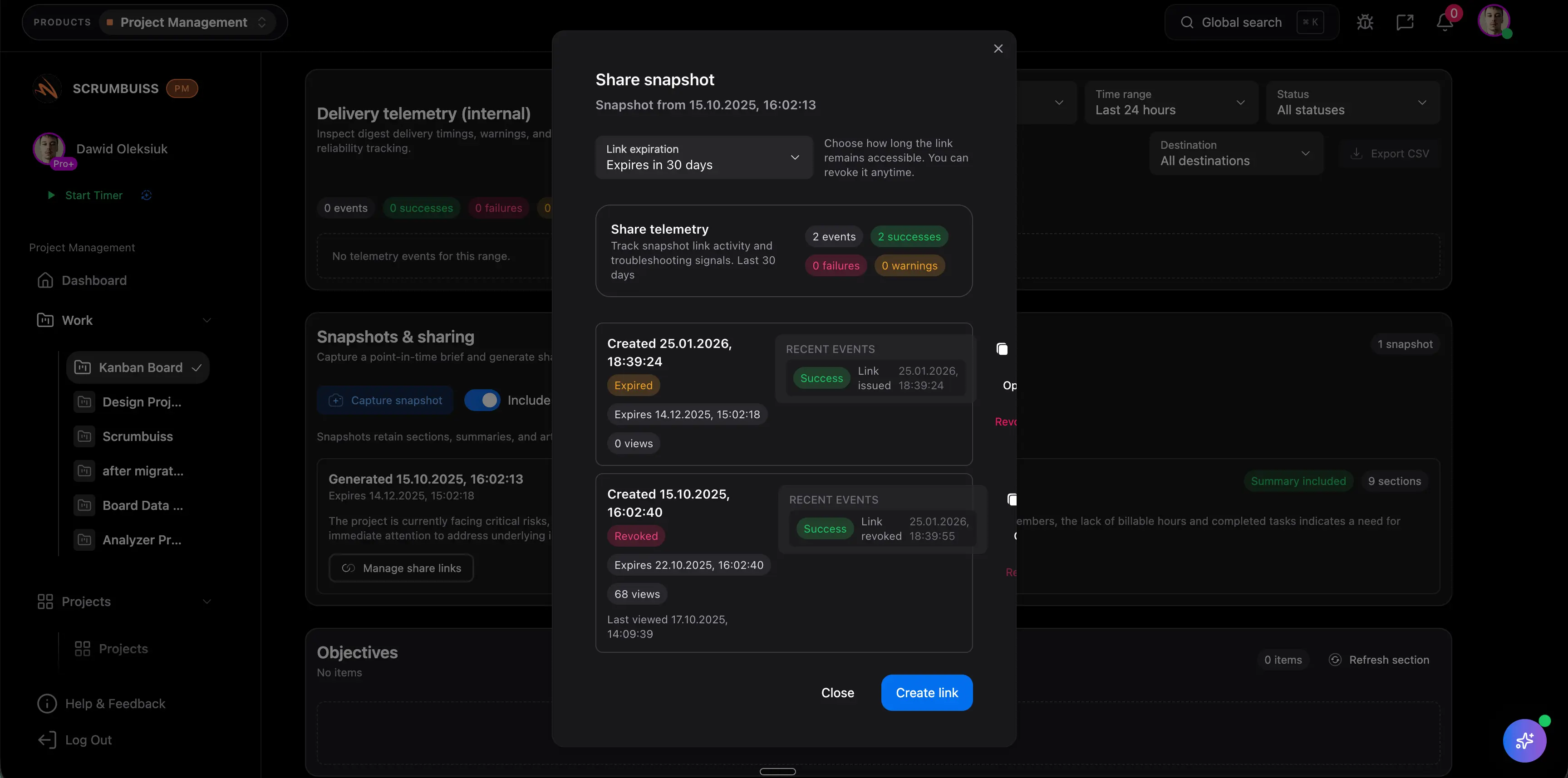
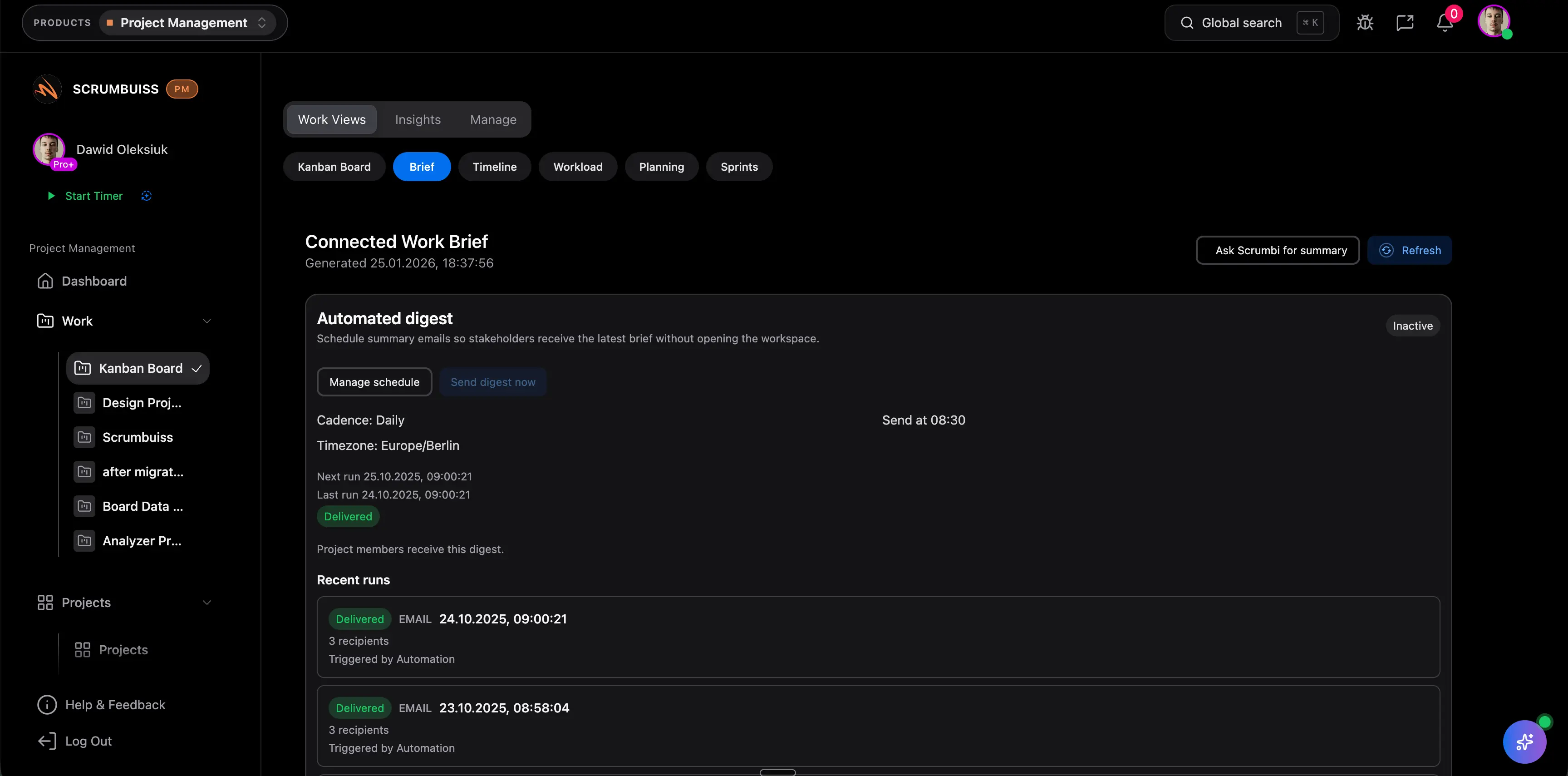
Report progress and portfolio health

Go here when the buying question is about visibility for leads, stakeholders, or executives instead of one team's task list.

Dashboard

Manage client and delivery continuity

Use this path when client access, kickoff context, and live delivery work should stay connected instead of moving through separate systems and side portals.

Client Portal

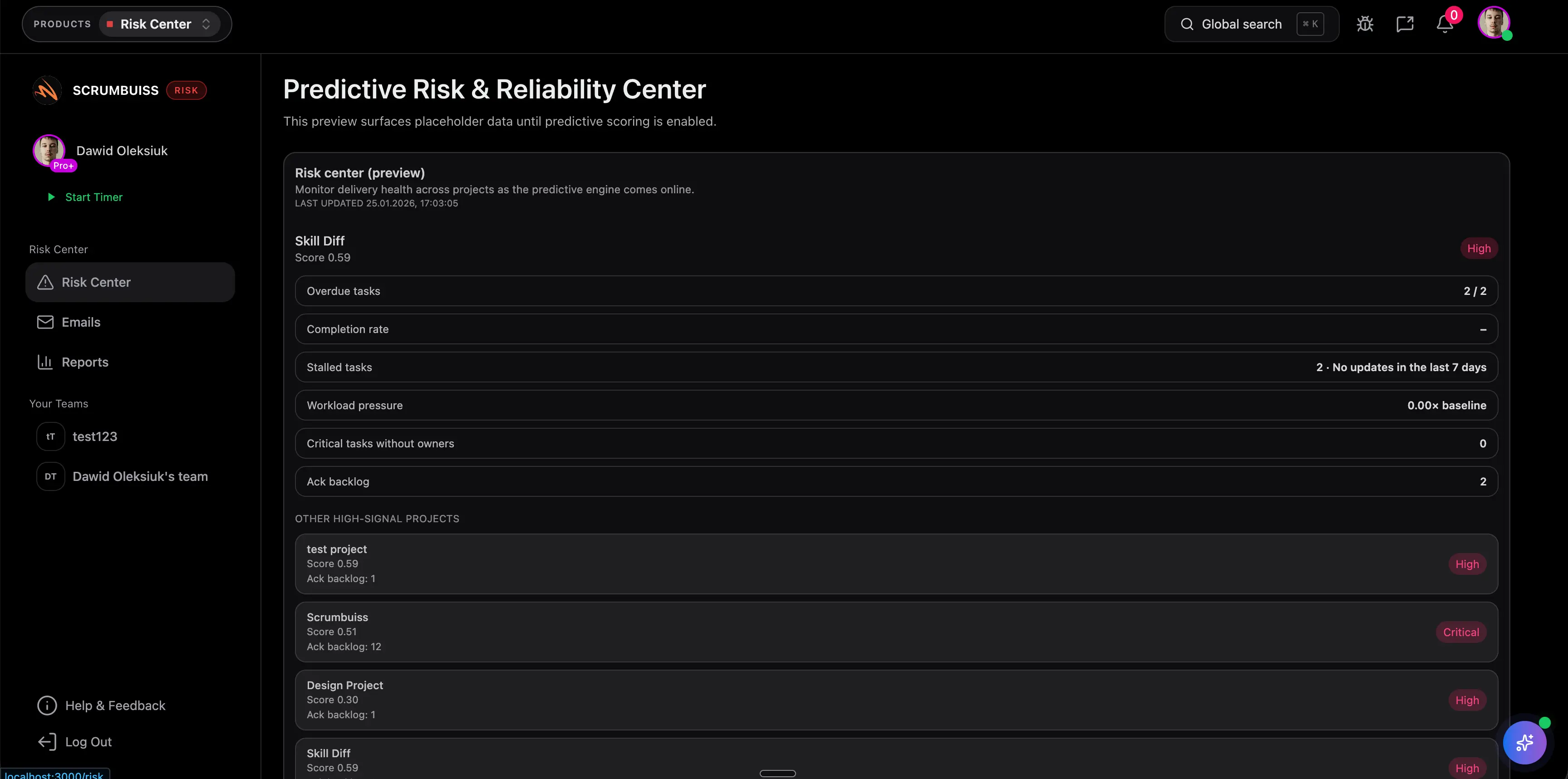
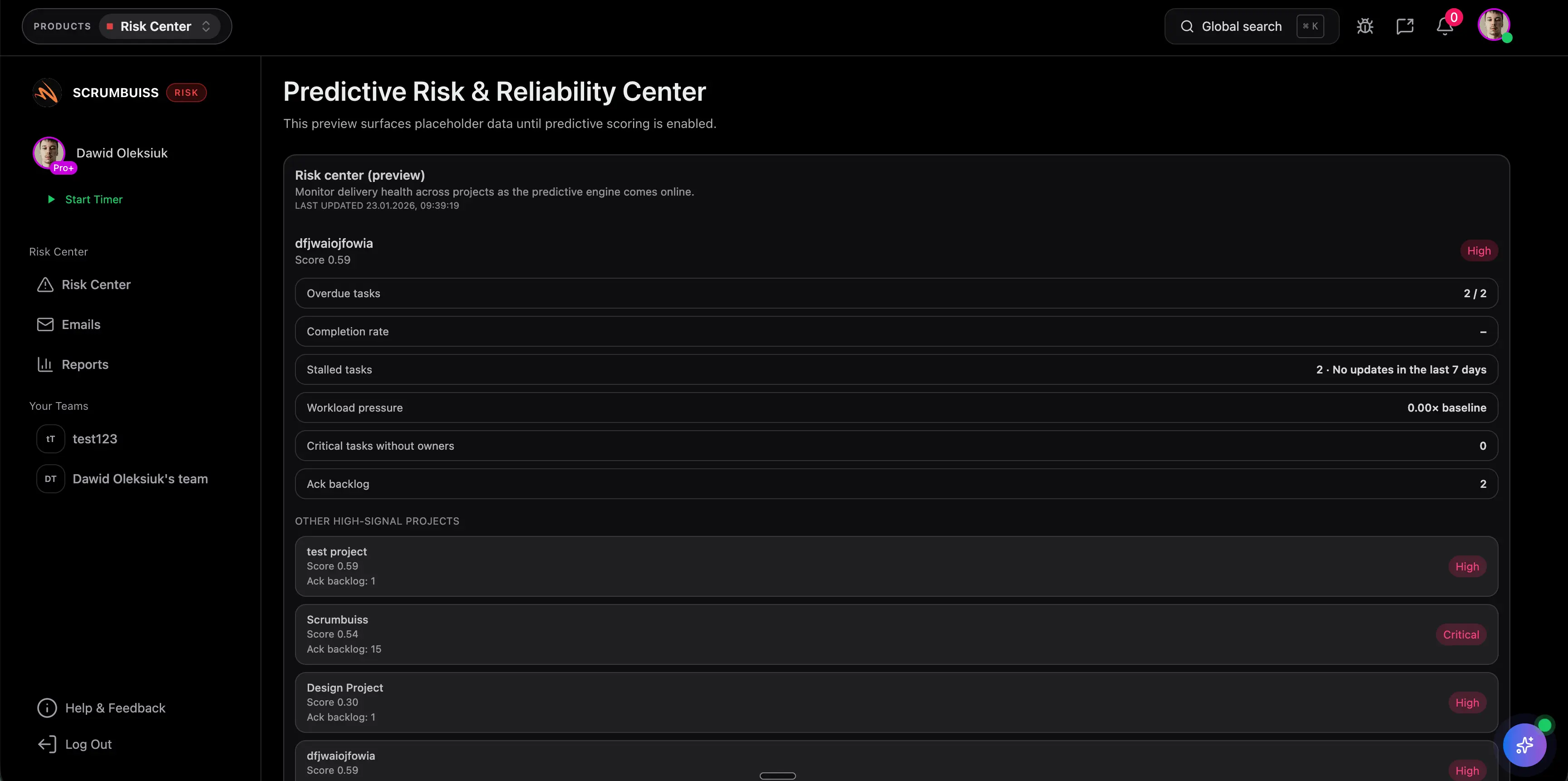
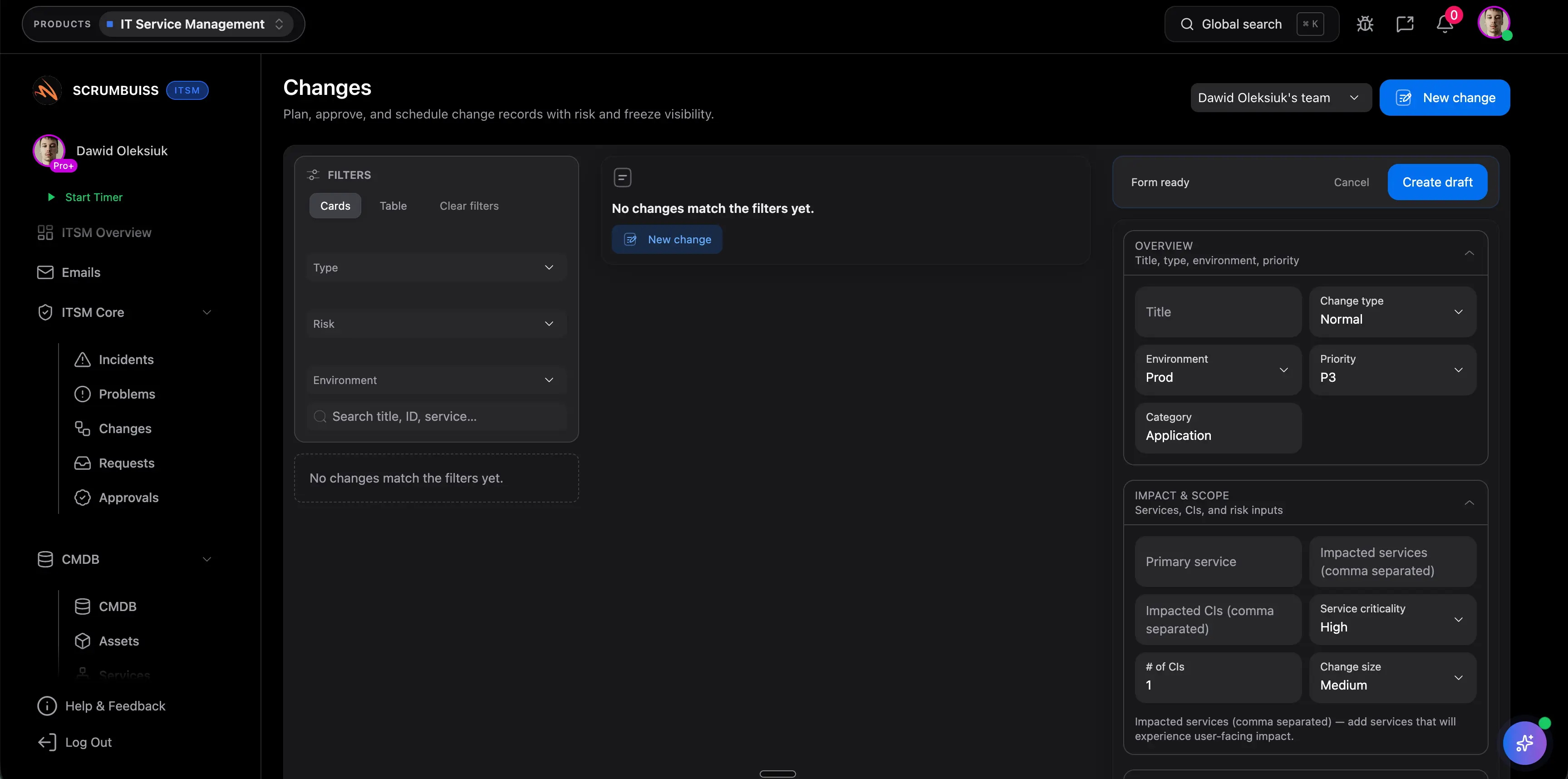
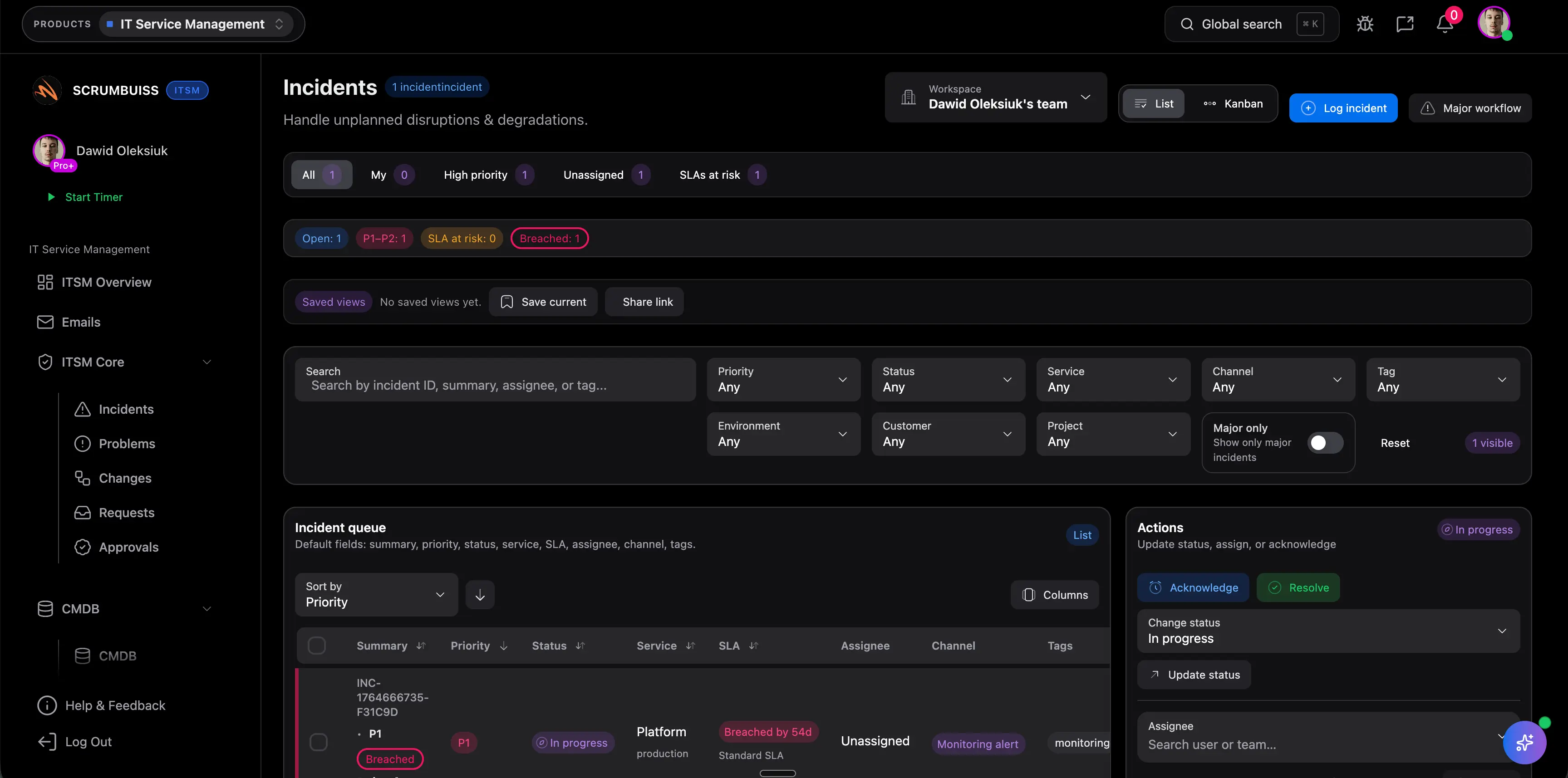
Run IT operations and risk reviews

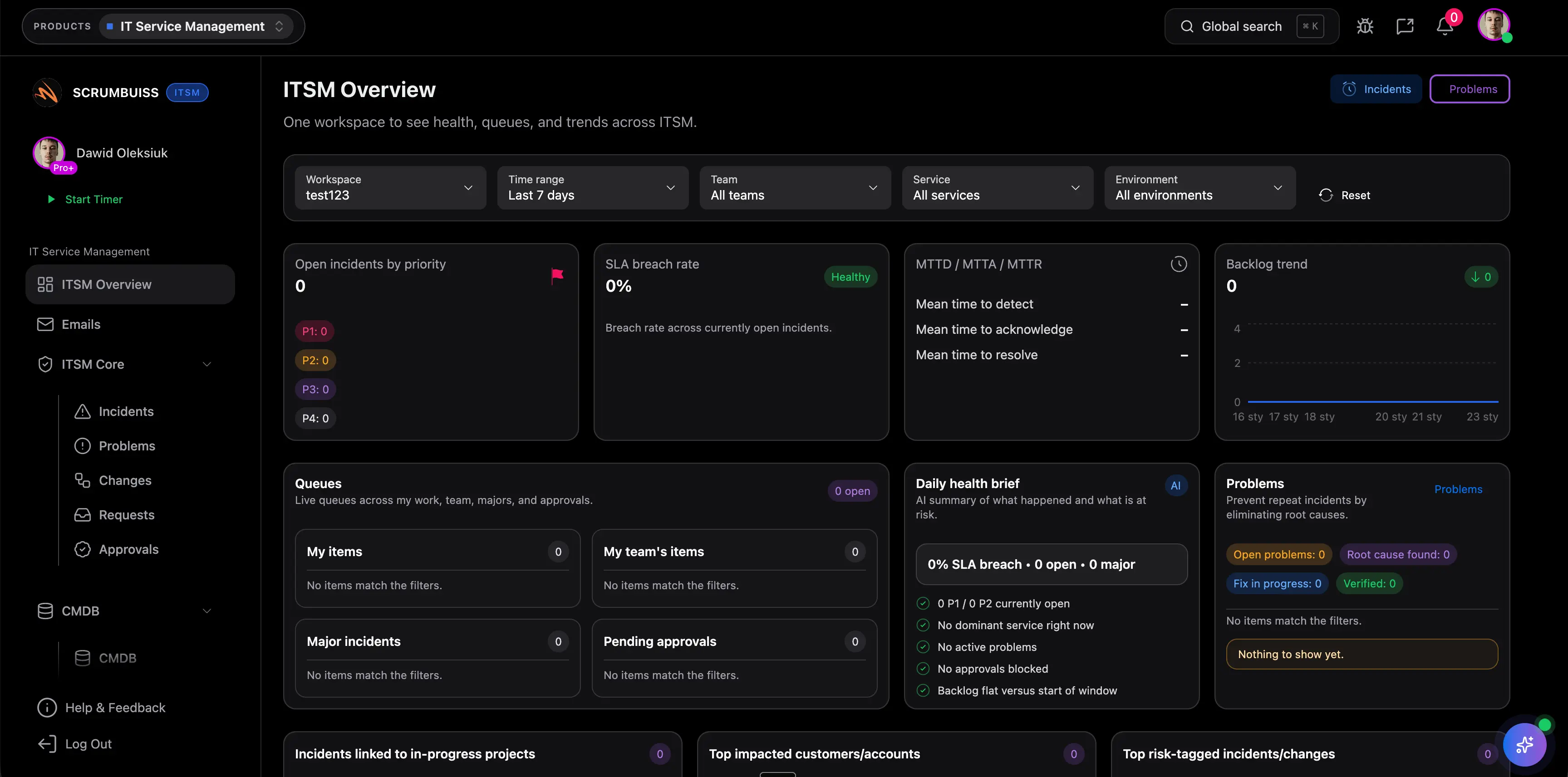
Choose this group when incidents, changes, and delivery risk need a clearer operating rhythm than generic project boards provide.

ITSM

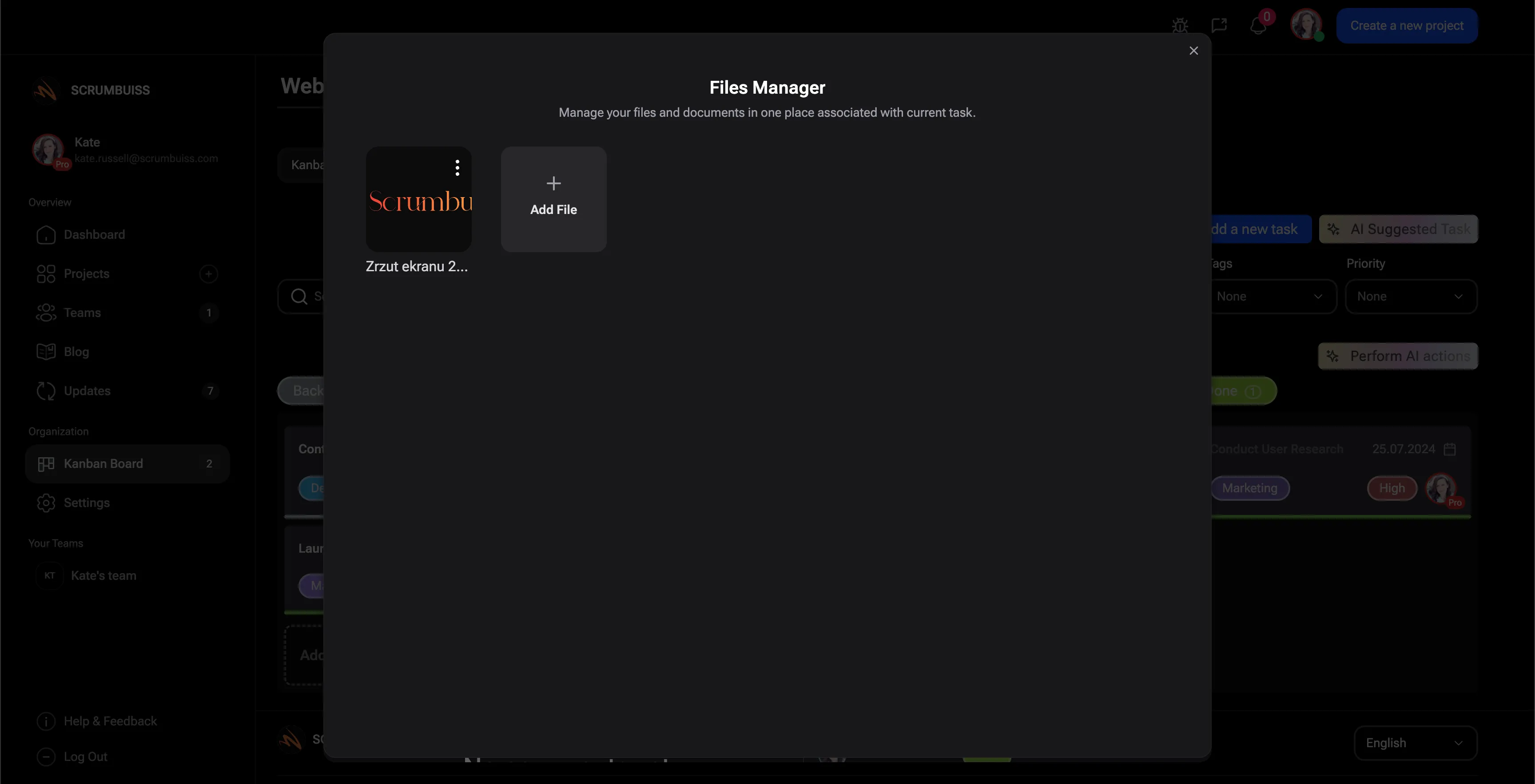
Keep project files connected to execution

Start here when document sprawl is slowing down approvals, handoffs, or ongoing delivery reviews.

Files

Browse the full solutions library by workflow theme

The hub stays category-level while each child page owns its exact search intent. Browse by theme when you want a shortlist first, then open the child page that best matches how your team plans, delivers, reports, or supports work.

Delivery planning

Plan and run delivery work

Use these pages when your team is trying to keep commitments, status, dependencies, and daily execution readable in one operating layer.

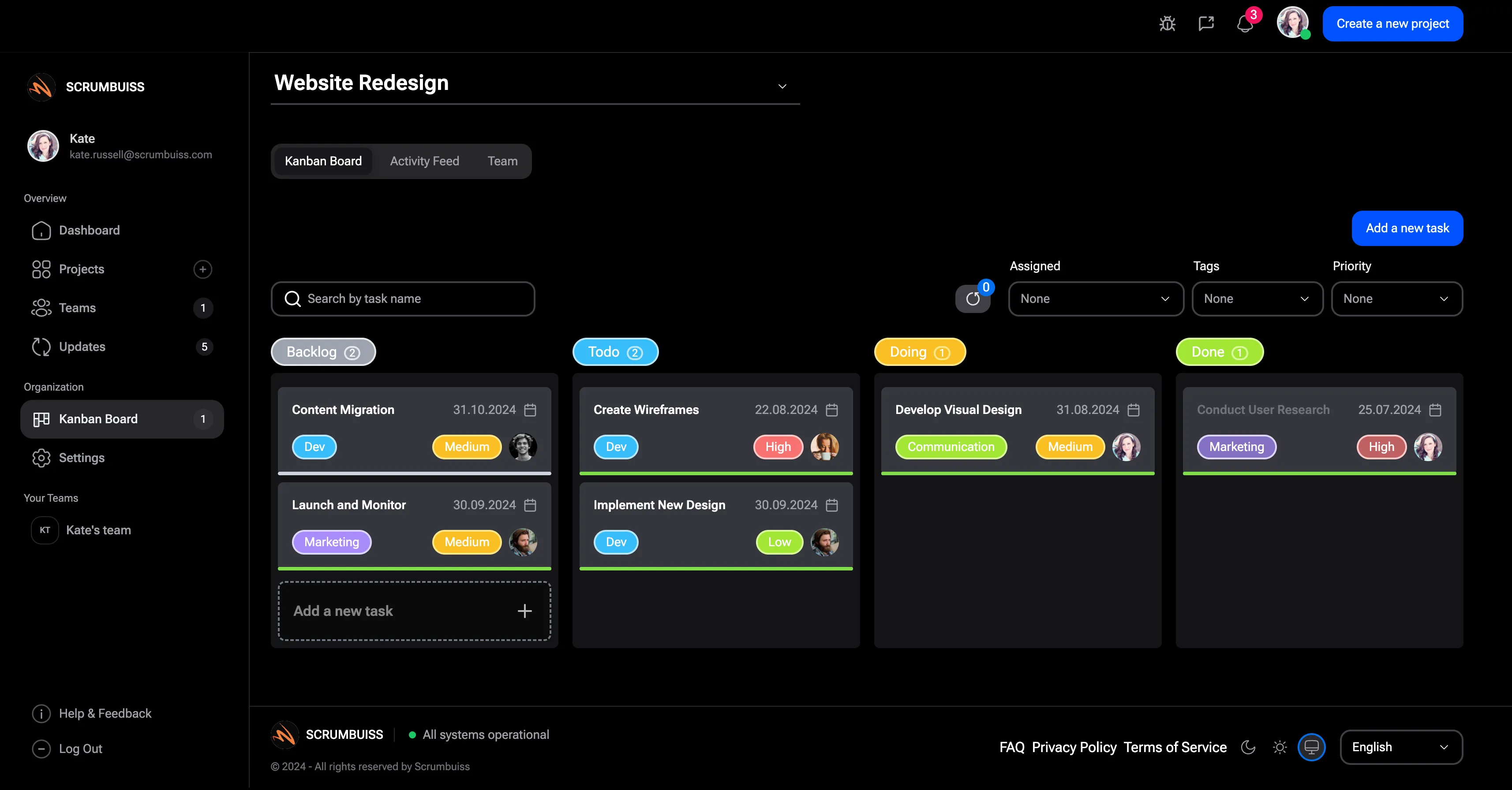
Kanban

Run day-to-day work with visible status, ownership, and flow instead of a board that turns into a status parking lot.

Kanban overview

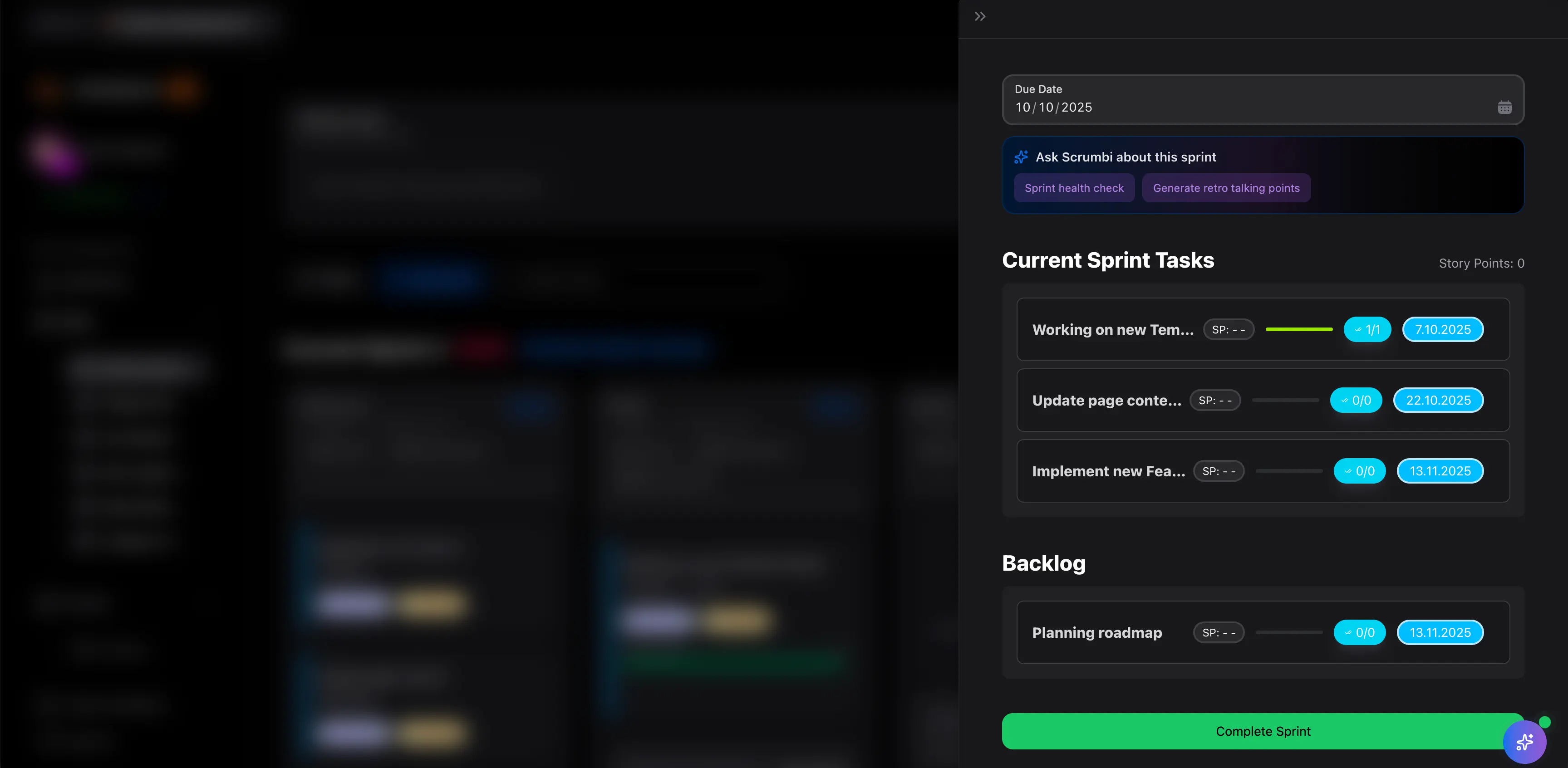
Sprints

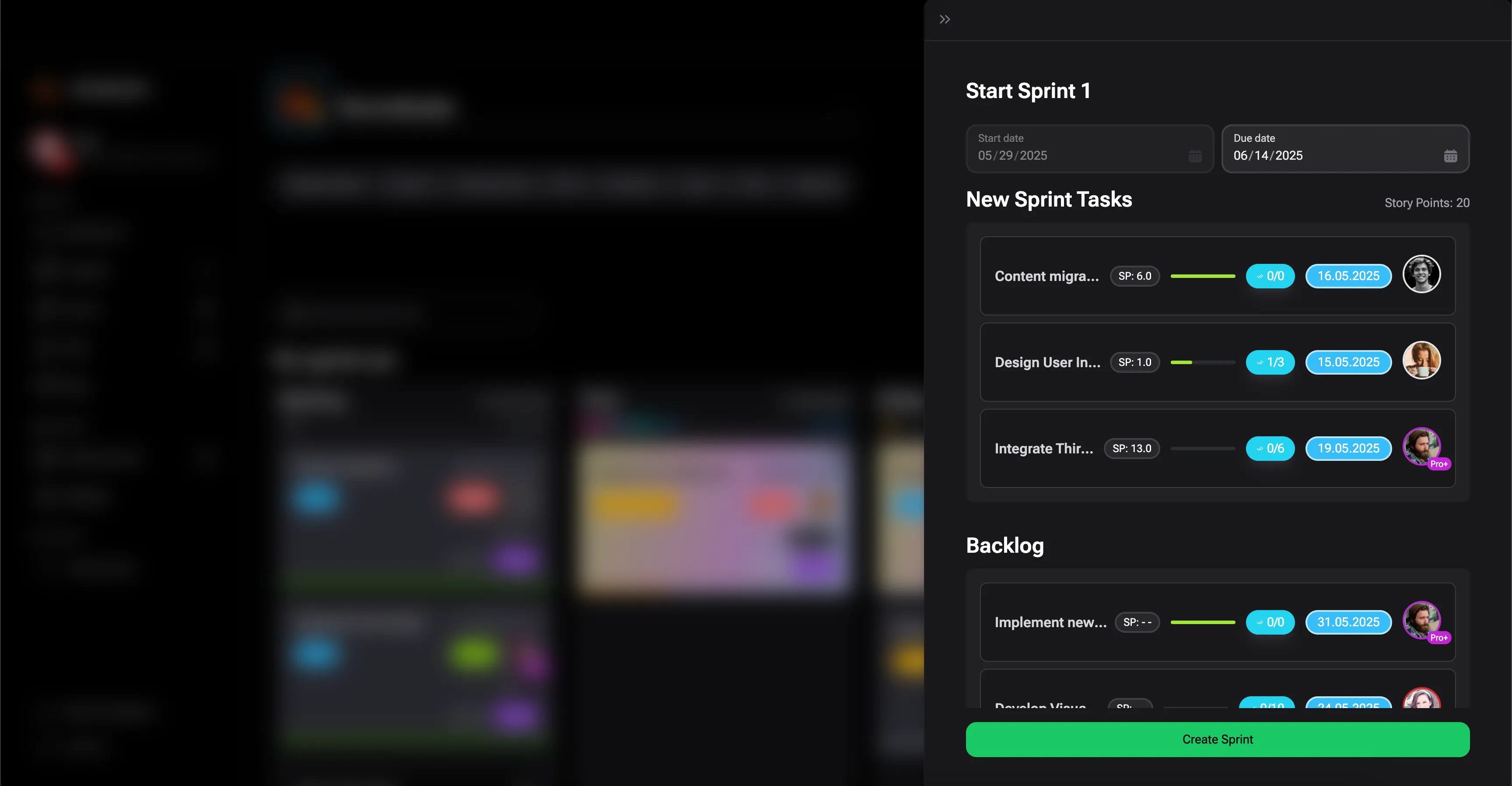
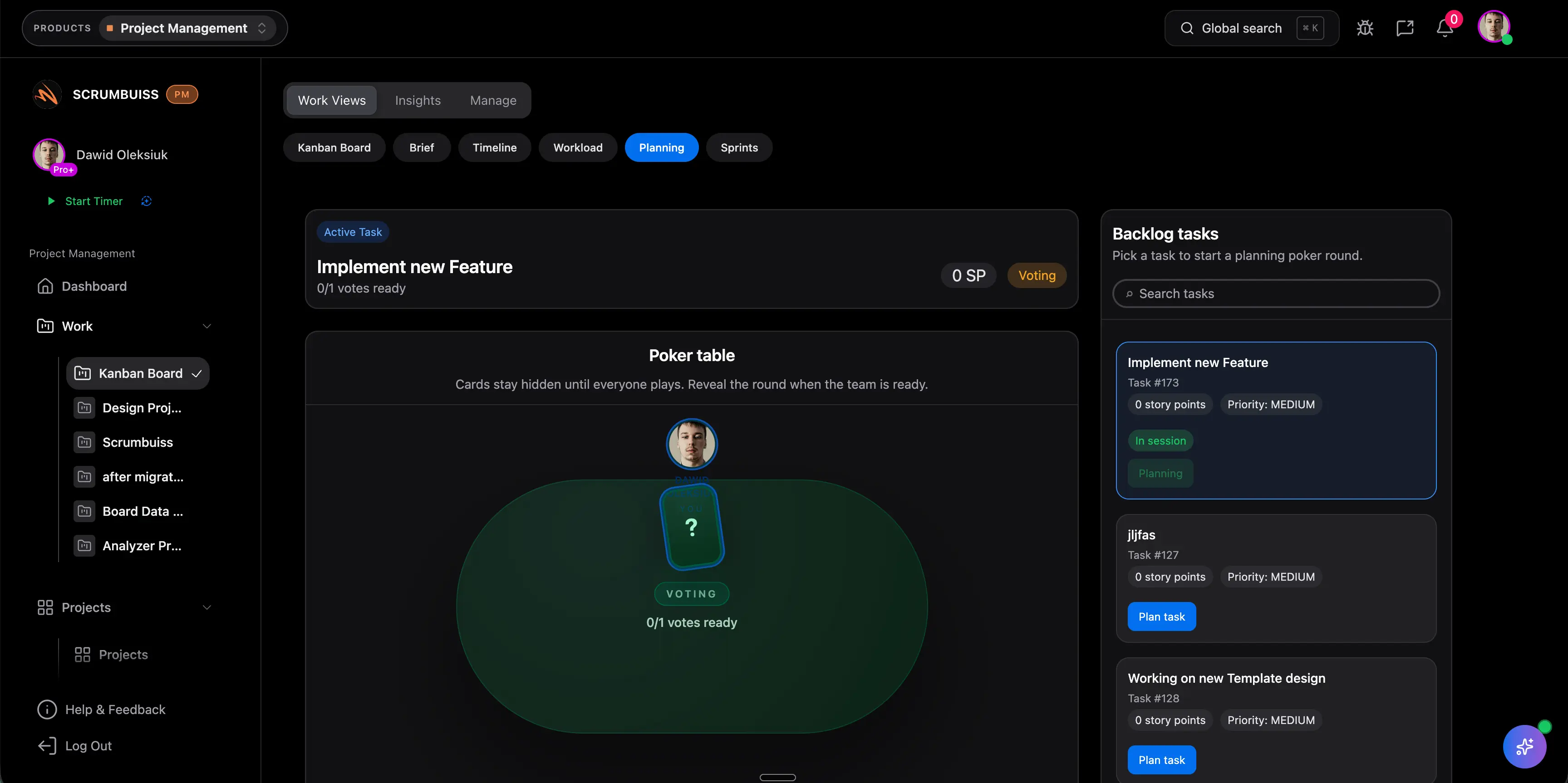
Structure sprint planning and execution around commitments, blockers, and follow-through instead of ceremony-only tracking.

Sprints overview

Workflow intake

Capture, structure, and automate incoming work

These solutions help teams move from ad hoc requests to structured intake, shared definitions, and repeatable automation.

Forms

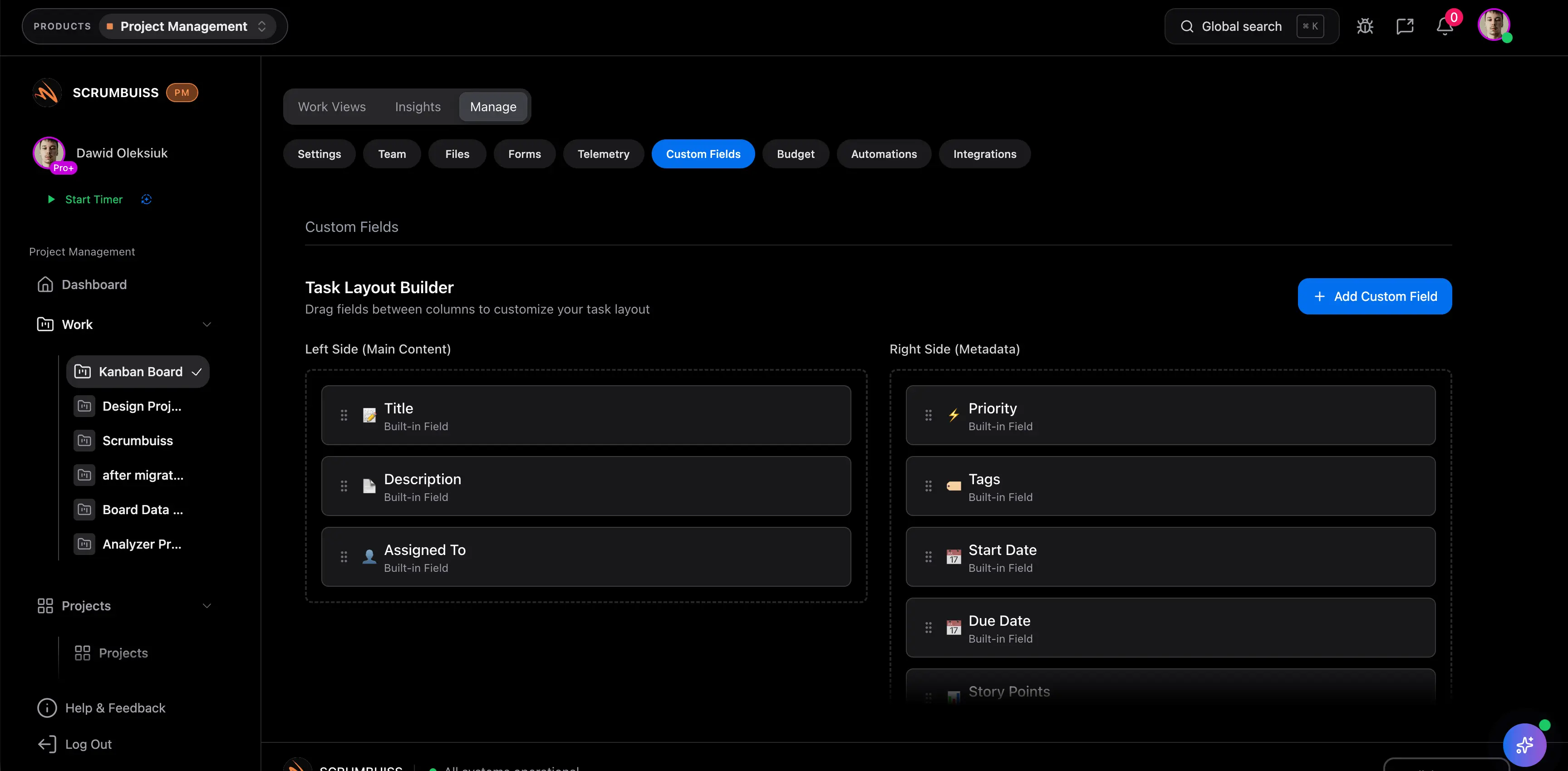
Create project forms and collect structured submissions without rebuilding the same field model by hand.

Forms overview

Visibility and control

See capacity, progress, and portfolio health

Use this group when the problem is not missing tasks but missing visibility into effort, risk, reporting, or leadership review.

Dashboard

Build stakeholder-readable reporting when status updates, trends, and confidence should not be rebuilt by hand each week.

Dashboard overview

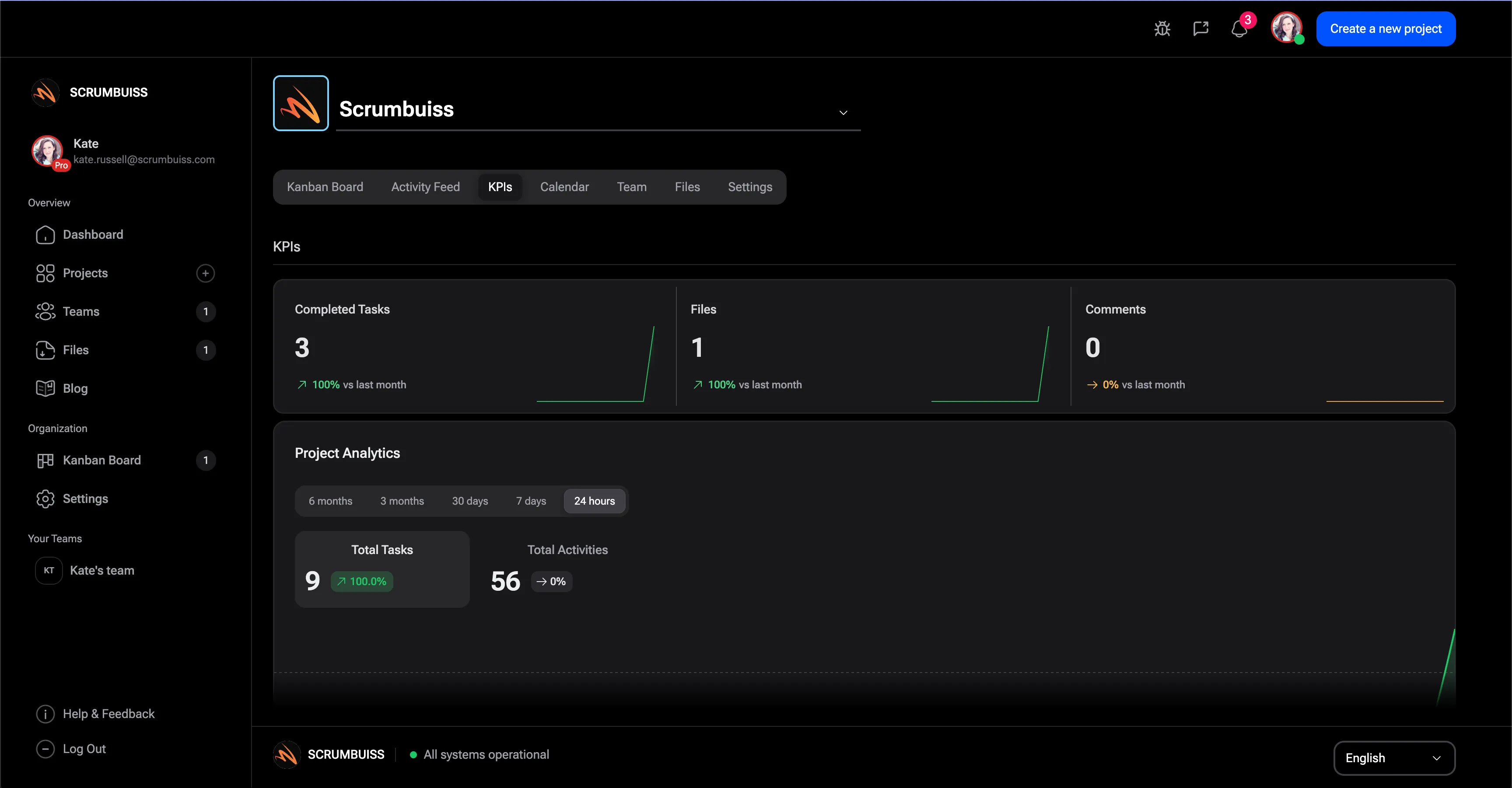
KPIs

Track delivery and performance metrics in one place when teams need more than a board count and a meeting recap.

KPIs overview

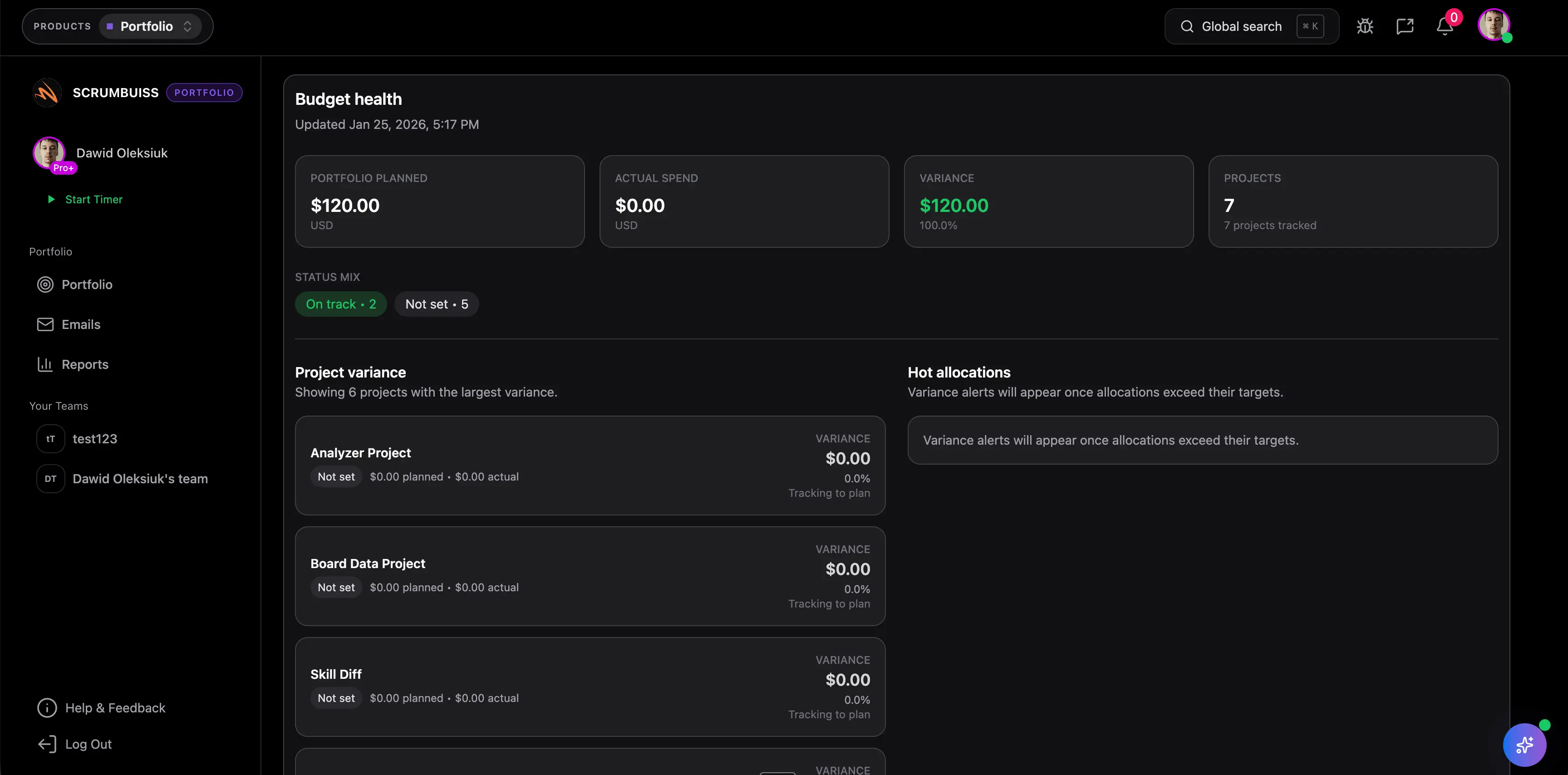
Portfolio

Review priorities, roadmaps, and portfolio-level progress when leaders need visibility across more than one project.

Portfolio overview

Continuity and operations

Keep customer, risk, operations, and files connected

These solutions are the fit when delivery depends on cleaner handoffs, risk review, incident coordination, or shared document control.

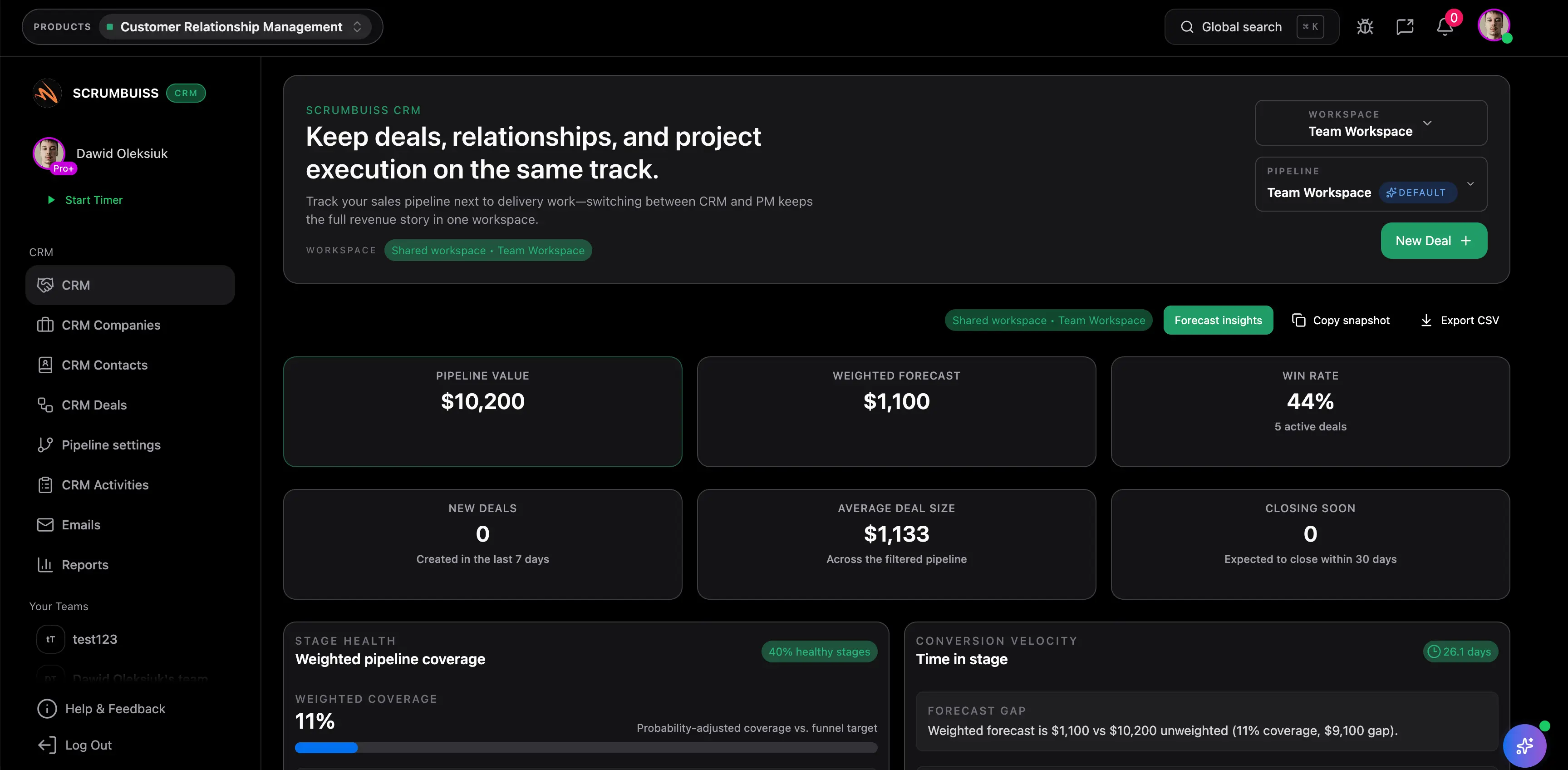
CRM

Connect sales context to delivery work when pipeline activity, onboarding, and execution need a cleaner handoff.

CRM overview

Client Portal

Give clients a controlled place for files, approvals, and visible onboarding status when the handoff should stay tied to live delivery work.

Client Portal overview

ITSM

Coordinate incidents, changes, and operational follow-up when board-only workflows are not enough for service work.

ITSM overview

Files

Keep project documents attached to live work when briefs, assets, and approvals should not disappear into separate folders.

Files overview

Choose the right solution path by team

If your evaluation starts with team type instead of a feature shortlist, jump into the use-case page that matches how the work actually gets coordinated.

Templates and integrations that support these workflows

The strongest solution pages do not live alone. These templates and integrations give teams a faster way to test structure, connect tooling, and reduce context switching while they evaluate fit.

Templates to test structure fast

Integrations that keep context connected

GitHub integration

Connect code-adjacent delivery context to planning and execution workflows when software teams need cleaner handoffs.

Strong fit for software teams and delivery reviews

Slack integration

Keep notifications and workflow updates readable where teams already coordinate fast-moving work.

Useful for alerts, approvals, and follow-up visibility

Google Drive integration

Keep files and folders connected to briefs, tasks, and delivery workflows instead of disappearing into separate storage silos.

Useful for files, approvals, and client-facing delivery

Notion integration

Link documentation-heavy workflows to live execution when teams still need a strong doc layer around planning and review.

Useful for briefs, docs, and knowledge handoff

Confluence integration

Connect structured documentation to operational and delivery workflows when teams already rely on Confluence as a documentation base.

Useful for engineering and IT operations teams

How Scrumbuiss compares at the category-hub level

This is a category-level comparison based on public project-management hub pages, not a feature-parity checklist. The real question is whether the vendor helps teams move from broad category research into a workflow that still makes sense once planning, execution, reporting, and follow-up all touch the same process.

For tool-by-tool evaluation, use the compare hub after this page narrows which workflow path matters most.

Tool Best for Workflow breadth Main tradeoff Why teams shortlist Scrumbuiss instead
Scrumbuiss Teams that want the category hub to lead directly into workflow-specific guides for delivery, intake, reporting, CRM, ITSM, risk, and files. Covers project planning, execution, intake, reporting, capacity, customer continuity, risk, operations, and file coordination in one connected hub. It is newer than the biggest work-management suites, so buyers should still validate the shortlist with a live pilot and real team workflows. Keeps workflow discovery, buyer guides, templates, integrations, and compare pages tied together so the evaluation path stays coherent instead of flattening into a generic feature directory.
Asana Cross-functional teams that want a broad work-management brand with polished project-management positioning and familiar collaboration language. Broad project-management coverage with strong general collaboration framing and many adjacent templates and workflow stories. The category story stays broad, so teams still need to work harder to decide how planning, reporting, dependencies, and operational follow-up should live together in practice. Scrumbuiss is more opinionated around moving from the category hub into exact workflow pages for planning, delivery continuity, IT operations, risk, and connected document work.
ClickUp Teams that want an all-in-one workspace with many configurable views, use cases, templates, and expansion paths. Very broad category coverage across work management, documents, whiteboards, chat, dashboards, and automations. Breadth can create decision overload if the team needs a tighter workflow recommendation instead of a platform that asks buyers to design their own operating model. Scrumbuiss keeps the shortlist focused on the workflow problem first, then points to the smaller set of pages, templates, and integrations that usually decide fit.
Wrike Organizations that want a mature project-management vendor with strong enterprise positioning and broad team/process coverage. Broad project-management coverage with enterprise-oriented workflow examples, team use cases, and reporting language. The category path remains more suite-oriented, so smaller teams can still struggle to translate the broad promise into the specific workflow they should trial first. Scrumbuiss provides a tighter map from broad category intent into focused pages for planning, intake, reporting, client continuity, operations, and file coordination.

Project management solutions FAQ

These are the buying and rollout questions teams usually need answered before project-management software turns into a real operating workflow.

What should a project management solutions hub help me do?

It should help you narrow the workflow problem first, not overwhelm you with an undifferentiated feature list. The best hub pages help buyers move from broad category research into the exact guide that matches planning, intake, reporting, IT operations, or delivery continuity.

Which project management software features matter most for growing teams?

The answer depends on where coordination is breaking down. Growing teams usually need a combination of planning visibility, structured intake, reporting clarity, workload visibility, and better handoffs across files, chats, or supporting tools.

Should we start with one workflow or roll out every solution at once?

Start with the workflow that creates the most repeated coordination cost today. Most teams get better results by piloting one operating path such as sprint planning, intake management, ITSM, or dashboard reporting before expanding into adjacent solutions.

Are these solutions only relevant for software teams?

No. Software teams, agencies, IT operations groups, and client-facing delivery teams can all use this hub. The more useful question is which workflow has become too manual, fragmented, or hard to report on.

How do templates fit into project management software evaluation?

Templates are useful when a team needs a fast starting point before it is ready to standardize a full live workflow. They help the team test structure first, then move into software once ownership, updates, reporting, or follow-up need to stay connected.

Why include integrations on a solutions page?

Because the right workflow often depends on where supporting context already lives. Files, documentation, notifications, and code-adjacent updates frequently decide whether a workflow remains readable once it becomes real work instead of a demo setup.

Unlock Agile Success
Get started or contact us today!