Requests arrive through too many channels
Work starts in email, Slack, meetings, and shared docs, so nobody trusts one current queue.
Project intake software helps teams capture new work, qualify requests, prioritize what matters, route approvals, and move approved work into delivery without rebuilding the request in email, spreadsheets, or chat.
If your team mainly needs the form-builder side of this problem, go to Project Forms . This page is for the broader intake workflow: request quality, prioritization, approvals, routing, and the handoff into live delivery.
Reviewed on March 19, 2026. This page compares one buying question: which tools help teams standardize project requests from the first submission through qualification, prioritization, approval, routing, and execution, instead of solving only the form and leaving the rest of the intake workflow manual.
Most teams do not search for intake software because they want a better form. They search because new work keeps entering the business faster than the team can qualify, prioritize, approve, and route it cleanly.
Work starts in email, Slack, meetings, and shared docs, so nobody trusts one current queue.
Requesters submit vague work, then operations or delivery leads have to reconstruct scope, urgency, owner, and deadlines by hand.
The team says everything is urgent because there is no shared intake model for impact, due-date pressure, effort, and strategic fit.
Budget, scope, legal, or stakeholder review happens in side threads, so requests move without a visible decision trail.
Once work is approved, the delivery team still needs a second brief, another kickoff note, or a recap meeting to understand what was requested and why.
Leadership sees a list of tasks, but not the original request load, approval timing, or which requests are still stuck before execution.
This is the operating sequence that makes intake usable in the real world: capture, qualify, prioritize, approve, route, and execute. If one of these steps still happens in email or memory, the workflow usually breaks.
Step 1
The intake workflow should begin with a request format that captures the details the team always needs before it can decide what happens next.
Step 2
Intake software should help the team decide whether the request is complete, valid, and ready for evaluation instead of letting half-defined work leak straight into delivery.
Step 3
The better intake workflows do not rely on whoever shouts loudest. They score requests consistently so teams can explain why one piece of work moved first.
Step 4
Approval software alone is not enough. Teams need the decision path to stay attached to the original request so nobody has to reconstruct why the work was accepted, delayed, or rejected.
Step 5
A request is not done when it is approved. Intake software should create the first owner, brief, project, or queue placement automatically so work starts with momentum instead of another admin handoff.
Step 6
The real test of project intake software is whether the same request stays readable during delivery reviews, status updates, and follow-up work after the submission is gone from the top of the queue.
Teams usually overbuild intake fields or collect the wrong ones. The best request model captures enough detail to qualify, prioritize, and route the work without turning every submission into a form marathon.
This is the information the team uses to understand who is asking, which account or function is affected, and why the request exists.
These fields help the team judge what is being asked for and whether the submission is specific enough to evaluate without another cleanup round.
Use these fields to support prioritization, approvals, and routing instead of treating every submission like an undifferentiated task.
A lightweight intake model should help teams compare requests without pretending to be a heavyweight PMO process. Use a simple `1-5` score per category, then review the exceptions in a weekly intake meeting.
| Signal | Question | How to score it |
|---|---|---|
| Impact | How much business, customer, delivery, or compliance value does this request create or protect? | Higher score when the request affects revenue, customer commitments, risk reduction, or a shared team objective. |
| Urgency | What happens if this work is delayed by one week or one sprint? | Higher score when the request is tied to a fixed deadline, external dependency, or active blocker. |
| Effort and capacity | Can the current team absorb this work without breaking other commitments? | Higher score when effort is reasonable for the expected value and the team can route it without hidden overload. |
| Strategic fit | Does the request support current roadmap, program, or client goals? | Higher score when the work clearly supports the operating plan instead of opportunistic one-off demand. |
| Stakeholder or compliance sensitivity | Does the request carry approval, contractual, or governance consequences if it slips? | Higher score when visibility, sign-off, or service risk makes the request harder to defer casually. |
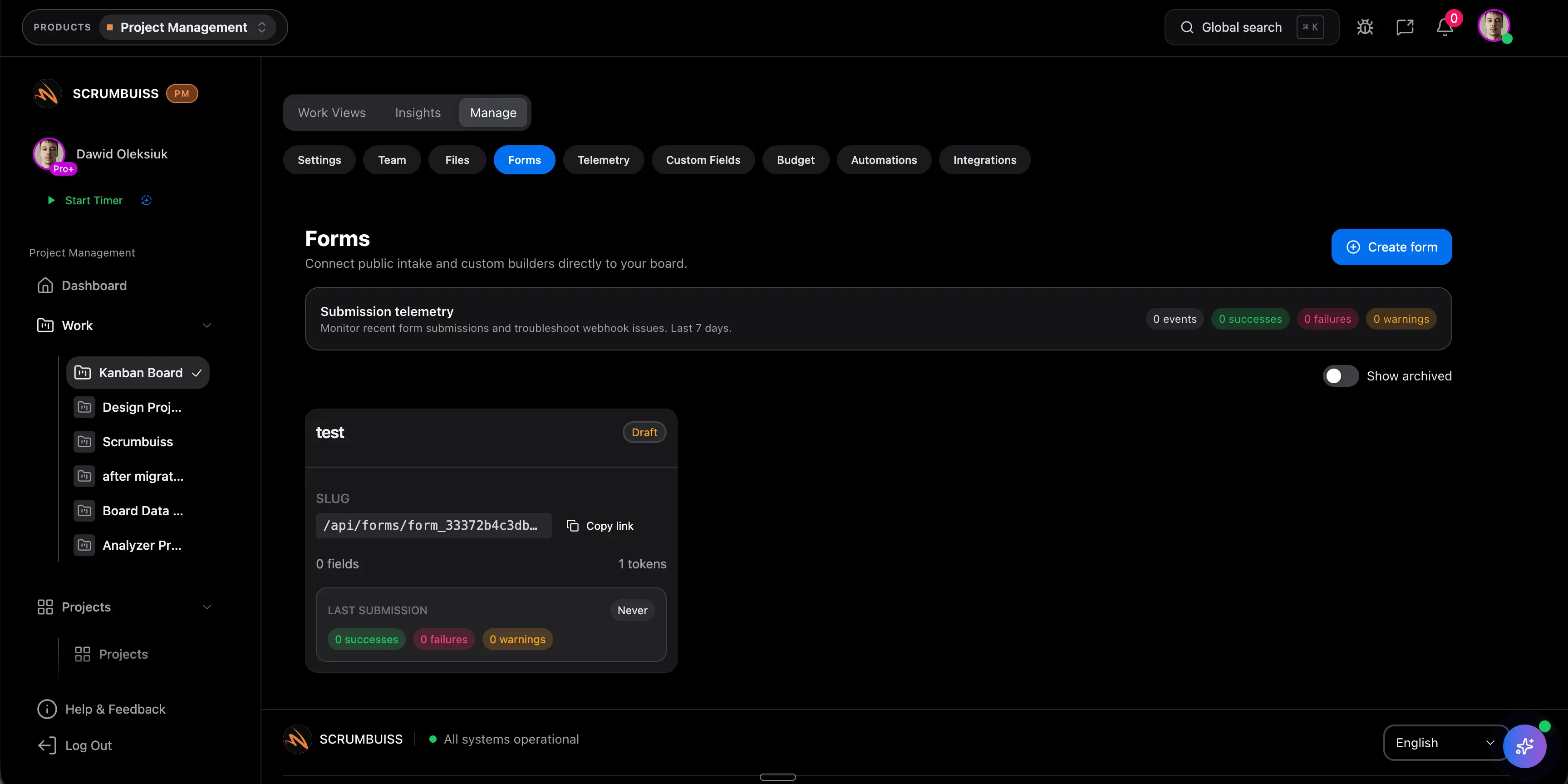
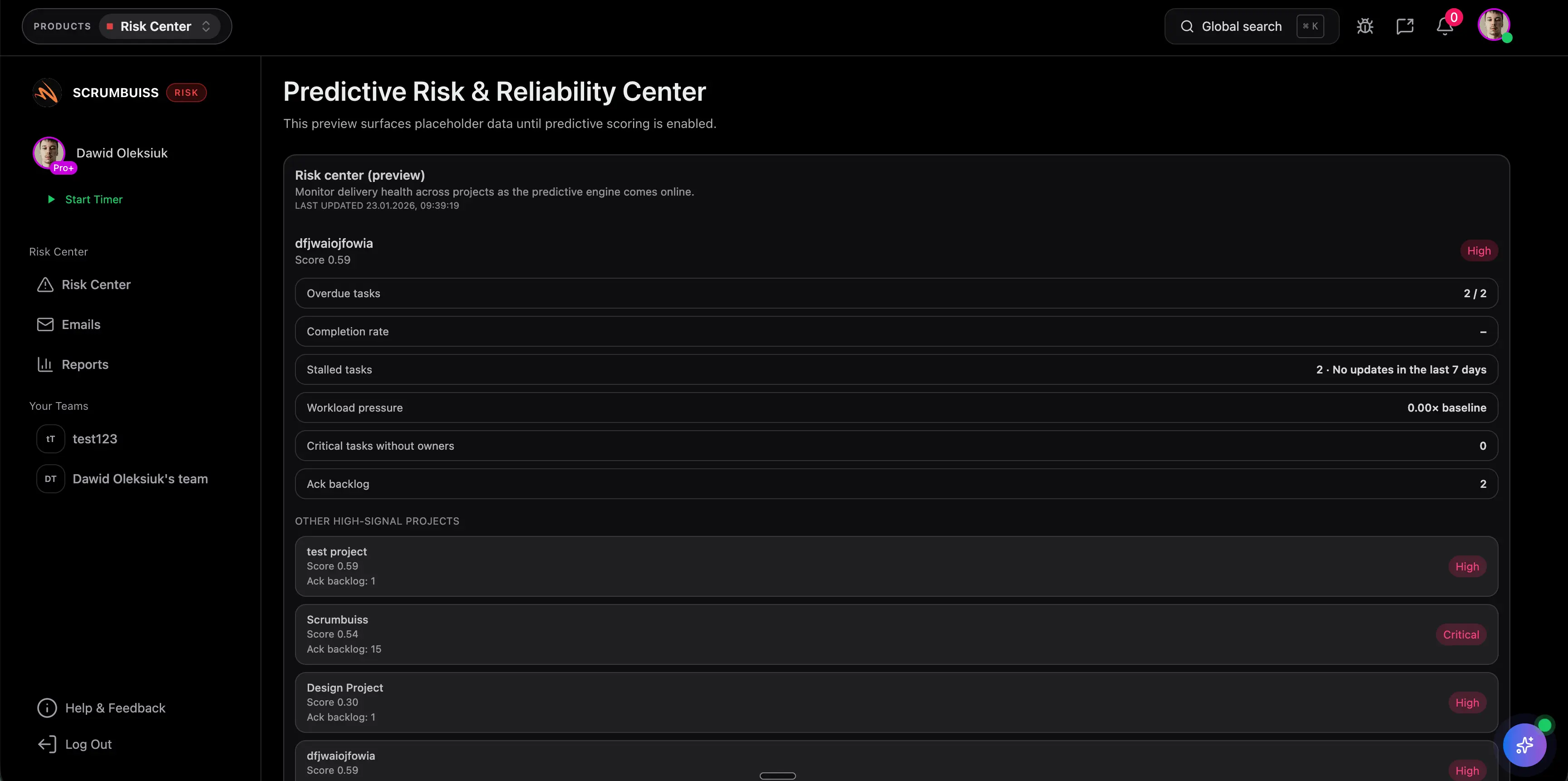
Scrumbuiss is strongest when the team wants one operating layer from intake through delivery. Instead of solving only the form, it connects structured request capture, shared field logic, approvals, briefs, routing, and live execution views.
Capture requests through reusable forms that collect the right details up front instead of rebuilding them in email later.
Keep the same data model across intake, prioritization, dashboards, and downstream project work.
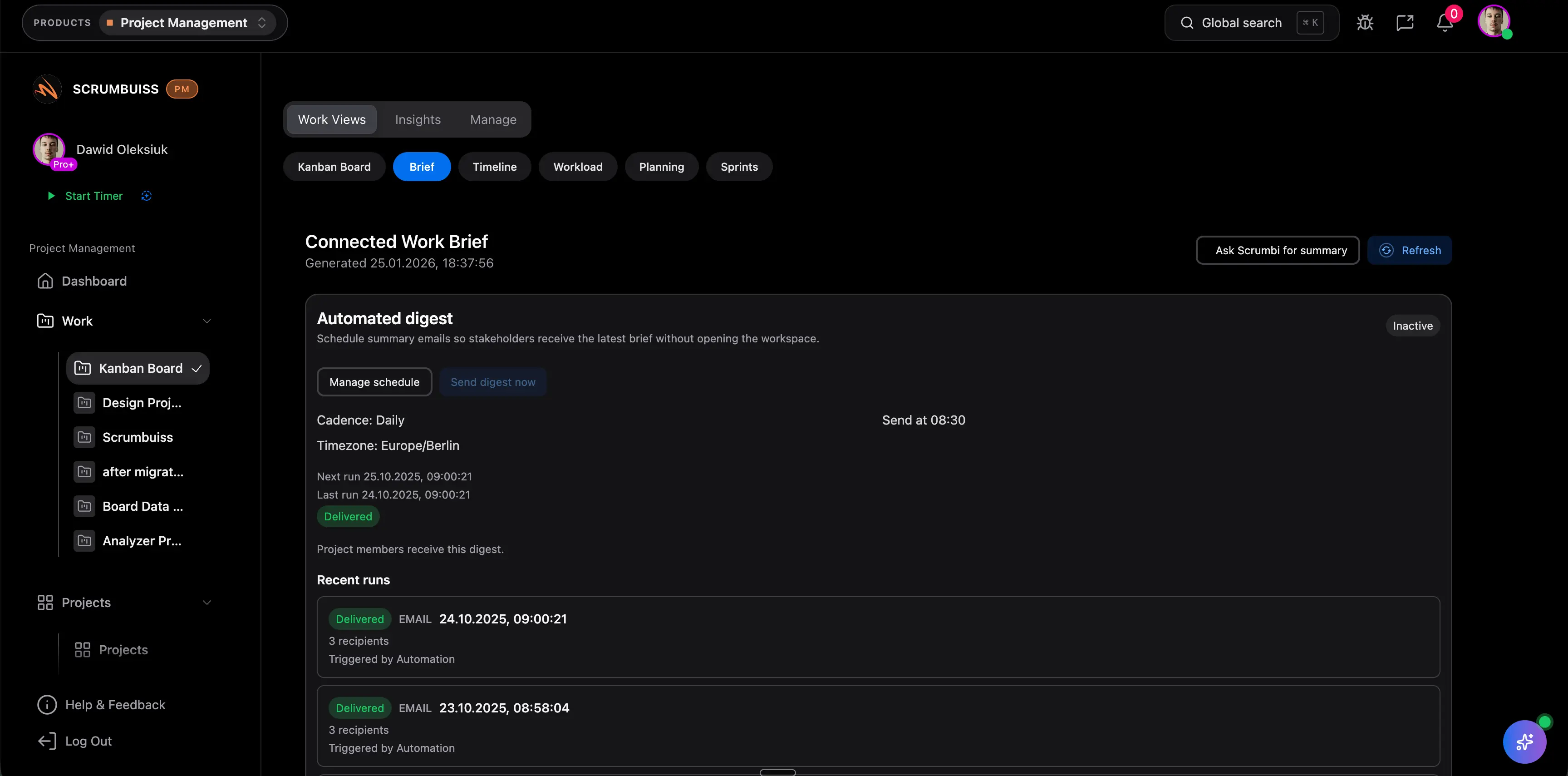
Turn approved requests into a readable brief so kickoff context survives the handoff into delivery.
Route submissions, notify owners, and trigger follow-up without hiding the request history behind a second tool.
Keep requester, client, or account context visible when new work begins from a commercial or stakeholder relationship.
Move approved work into owned execution and monitor intake status, blocked approvals, and downstream progress from live views.

The practical advantage is continuity. The request can start in a form, move through shared fields and approvals, become a brief or project record, and then stay visible in delivery and dashboard views without being rebuilt.
These vendors all address project intake in some way, but they package the problem differently. The useful comparison is whether the tool solves only collection, or whether it also keeps prioritization, approvals, and downstream work connected after the request is submitted.
| Tool | Best for | Project-intake angle | Main tradeoff | Why teams choose Scrumbuiss instead |
|---|---|---|---|---|
| Asana | Teams that want an intake workflow inside a broader collaborative work-management platform with strong cross-functional adoption. | Asana publicly positions project intake around standardizing requests, centralizing visibility, and moving approved work into tracked workflows. | Teams should validate how much request scoring, approval nuance, and delivery handoff discipline still needs to be designed around the broader workspace. | Scrumbuiss is stronger when the shortlist prioritizes a tighter operating path from intake to brief, routing, and live delivery visibility instead of a broader task-management layer first. |
| Smartsheet | Operations or PMO teams that want a structured intake process with spreadsheet-style control, templates, and portfolio-style reporting habits. | Smartsheet publishes strong editorial guidance on project and work intake processes, forms, approval steps, and intake templates. | The process guidance is strong, but teams should validate whether request context, approvals, and downstream delivery stay readable enough inside the working system day to day. | Scrumbuiss is stronger when the evaluation centers on keeping intake, handoff, and execution visible in one workflow instead of pairing a process layer with separate delivery habits. |
| monday.com | Board-centric teams that want request and approval workflows built from templates inside a flexible work-management workspace. | monday.com pushes the problem through request and approval templates, forms, boards, and no-code workflow building. | Teams should validate whether the intake logic, approval path, and downstream project reporting remain readable once the workflow depends on workspace configuration. | Scrumbuiss is stronger when the buying need is a more opinionated intake-to-delivery path with less board-design overhead and clearer request context after approval. |
| ClickUp | Teams that want a highly configurable workspace with templates for intake, forms, and no-code process design across many functions. | ClickUp covers the space through intake-management templates, form workflows, and broader all-in-one work-management positioning. | Flexibility can still create governance overhead if the team needs a consistent intake model that survives across request types and stakeholders. | Scrumbuiss is stronger when the team wants a clearer default operating workflow for request intake, prioritization, and handoff instead of a more open-ended workspace design problem. |
Review current plan limits, template availability, and workflow depth on the vendor pages before you buy. Product names are trademarks of their respective owners.
The best pilot is one request type that already causes operational pain. Judge the workflow by whether the team can collect better inputs, prioritize faster, and start execution with less manual translation.
Step 1
Choose one live request flow with real cost, such as internal project requests, client change requests, onboarding requests, or recurring operational work.
Step 2
Define the minimum fields needed to qualify, prioritize, approve, and route the work without another clarification meeting.
Step 3
Set a simple prioritization model with impact, urgency, effort, strategic fit, and stakeholder sensitivity.
Step 4
Map the approval path and the destination workflow before submissions start arriving.
Step 5
Run real requests through the intake flow and verify that the original request context survives into the brief, queue, or project record.
Step 6
Review the pilot after one full intake cycle and measure whether missing-information follow-up, approval lag, or manual routing actually decreased.
These are the buying and rollout questions teams usually need answered before a project intake workflow becomes dependable enough to standardize.
Project intake software helps teams collect new work requests, assess whether the request is complete, prioritize what matters, run approvals, and route approved work into the right delivery path. The useful version does more than collect a form. It keeps the request context readable through qualification, approval, and execution.
A forms builder focuses on collection. Project intake software covers the operating workflow around the submission: qualification, prioritization, approvals, routing, ownership, and delivery handoff. Teams often start by thinking they need better forms, then discover the real gap is what happens after the request arrives.
A good intake form should capture enough detail to qualify and compare the request: who is asking, what outcome is needed, why it matters, when it is needed, supporting files or links, and whether approval is required. The form should be short enough to complete, but specific enough to avoid another clarification loop.
A practical model usually scores impact, urgency, effort or capacity, strategic fit, and stakeholder or compliance sensitivity. The goal is not perfect math. It is a visible, repeatable system that helps the team explain why one request moved first and another stayed in review.
A simpler form tool is often enough when the main job is only collecting responses or leads and the downstream workflow already works elsewhere. If your team still struggles with missing details, hidden approvals, or manual handoffs after the submission, the need is broader than form creation.
A live pilot should prove that one real request flow can move from submission to approved work with less missing-information follow-up, faster prioritization, clearer approvals, and a cleaner handoff into execution. If the team still needs a second recap step before work starts, the intake workflow is not connected enough yet.
These are the product layers teams usually evaluate once request intake needs to turn into owned work instead of another admin queue.
Plan, execute, and ship with Kanban, sprints, timelines, workload planning, and dashboards.
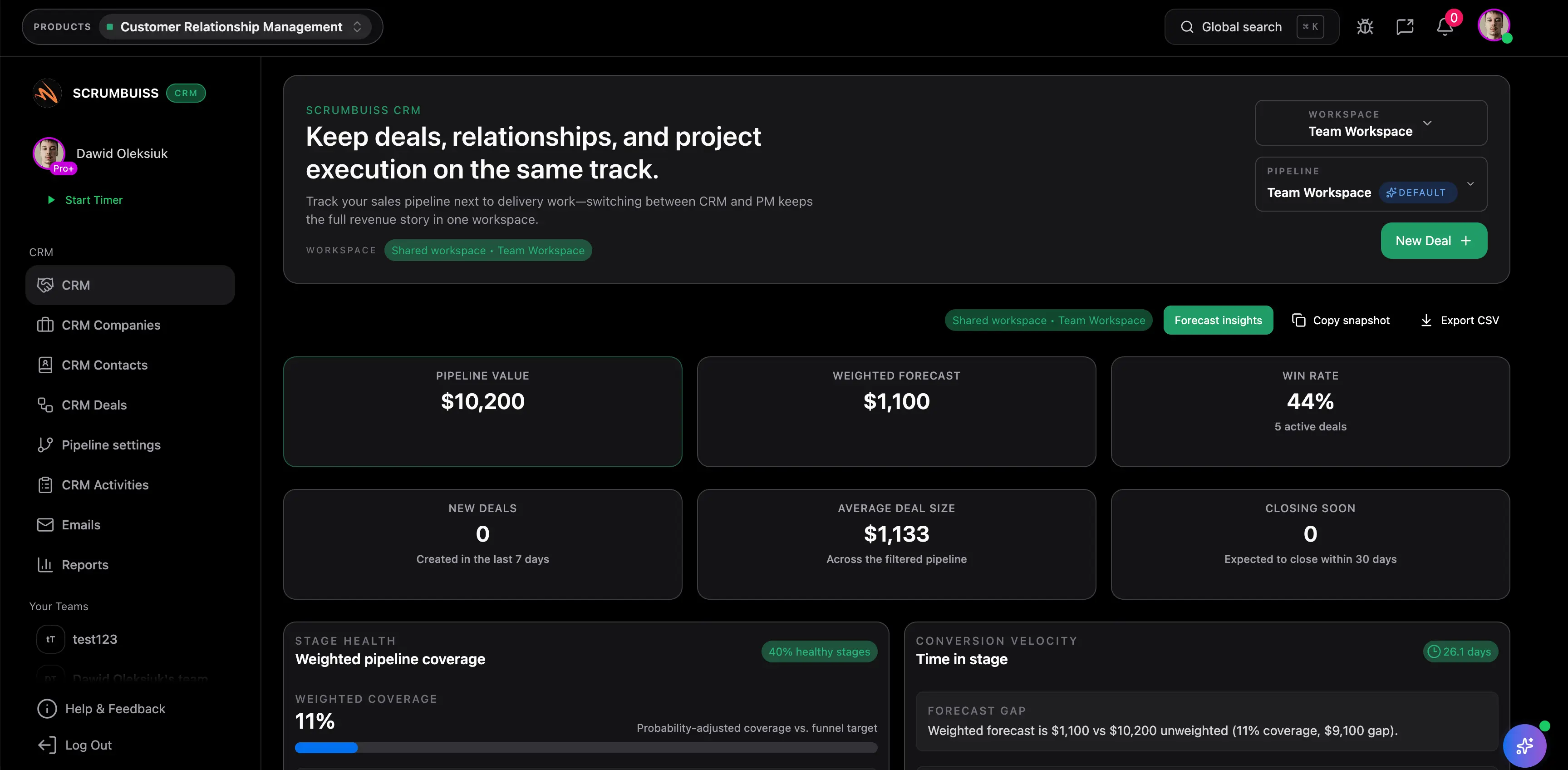
Manage contacts, companies, deals, and pipelines — with work connected to delivery.
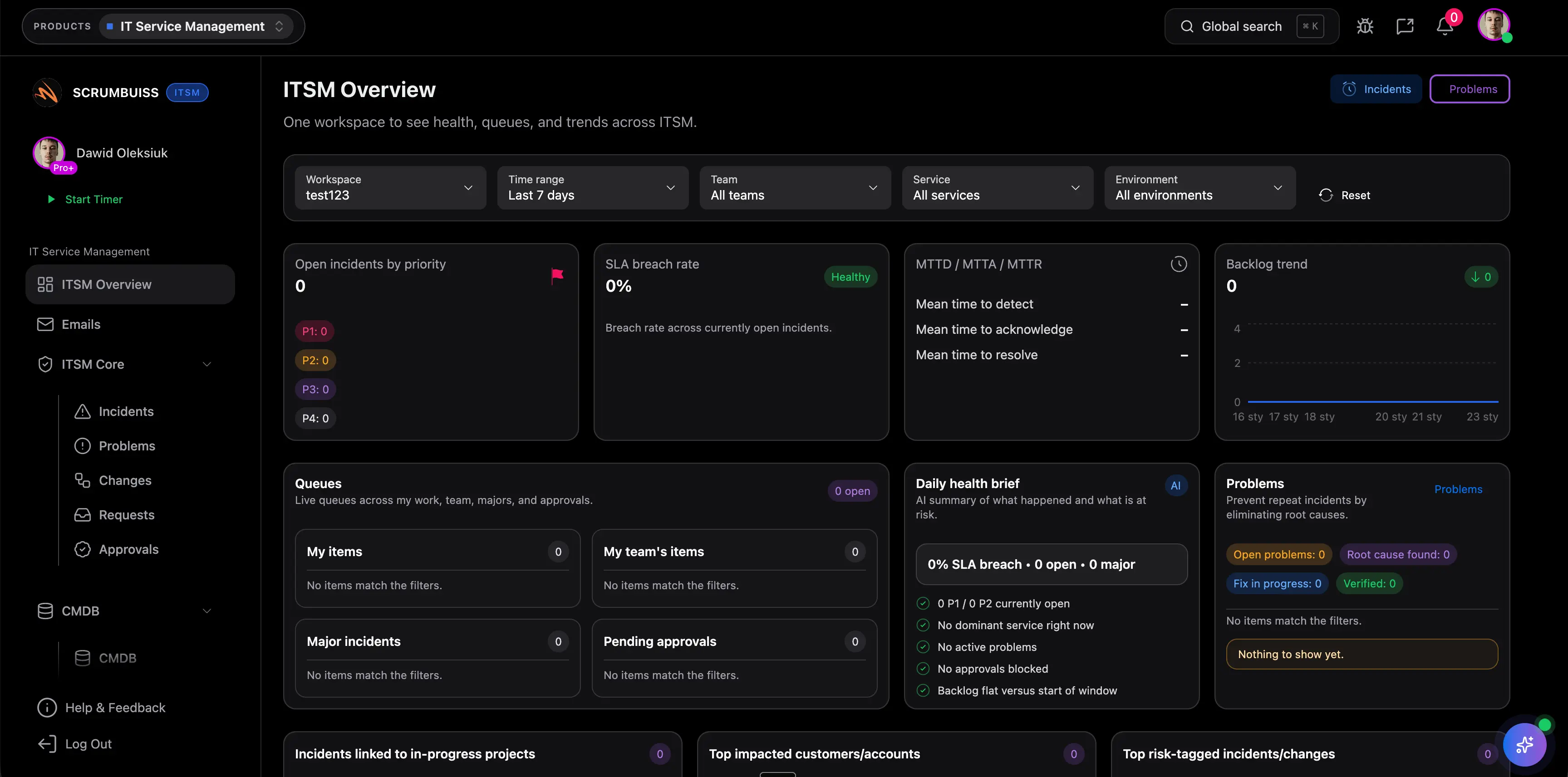
Coordinate incidents, changes, and operational work with clear ownership and scheduling.
These are the workflows where project intake usually becomes a buying problem before teams realize they need a better operating model.
Client onboarding software for agencies and implementation teams that keeps CRM handoff, briefs, files, time tracking, and follow-up work in one workflow.
Project management software for agencies that keeps time tracking, files, workload visibility, and reporting in one workflow.

Project management software for IT operations that keeps incidents, change windows, automations, and Slack-connected updates visible in one delivery workflow.

Templates that help teams keep kickoff context, shared definitions, and handoff discipline attached to the intake workflow.
Download a free project brief template with a filled example, one-page outline, and practical checklist for aligning scope, stakeholders, milestones, and handoffs.

Download a free risk register template in CSV format with a filled example, simple 1 to 5 scoring, owners, trigger signals, and a weekly review cadence for project risk tracking.
These guides help teams evaluate the larger workflow around intake, prioritization, approvals, delivery planning, and reporting.
Compare project management software for startups, see what matters at seed and scale-up stages, and choose a tool with the right mix of planning, collaboration, reporting, and price.

Compare project management software for nonprofits, see which tools fit grants, volunteers, reporting, and donor-adjacent work, and choose the right system for your team.

Compare project management tools by category, team type, and workflow needs. Learn how to choose software for delivery, reporting, time, and collaboration.